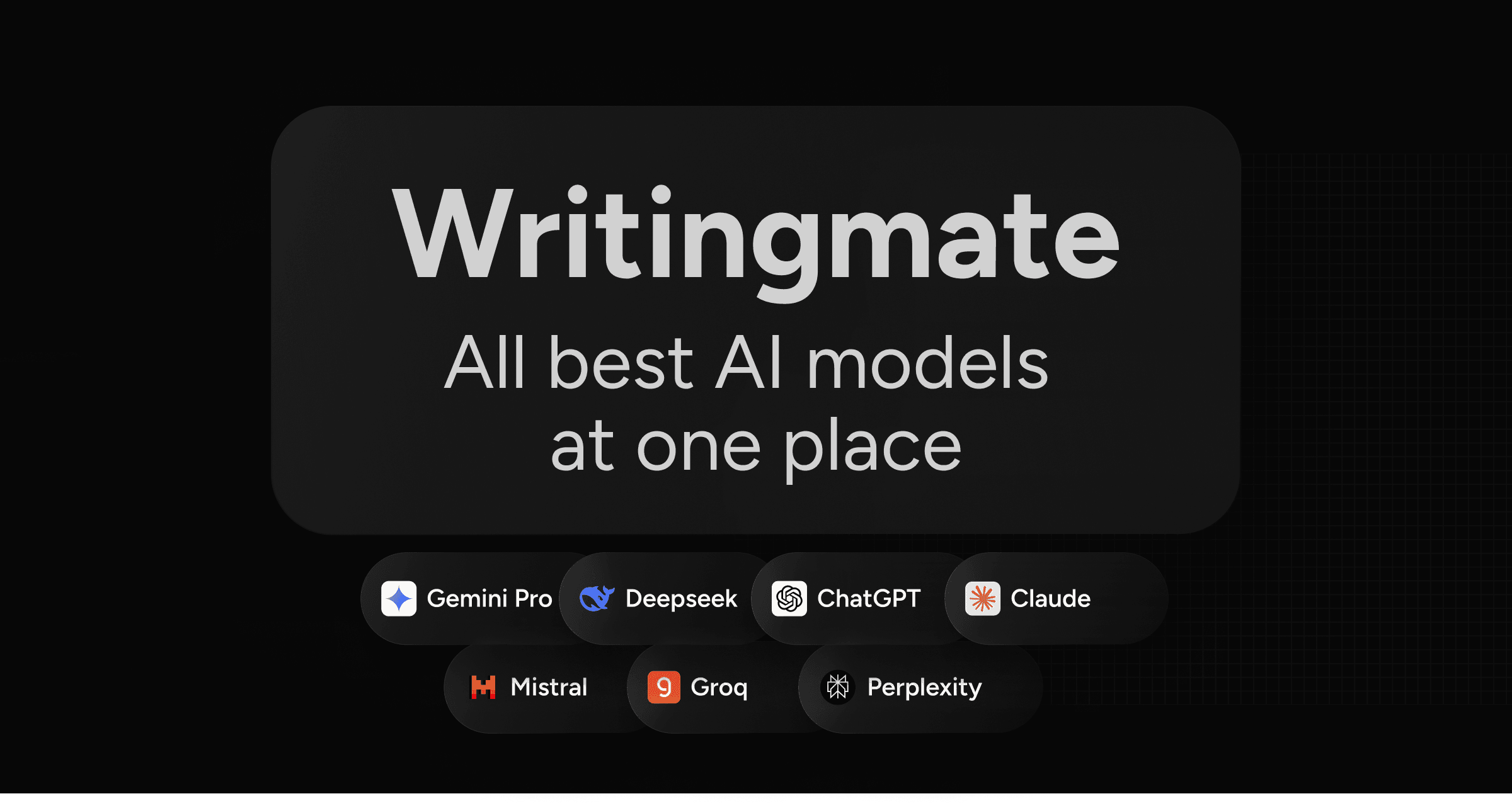
WritingMate.ai: All-in-One Multi-Model AI Assistant
WritingMate.ai is a Chrome extension and platform that unifies GPT, Claude, Gemini, LLama, and more into one affordable AI writing and coding assistant.
Overview
WritingMate.ai solves a common problem for AI power users: juggling multiple subscriptions to access different language models. Instead of paying separately for ChatGPT, Claude, and Gemini, WritingMate.ai bundles access to over 200 LLMs—including OpenAI, Claude, Gemini, LLama, Groq, and Mistral—into a single Chrome extension and web platform, letting you pick the best model for any given task without breaking the bank.
Beyond simple chat, the tool is built for real productivity workflows. Users can compare AI models side-by-side, generate images, search the web, chat directly with uploaded files, and even build no-code apps powered by custom agents and assistants. Whether you're drafting emails, debugging code, or brainstorming marketing copy, WritingMate.ai puts a flexible AI toolkit right in your browser tab.
Designed for teams and individuals alike, it caters to product managers, sales and customer success teams, marketers, writers, and developers who need fast, reliable AI support across varied tasks. With tiered plans that scale usage limits and feature access, WritingMate.ai positions itself as a cost-effective, all-in-one alternative to stacking multiple AI subscriptions.
Capabilities & Features
- AI writing assistant
- AI communication
- GPT-3.5
- Multiple AI models
- Chrome extension
- No-code app builder
- AI coding
- Chatbot
- Image generation
- Web search
Core Features
- Access to multiple AI models (OpenAI, Claude, Gemini, LLama, Groq, Mistral, etc.)
- Side-by-side AI model comparison
- Image generation across multiple models
- Web search integration
- Chat with uploaded files
- Custom agents, bots, and assistants
- No-code app builder
- AI-assisted coding support
Use Cases
- Drafting and refining professional emails
- Writing, debugging, and explaining code
- Generating marketing and product copy
- Creating interview questions for hiring
- Building custom AI templates for customer success teams
- Enhancing CRM workflows for sales teams
- Summarizing and chatting with uploaded documents
Best For
- Product managers
- Sales teams
- Marketing teams
- Customer success teams
- Writers
- Developers
- Content creators
- AI enthusiasts
Pros
- •Consolidates access to 200+ LLMs in one subscription, reducing tool sprawl
- •Convenient browser-based access via keyboard shortcut or icon click
- •Supports diverse workflows: writing, coding, image generation, and app building
- •Chat-with-files feature useful for document-heavy tasks
- •No ChatGPT account required to get started
Cons
- •Daily message caps on Pro and Ultimate models may limit heavy users
- •Advanced features like web access and no-code app builder are locked behind higher-tier plans
- •Pricing is billed annually for the listed rates, which requires upfront commitment
- •Multiple model options may feel overwhelming for casual users seeking simplicity
How to Use
1. Install the WritingMate.ai Chrome extension from the Chrome Web Store. 2. Open any browser tab and click the crystal ball icon, or use the shortcut Cmd/Ctrl+M, to launch the assistant. 3. Choose which AI model (OpenAI, Claude, Gemini, LLama, Groq, or Mistral) you want to use for your task. 4. Type your prompt for writing, coding, research, or content creation, or upload a file to chat with its contents. 5. Use built-in tools like model comparison, image generation, web search, or the no-code app builder as needed. 6. Save frequently used prompts to your prompt library or set up custom bots and assistants for recurring workflows.
Frequently Asked Questions
Open in AI Studio
Ask our AI to evaluate if WritingMate.ai fits your specific workflow.
Pricing
WritingMate.ai offers three annually-billed tiers—Premium ($14.99/mo), Professional ($29.99/mo), and Ultimate ($59.99/mo)—with increasing daily message limits, image generation models, and advanced features like web access and no-code app building.
Pricing data is provided as a summary. Visit the vendor website for full tier details.