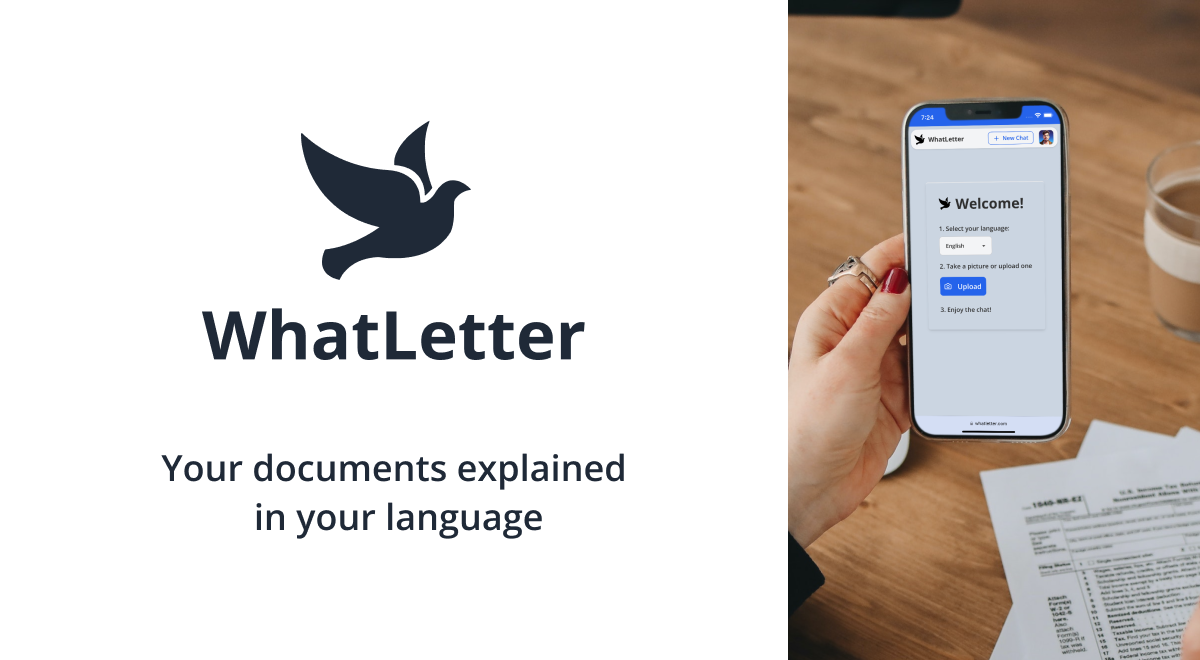
WhatLetter: AI Document Translator & Simplifier
WhatLetter uses AI to translate and simplify confusing paperwork—just snap a photo and chat with an AI assistant in your preferred language.
Overview
WhatLetter is an AI-powered document companion built to break down language and comprehension barriers in everyday paperwork. Whether it's a medical bill, legal notice, or bank statement, users can simply photograph the document and let WhatLetter translate it into one of over 30 supported languages. But it goes beyond basic translation—an integrated AI chatbot lets users ask follow-up questions, request simplified summaries, and get clarity on confusing jargon in real time, as if chatting with a knowledgeable friend.
Designed with vulnerable populations in mind, WhatLetter is especially useful for immigrant families and seniors who often struggle to navigate dense official documents in a non-native language. The tool also serves a broader audience, including travelers deciphering menus and guides, and businesses reviewing contracts with international clients. With a strong emphasis on privacy, documents are processed securely, ensuring sensitive personal and financial information stays protected throughout the process.
Capabilities & Features
- Document translation
- Multilingual support
- AI document assistant
- Language translation
- Document simplification
- AI chatbot
- Immigrant support
- Senior support
Core Features
- Instant document translation via photo capture
- AI chatbot for interactive Q&A and explanations
- Support for 30+ languages
- Privacy-focused, secure document processing
- Simplified summaries of complex paperwork
Use Cases
- Translating medical records, prescriptions, and bills
- Understanding bank statements and legal forms
- Translating travel guides and restaurant menus abroad
- Simplifying business contracts and manuals for global teams
- Summarizing dense research papers and financial reports
Best For
- Immigrant families
- Seniors
- Travelers
- Businesses with international clients
Pros
- •Simple photo-to-translation workflow requires no technical skill
- •Interactive chatbot provides personalized clarification, not just raw translation
- •Wide language coverage supports diverse user needs
- •Affordable premium tier compared to professional translation services
- •Privacy-conscious approach to handling sensitive documents
Cons
- •Free plan is limited to just 3 documents and 3 chats per month
- •Currently web-based only, with no dedicated mobile app
- •Voice typing and Telegram integration are still upcoming, not yet available
- •AI translations may occasionally lack the nuance of professional human translators
How to Use
1. Snap a photo of any document—medical record, bill, contract, or form—or upload an existing image. 2. Select your preferred language from the 30+ supported options. 3. Let WhatLetter's AI translate and generate a simplified summary of the content. 4. Chat directly with the AI assistant to ask follow-up questions or get clarification on confusing terms, just like texting a knowledgeable friend.
Frequently Asked Questions
Pricing
WhatLetter offers a free plan with up to 3 document translations and chats per month, while the Plus plan unlocks unlimited translations and chats across all languages for just $1.99 per month.
Pricing data is provided as a summary. Visit the vendor website for full tier details.