UpscaleImage.AI: AI Photo Enhancer & Upscaler Tool
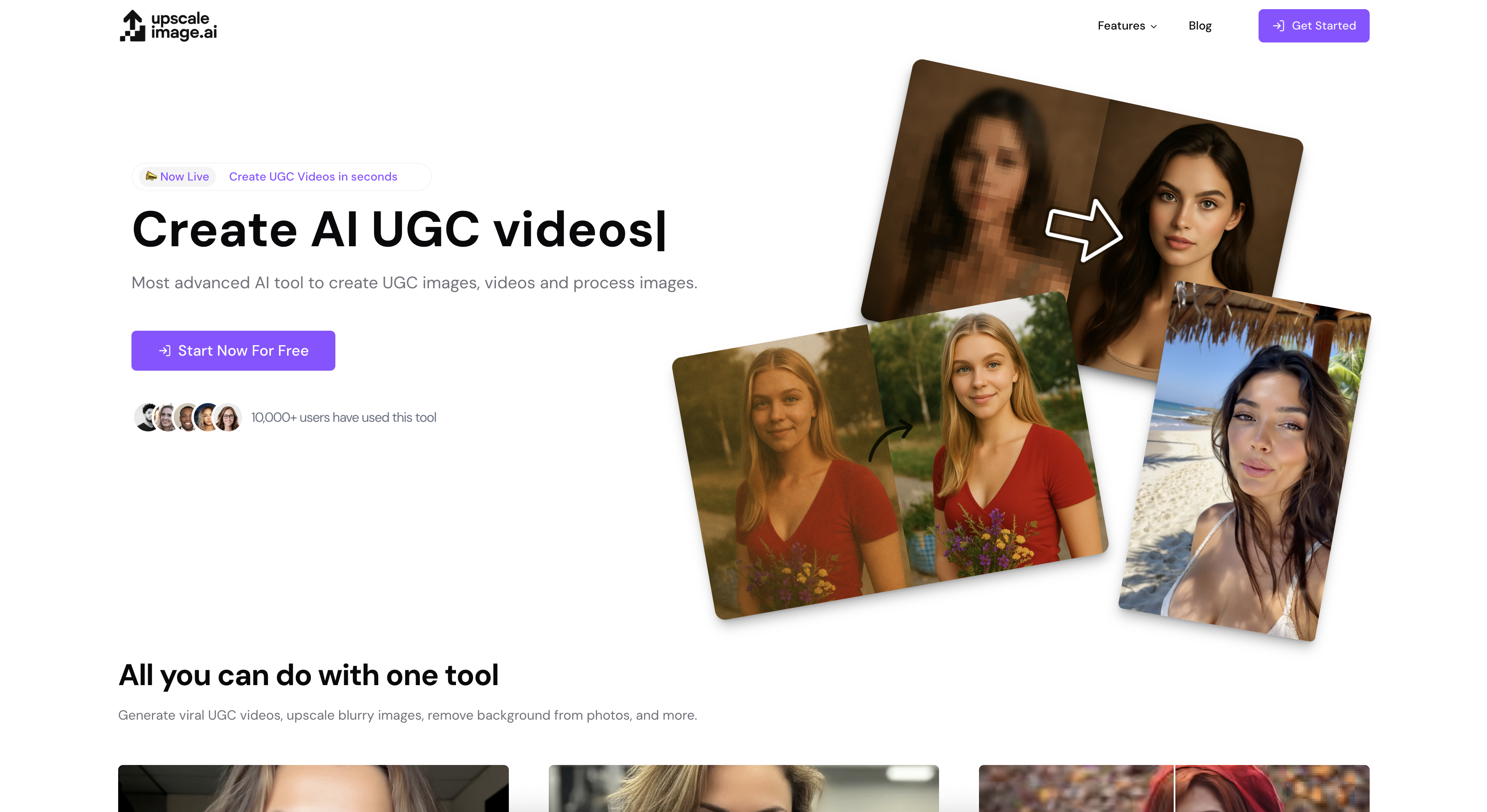
UpscaleImage.AI uses artificial intelligence to sharpen blurry photos, boost resolution, strip backgrounds, and even turn selfies into movie-style characters.
Overview
UpscaleImage.AI is a versatile AI-driven photo enhancement suite built for anyone who needs to breathe new life into tired or low-quality images. By leveraging advanced machine learning models, the platform automatically detects blur, noise, and resolution issues, then repairs them in seconds—no manual editing skills required. Whether you're reviving a decades-old family photograph or sharpening a product shot for an online store, the tool handles the heavy lifting behind the scenes.
Beyond restoration, UpscaleImage.AI pushes into creative territory with realistic image generation and background removal, making it useful for designers and marketers who need clean, professional visuals quickly. One of its standout features lets users transform their own photos into stylized characters—think superheroes or iconic movie figures—using simple text or image prompts, adding a fun, shareable element to an otherwise utility-focused platform.
Together, these capabilities make UpscaleImage.AI a flexible one-stop shop for photo repair, enhancement, and creative transformation, appealing to professionals and casual users alike who want polished results without the learning curve of traditional editing software.
Capabilities & Features
- AI image upscaling
- Fix blurry photos
- Remove noise from photos
- Increase image resolution
- Generate realistic images
- AI image generation
- Remove background
- Photo restoration
- Image enhancement
Core Features
- AI-powered image upscaling for higher resolution output
- Automatic blurry photo correction
- Noise removal for cleaner, crisper images
- Realistic AI image generation from prompts
- One-click background removal
- Character transformation using text or image inputs
Use Cases
- Restoring old, damaged, or faded family photographs
- Upscaling product images for e-commerce listings without quality loss
- Cleaning up blurry social media photos before posting
- Removing backgrounds for graphic design or marketing materials
- Creating fun character transformations for social sharing
Best For
- Photographers
- Graphic designers
- E-commerce businesses
- Social media users
- Individuals restoring old or family photos
Pros
- •Automates complex photo restoration tasks with minimal user effort
- •Combines multiple tools—upscaling, noise removal, background removal—in one platform
- •Useful for both practical editing and creative, fun transformations
- •Appeals to a broad audience from professionals to casual users
- •No advanced editing skills required to get polished results
Cons
- •Pricing details are not transparently listed, requiring users to check the website directly
- •Data security and privacy practices aren't clearly documented upfront
- •AI-generated results may vary in accuracy depending on original image quality
- •Character transformation feature may not suit professional or formal use cases
How to Use
1. Upload a blurry, low-resolution, or damaged photo to the platform. 2. Let the AI automatically analyze and process the image to fix blurriness, remove noise, and boost resolution. 3. Use the background removal tool if you need a clean, transparent, or replaced backdrop. 4. For creative projects, input text prompts or reference images to generate realistic visuals or transform yourself into a chosen character. 5. Download the enhanced or newly generated image for immediate use.
Frequently Asked Questions
Open in AI Studio
Ask our AI to evaluate if UpscaleImage.AI fits your specific workflow.
Connect & Contact
Pricing
Specific pricing tiers are not publicly detailed; interested users should visit the UpscaleImage.AI website directly for current plans and costs.
Pricing data is provided as a summary. Visit the vendor website for full tier details.