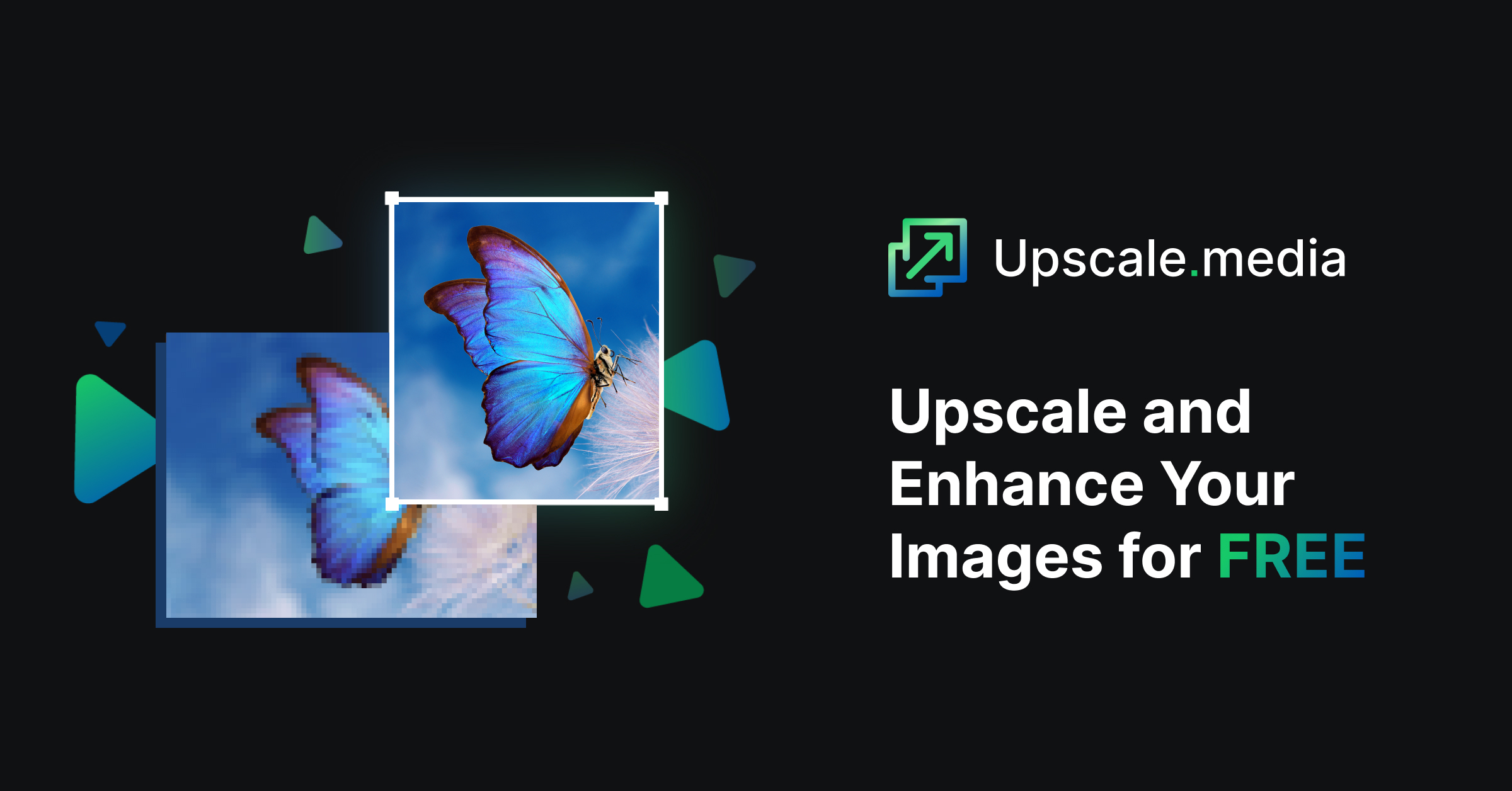
Upscale.media: Free AI Image Upscaler & Enhancer
Upscale.media uses AI to enlarge and sharpen images up to 8x without losing quality, all for free.
Overview
Upscale.media is a free, AI-driven image upscaling tool designed to breathe new life into low-resolution photos. Whether you're dealing with a blurry product shot or a pixelated portrait, the platform's smart algorithms enlarge images up to 4x their original size while eliminating JPEG artifacts and preventing the fuzziness typically associated with enlargement. It works seamlessly with popular formats like PNG, JPG, JPEG, WEBP, and HEIC, making it accessible for nearly any image you throw at it.
Beyond casual use, Upscale.media caters to photographers, e-commerce sellers, designers, and real estate professionals who need crisp, high-resolution visuals for print or digital display. For those requiring bulk processing or commercial-grade workflows, the tool integrates with its sister platform, PixelBin.io, which adds automated optimization, hosted image URLs, and media storage. With flexible credit-based pricing and both monthly and yearly subscription options, Upscale.media scales from casual one-off edits to high-volume professional projects.
Capabilities & Features
- AI image upscaler
- Image enhancer
- Image enlarger
- Photo enhancer
- Image resolution enhancer
- Online upscale
- Upscale image
- Enhance photo
- Enlarge image
- Image quality enhancer
Core Features
- AI-powered image upscaling up to 8x
- Automatic JPEG artifact removal
- Support for PNG, JPG, JPEG, WEBP, and HEIC formats
- Prevents pixelation and blurring during enlargement
- Bulk image processing available via PixelBin.io integration
Use Cases
- Restoring low-resolution images for high-quality printing
- Sharpening e-commerce product photos to boost conversions
- Enhancing images for professional photography portfolios
- Preparing real estate listing photos for digital display
- Upgrading old or compressed images for design projects
Best For
- Photographers
- Graphic Designers
- E-commerce Businesses
- Real Estate Agents
- Digital Artists
- Casual Individuals
Pros
- •Free tier available with no cost for basic upscaling
- •Supports a wide range of common image formats
- •AI removes compression artifacts for cleaner results
- •Simple, fast workflow requiring no technical skills
- •Scalable credit plans for both casual and heavy users
Cons
- •Free plan is limited to just one credit
- •Bulk and commercial processing requires switching to PixelBin.io
- •Credit-based pricing can become costly for high-volume needs
- •Maximum output capped at 10000 x 10000 px and 25 MB per file
How to Use
1. Go to the Upscale.media website or open its mobile app. 2. Upload the image you want to enhance. 3. Select your desired upscaling factor: 2x, 4x, or 8x. 4. Click 'Enhance Quality' and let the AI process your image. 5. Download the newly upscaled, high-resolution image.
Frequently Asked Questions
Open in AI Studio
Ask our AI to evaluate if Upscale.media fits your specific workflow.
Connect & Contact
Pricing
Upscale.media offers a free plan with 1 credit, while paid monthly plans start at SGD 6.99 for 100 credits and yearly plans offer better value starting around SGD 3.74/month equivalent; one-time credit add-ons are also available for occasional heavy use.
Pricing data is provided as a summary. Visit the vendor website for full tier details.