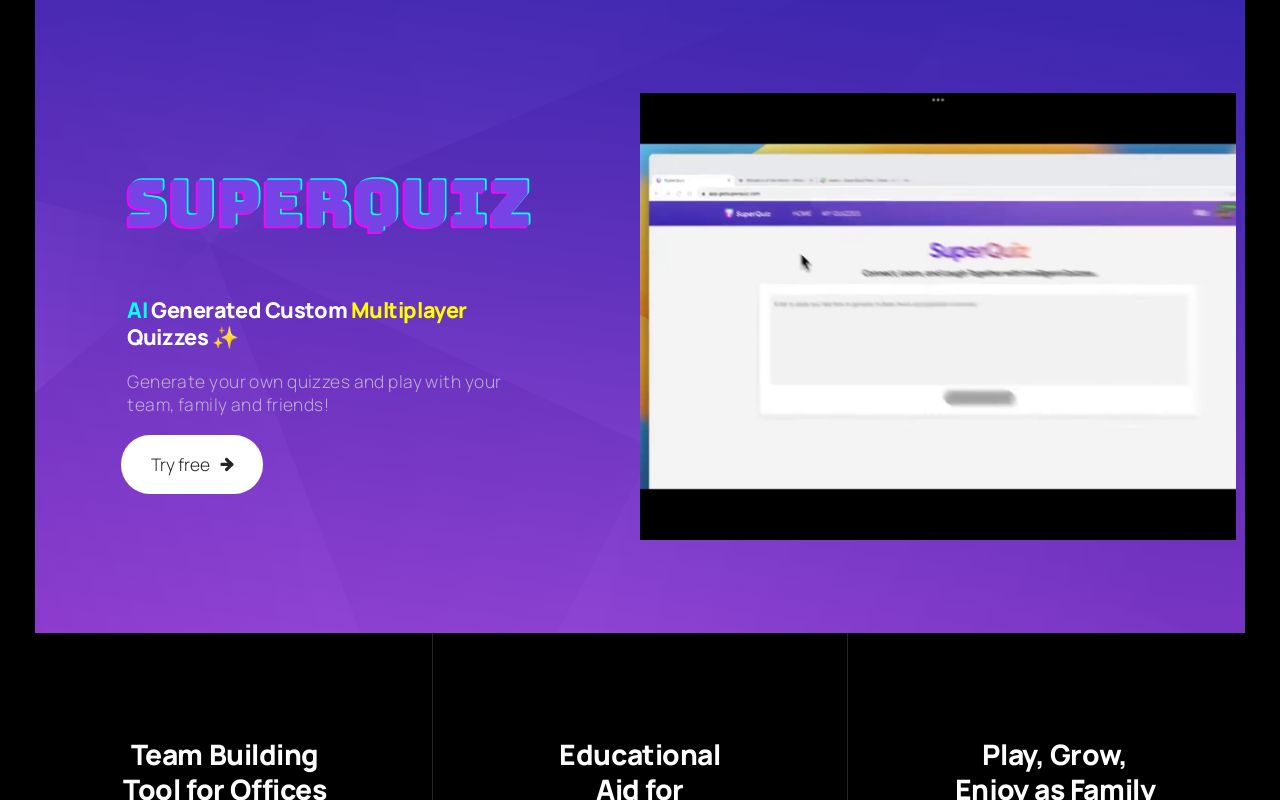
SuperQuiz: AI-Powered Multiplayer Quiz Creator
SuperQuiz lets anyone turn plain text into interactive, AI-generated quizzes that groups can join instantly via QR code—no app required.
Overview
SuperQuiz is an AI-driven quiz platform built for anyone who wants to turn ordinary content into a lively, multiplayer trivia experience. Instead of manually writing questions, users simply paste in text—lecture notes, training materials, trivia facts, or fun family tidbits—and SuperQuiz's AI instantly converts it into a polished quiz, complete with editable questions and answer choices. This makes it a fast, low-effort way to create engaging content for classrooms, corporate training sessions, or casual get-togethers.
What really sets SuperQuiz apart is how effortlessly it brings people together in real time. Hosts can screen-share the quiz through Zoom, Microsoft Teams, Google Meet, or similar tools, while participants join instantly by scanning a QR code on their phones—no downloads, logins, or extra apps needed. With live voting, customizable themes, and interactive multiplayer mechanics, SuperQuiz transforms static information into a dynamic group activity that works equally well for remote teams, classrooms, and family celebrations.
Whether you're an educator looking to reinforce a lesson, a corporate trainer aiming to boost engagement, or simply someone planning a birthday party game night, SuperQuiz offers a flexible, low-friction way to gamify knowledge sharing. Its blend of AI automation and real-time social interaction makes quiz creation quick while keeping participation fun and accessible for everyone involved.
Capabilities & Features
- Quiz platform
- AI quiz generator
- Multiplayer quiz
- Team building
- Educational tool
- Interactive learning
- Gamification
- Remote team integration
Core Features
- AI-powered quiz generation from pasted text
- Real-time multiplayer voting and participation
- Customizable quiz themes and question editing
- Instant QR code access with no app download required
- Seamless screen-sharing integration with Teams, Zoom, Google Meet, and more
- Secure, privacy-focused platform design
Use Cases
- Running engaging team-building sessions for remote or in-office teams
- Reinforcing classroom lessons with interactive student quizzes
- Hosting personalized trivia games for birthdays and family gatherings
- Testing employee knowledge during corporate training sessions
- Adding interactive icebreakers to virtual meetings and events
Best For
- Educators
- Corporate trainers
- Team leaders and managers
- Families
- Event organizers
Pros
- •Converts existing text into quizzes automatically, saving creation time
- •No app download needed—participants join via QR code instantly
- •Works seamlessly with popular video conferencing tools
- •Real-time multiplayer voting keeps group engagement high
- •Customizable themes allow quizzes to fit different occasions
Cons
- •Free plan limited to only two quizzes
- •AI-generated questions may require manual review or editing for accuracy
- •Relies on screen-sharing setup, which may be less convenient for very large audiences
- •Advanced features like premium support are locked behind the paid tier
How to Use
1. Paste your source text (notes, trivia, training content, etc.) into SuperQuiz. 2. Let the AI automatically generate quiz questions and answer options. 3. Review and edit the questions, options, or themes as needed. 4. Start your session and screen-share it via Zoom, Teams, Google Meet, or another video platform. 5. Participants scan the on-screen QR code with their phones to join instantly and vote in real time. 6. Advance through questions as the group votes, and enjoy live results together.
Frequently Asked Questions
Pricing
SuperQuiz offers a free Basic plan limited to two quizzes, while the Unlimited plan unlocks unlimited quiz creation and premium support for $7.99/month or $74.99/year (a 20% annual discount).
Pricing data is provided as a summary. Visit the vendor website for full tier details.