Songburst: AI Music Generator App for iOS
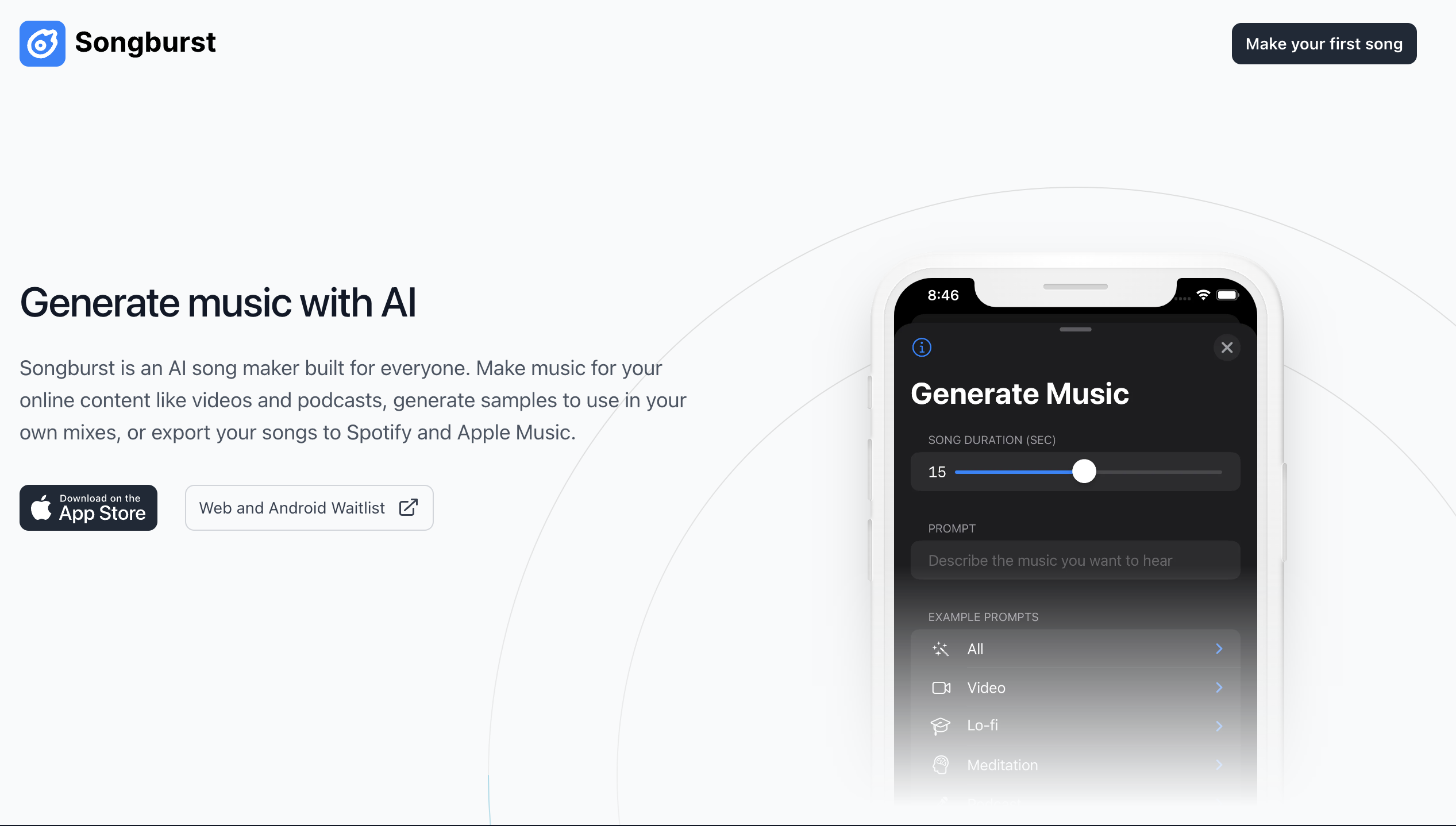
Songburst turns simple text prompts into original songs right on your iPhone. Generate unlimited tracks for videos, podcasts, and more with no download caps.
Overview
Songburst is an iOS-native AI music generator that transforms plain text descriptions into fully realized original songs. Whether you're picturing an upbeat synth track or a moody lo-fi beat, just type out what you're imagining and let the AI compose it for you in moments. Built with creators in mind, the app removes traditional barriers to music production, making original soundtracks accessible to anyone with an iPhone.
What sets Songburst apart is its flexibility and lack of restrictions—there are no limits on how many songs you can download, and exports are available in both WAV and MP3 formats for easy integration into any workflow. A built-in Prompt Enhancer helps users craft more detailed, descriptive prompts, resulting in richer and more nuanced compositions. Once generated, tracks can be used freely across online content, streamed on platforms like Spotify and Apple Music, or dropped straight into video editing software.
From YouTubers needing royalty-free background music to podcasters wanting custom intro themes, Songburst caters to a wide swath of creative needs. Game developers can generate atmospheric samples, musicians can spark new ideas for mixes, and social media marketers can produce catchy audio for campaigns—all without needing formal music production skills or expensive software.
Capabilities & Features
- AI music generator
- AI song maker
- Music creation
- Audio generation
- Songwriting
- AI music
- Song Maker
- AI Song Maker
- AudioCraft
Core Features
- AI-powered music generation from natural language text prompts
- Unlimited song downloads with no restrictions
- Export options in both WAV and MP3 formats
- Prompt Enhancer tool for crafting more detailed and effective prompts
- Native iOS app experience for on-the-go music creation
Use Cases
- Producing royalty-free background music for YouTube videos and online content
- Creating custom intro or theme music for podcasts
- Generating quick samples and loops for music mixes and production
- Composing atmospheric or thematic tracks for indie video games
- Making original audio for social media ads and marketing campaigns
Best For
- Content creators
- Podcasters
- Independent video game developers
- Musicians and producers
- Social media marketers
- Hobbyist songwriters
Pros
- •No limits on the number of songs you can generate or download
- •Simple text-prompt interface makes music creation accessible to non-musicians
- •Flexible export formats (WAV/MP3) suit a variety of production pipelines
- •Prompt Enhancer helps improve output quality for less experienced users
- •Convenient native iOS app for creating music anywhere
Cons
- •iOS-only availability excludes Android and desktop users
- •Text-prompt generation may require experimentation to get the exact desired sound
- •No listed pricing information makes cost expectations unclear
- •AI-generated music may lack the nuanced control of traditional DAW production
How to Use
1. Download the Songburst app by scanning the provided QR code or searching for it directly on the App Store. 2. Open the app and type a text prompt describing the type of song you want (genre, mood, instruments, tempo, etc.). 3. Use the Prompt Enhancer to add more descriptive detail if you want a more refined result. 4. Let the AI generate your original track. 5. Export the finished song as a WAV or MP3 file for use in videos, podcasts, streaming platforms, or personal projects.
Frequently Asked Questions
Pricing
Specific pricing details for Songburst are not currently listed, so prospective users should check the App Store listing directly for up-to-date subscription or purchase information.
Pricing data is provided as a summary. Visit the vendor website for full tier details.