Scanflow: AI Data Capture & Workflow Automation Tool
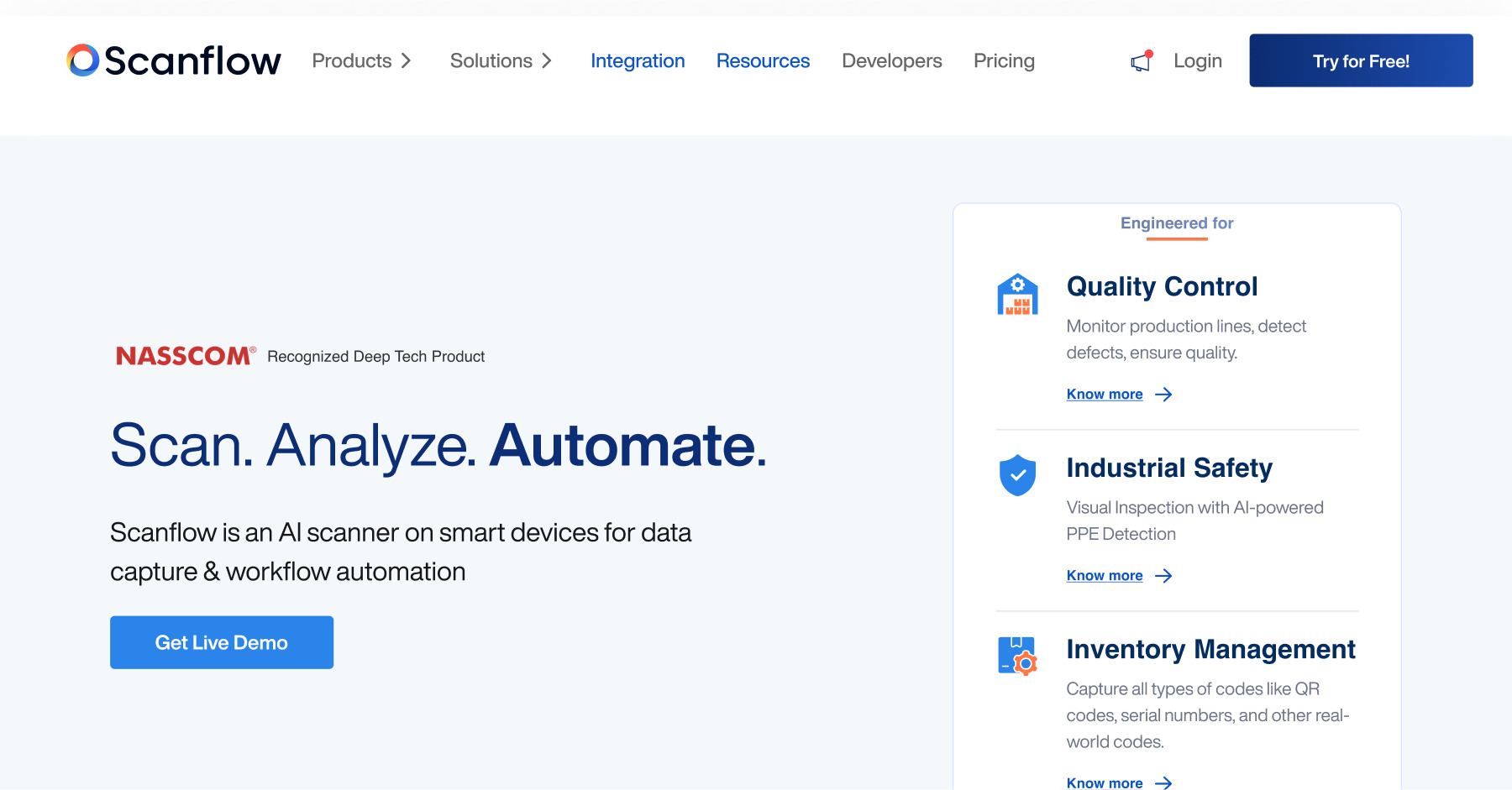
Scanflow turns smart devices into intelligent AI scanners, automating quality control, asset tracking, and safety monitoring across industrial operations.
Overview
Scanflow is an AI-powered scanning platform that transforms everyday smart devices into powerful tools for data capture and workflow automation. Built for industries that depend on precision and speed, it tackles quality control, asset identification, and industrial safety through intelligent object detection, serial code reading, and barcode/QR scanning capabilities embedded directly into existing hardware.
Rather than requiring specialized scanning equipment, Scanflow brings computer vision directly to smartphones, tablets, and other connected devices, making automated inspection and tracking accessible on the factory floor, warehouse, or distribution center. From spotting defects on a production line to capturing VIN numbers or tire serial codes, Scanflow replaces manual, error-prone processes with fast, consistent AI-driven scans.
With flexible Edge, Cloud, and Offline deployment options, Scanflow adapts to varying connectivity environments, making it a practical choice for manufacturing, logistics, automotive, pharmaceutical, and retail operations looking to reduce human error and accelerate throughput without overhauling their existing device infrastructure.
Capabilities & Features
- AI scanner
- Data capture
- Workflow automation
- Object detection
- Barcode scanning
- Quality control
- Asset identification
- Industrial safety
- Mobile scanning
- Smart devices
Core Features
- AI-powered object detection for real-time defect and item recognition
- Serial code scanning for VINs, DOT numbers, and tire identifiers
- Barcode/QR code scanner SDK for custom integrations
- Quality control tools for production line monitoring
- Asset identification for tracking inventory and moving items
- Industrial safety solutions including PPE compliance monitoring
Use Cases
- Monitoring production lines to catch defects before products ship
- Tracking fast-moving items along an assembly line
- Managing warehouse and retail inventory operations
- Verifying PPE compliance for industrial worker safety
- Capturing VIN numbers directly from a smart device camera
- Scanning tire sidewalls for DOT, TIN, and serial numbers
Best For
- Manufacturing teams
- Logistics and supply chain operators
- Automotive companies
- Pharmaceutical manufacturers
- Retail inventory managers
Pros
- •Turns existing smart devices into AI scanners without extra hardware
- •Covers multiple needs—quality, safety, and asset tracking—in one platform
- •Flexible Edge, Cloud, and Offline deployment suits varied environments
- •SDK support allows custom barcode/QR integrations into other systems
- •Reduces manual inspection errors and speeds up operational workflows
Cons
- •Performance may depend on device camera quality and lighting conditions
- •Offline mode may limit access to advanced cloud-based analytics
- •Industrial-specific use cases may require setup and calibration time
- •Pricing transparency is limited without published plans
How to Use
Getting started with Scanflow involves equipping your team's smart devices with its AI scanning capabilities: 1) Deploy Scanflow on compatible smart devices such as smartphones, tablets, or industrial handhelds. 2) Choose your deployment model—Edge, Cloud, or Offline—based on your connectivity and data environment. 3) Select the relevant solution for your use case, such as Quality Control, Asset Identification, or Industrial Safety. 4) Use the device camera to scan barcodes, QR codes, serial numbers, or objects on the line. 5) Review automated detection results and feed captured data directly into your existing workflow or inventory systems.
Frequently Asked Questions
Pricing
Scanflow does not publicly list pricing tiers, suggesting a custom quote model tailored to deployment type and industry needs.
Pricing data is provided as a summary. Visit the vendor website for full tier details.