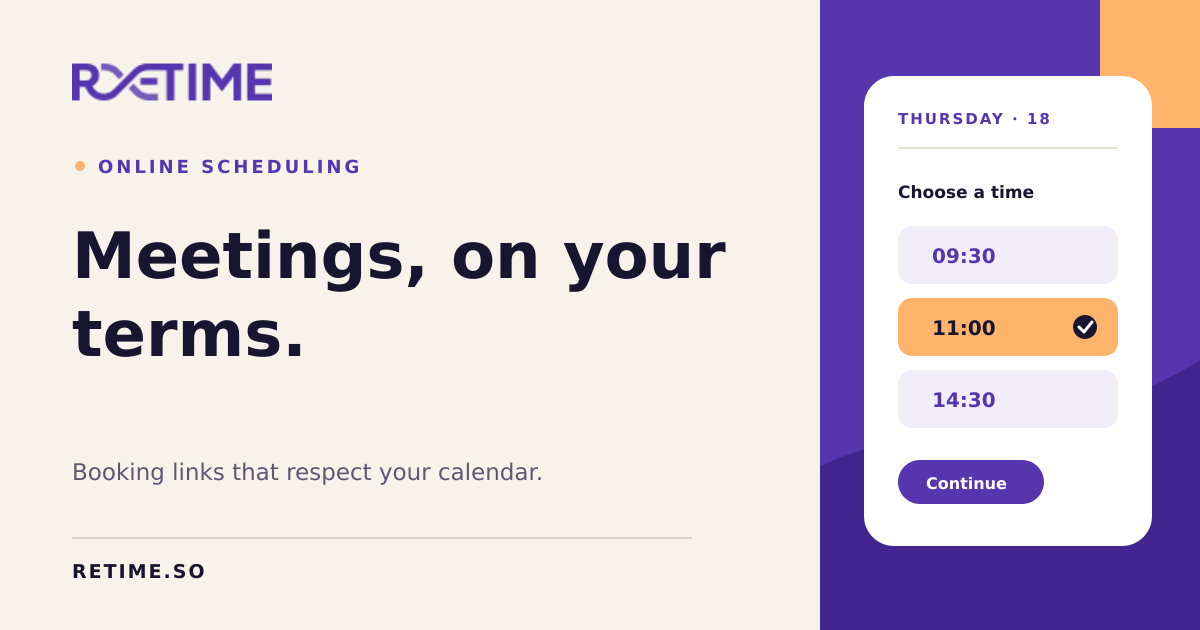
Retime: Smart Scheduling & Meeting Management Tool
Retime simplifies scheduling by combining calendar management, agenda building, and meeting notes into one seamless platform.
Overview
Retime is an all-in-one scheduling solution built to eliminate the back-and-forth of booking meetings. By centralizing availability management, agenda creation, and note-taking, it gives individuals and teams a single hub to plan and run productive meetings without juggling multiple apps. Instead of manually coordinating calendars, users simply share a personalized booking link and let invitees choose a time that works for everyone.
Beyond basic scheduling, Retime supports time zone awareness, calendar syncing, and deep integrations with popular tools like Google Calendar, Zoho, Google Meet, and Office365 Calendar. This makes it especially useful for distributed teams and remote professionals who need to coordinate across different time zones and platforms. The addition of built-in agendas and meeting notes transforms Retime from a simple booking tool into a full meeting lifecycle manager—from scheduling to follow-up.
Capabilities & Features
- Scheduling
- Appointment Scheduling
- Online Scheduling
- Calendar
- Meeting
- Team Scheduling
- Remote Work
- Telecommuting
- Agenda
- Meeting Notes
- Productivity
Core Features
- Online appointment scheduling with customizable availability
- Two-way calendar syncing across platforms
- Built-in agenda creation for structured meetings
- Integrated meeting notes to capture key takeaways
- Team scheduling for coordinating multiple participants
- Native integrations with Google Calendar, Zoho, Google Meet, and Office365
Use Cases
- Booking one-on-one client or colleague meetings
- Coordinating team meetings across multiple calendars
- Managing recurring appointments for client-facing roles
- Scheduling across time zones for remote and distributed teams
- Streamlining telecommuting workflows with synced calendars
Best For
- Remote teams
- Freelancers and entrepreneurs
- Client-facing professionals
- Busy individuals managing multiple calendars
- Small to mid-sized businesses
Pros
- •Combines scheduling, agendas, and notes in a single workspace
- •Reduces email back-and-forth with shareable booking links
- •Supports multiple calendar integrations for flexibility
- •Handles time zone differences automatically
- •Useful for both individual and team-based scheduling needs
Cons
- •Pricing details are not transparently listed, requiring direct inquiry
- •May offer fewer advanced automation features compared to dedicated scheduling-only platforms
- •Integration depth may vary depending on the connected calendar provider
- •Learning curve for teams transitioning from multiple separate tools
How to Use
Start by connecting your existing calendar, such as Google Calendar, or manually configure your availability using Retime's simple setup steps. Once your schedule is defined, generate a personalized booking page link that you can share directly with guests or embed on your website. Invitees select an open time slot that fits their schedule, and the event is automatically synced to your connected calendar—no manual confirmation needed.
Frequently Asked Questions
Pricing
Specific pricing tiers are not publicly listed, so interested users will need to check Retime's website or contact the team directly for current plans and costs.
Pricing data is provided as a summary. Visit the vendor website for full tier details.