Pseudoface: AI Face Masks for Anonymous Creators
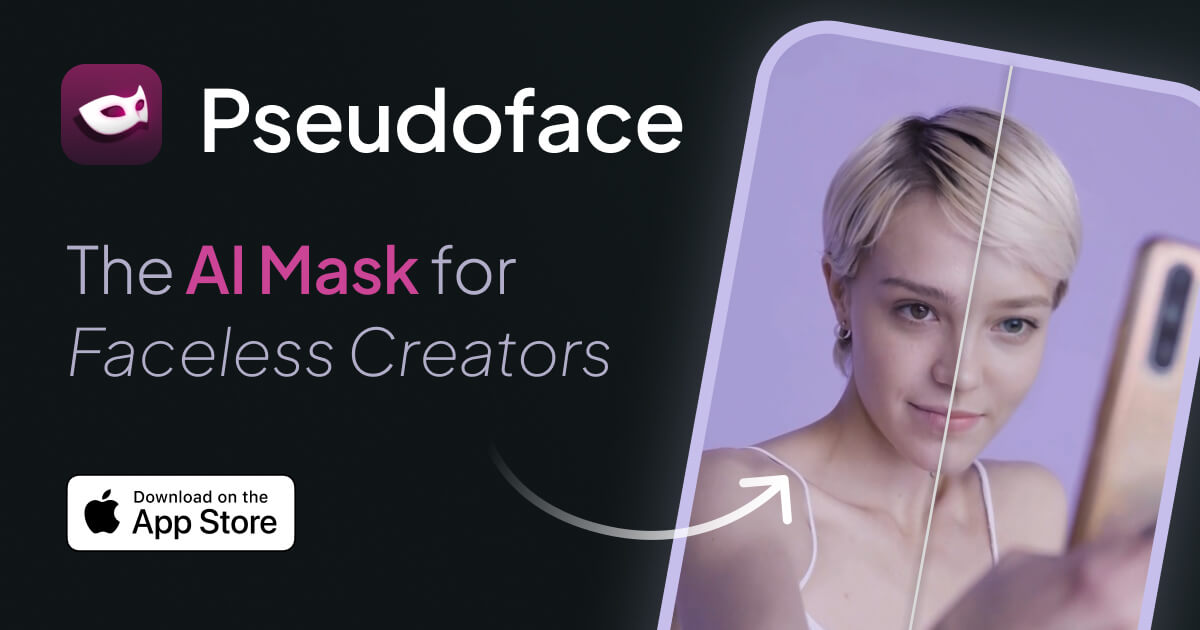
Pseudoface lets content creators show a realistic AI-generated face on camera while keeping their true identity completely anonymous.
Overview
Faceless creators face a tough tradeoff: staying anonymous for safety, or showing a face to boost engagement and income. Pseudoface solves this dilemma with realistic AI-generated masks that replace your real face in photos and videos, giving viewers a captivating, consistent persona while keeping your true identity fully protected. Every mask is synthetic—no real person's likeness is used—so you get the marketing power of a face without the personal risk.
Built as an iPhone and iPad app, Pseudoface analyzes your actual face to craft a custom AI mask that you can tweak until it feels right, then applies it seamlessly to your content. Whether you're recording video or snapping photos, the tool anonymizes your appearance while preserving natural movement and lighting cues, aiming for photorealistic results rather than an obvious filter effect. For creators balancing privacy with the pressure to be camera-facing, Pseudoface offers a middle path that doesn't force you to choose one or the other.
Capabilities & Features
- AI mask
- AI mask generator
- Face filter
- Anonymity
- Faceless creator
- Privacy
- Video anonymization
- Photo anonymization
Core Features
- AI-generated, fully synthetic face masks (not real people)
- Customizable mask editor with low-res preview
- Photo and video anonymization
- Unlimited mask creation and edits on all plans
- Encrypted European server storage not linked to identifiable data
- Full commercial ownership of masked content
Use Cases
- Faceless YouTubers or TikTokers who want to add a human face to boost engagement without revealing their identity
- Creators monetizing content on platforms that require a visible face but demand personal anonymity
- Influencers testing multiple on-camera personas without compromising real-world privacy
- Content teams producing video at scale who need a consistent anonymized presenter
- Individuals protecting their identity while still building a recognizable on-screen brand
Best For
- Content Creators
- YouTubers and TikTokers
- Influencers
- Faceless brand builders
- Privacy-conscious video creators
Pros
- •Masks are entirely AI-generated, so no one's real identity or likeness is used
- •Unlimited mask creation and customization included on every plan
- •Strong focus on photorealism rather than obvious filter effects
- •Clear commercial ownership rights over all masked content
- •Data encryption and storage practices geared toward protecting anonymity
Cons
- •No free plan, only a limited trial/tutorial to preview results
- •Long processing times (20-30 minutes per minute of video)
- •Requires uploading a real photo of your face, which some privacy purists may be wary of
- •Monthly usage caps on images and video minutes depending on tier
- •iOS/iPad only, no Android or desktop support mentioned
How to Use
1. Download Pseudoface on your iPhone or iPad. 2. Upload a clear, well-lit photo of your face so the AI can map your features. 3. Use the in-app editor to design and customize your AI mask, adjusting it until you're happy with the look. 4. Upload the photos or videos you want to anonymize. 5. Let Pseudoface process your content in the background—expect roughly 20-30 minutes of processing per minute of video. 6. Download your masked content, which you fully own and can use commercially.
Frequently Asked Questions
Connect & Contact
Pricing
Pseudoface offers three monthly subscription tiers ranging from $14.99 to $49.99, differing mainly in monthly image and video minute allowances, with unlimited mask creation included at every level.
Pricing data is provided as a summary. Visit the vendor website for full tier details.