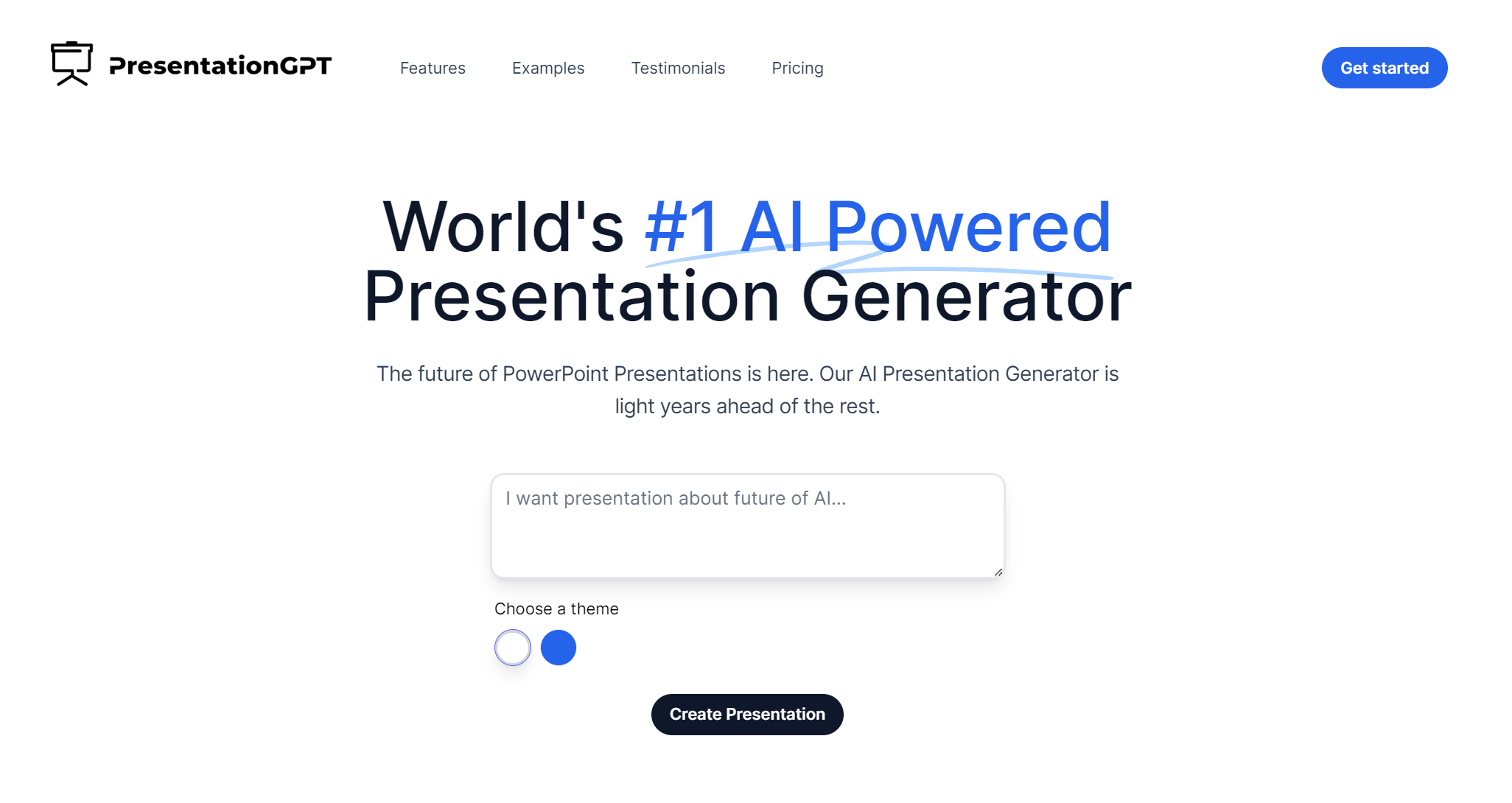
PresentationGPT: AI Presentation Generator Powered by GPT-4
PresentationGPT turns simple prompts into polished, ready-to-edit slide decks in seconds using GPT-4 and its proprietary LISA language model.
Overview
PresentationGPT reimagines slide creation by acting as a dedicated ChatGPT-style assistant for presentations. Built on GPT-4 and enhanced with an in-house language model called LISA, it takes users from blank page to polished deck in a matter of seconds—handling everything from content structure to design cohesion automatically. Rather than staring at an empty slide, users simply describe their topic, pick a background and theme, and let the AI do the heavy lifting.
What sets PresentationGPT apart is its flexibility after generation: every deck can be downloaded and refined further in PowerPoint or Google Slides, or exported as a universally shareable PDF. This makes it a practical bridge between AI-generated speed and the fine-tuned control that professionals often need. Whether you're pulling together a client pitch, a classroom lecture, or a sales proposal, the tool removes the tedious setup work so you can focus on the message itself.
Capabilities & Features
- AI presentation generator
- PowerPoint
- Google Slides
- Presentation software
- GPT-4
- LISA language model
- Automated presentation creation
Core Features
- GPT-4-powered AI presentation generation
- Proprietary LISA language model for refined content output
- Full compatibility with PowerPoint and Google Slides
- Export to universally readable PDF format
- Customizable themes, backgrounds, and text colors
- Slide generation directly from uploaded files (paid tiers)
Use Cases
- Quickly building business pitch decks without starting from a blank slide
- Generating classroom lecture slides for educators
- Creating sales and marketing presentations on tight deadlines
- Turning uploaded documents into structured slide decks
- Producing consulting or client-facing presentations at scale
Best For
- Business professionals
- Educators
- Students
- Marketing teams
- Sales teams
- Consultants
Pros
- •Generates full presentations in seconds, saving significant prep time
- •Editable output in familiar tools like PowerPoint and Google Slides
- •Free plan allows unlimited presentation creation with no cost barrier
- •Advanced language model (LISA) tailored specifically for presentation content
- •Multiple export formats support both offline and online workflows
Cons
- •Free plan limits downloads, requiring pay-per-download or subscription for full access
- •No detailed information on customizing images within generated slides
- •Lack of transparency around supported payment methods and support channels
- •Design templates on the free tier are described as basic
How to Use
1. Choose a background style for your presentation. 2. Add your topic or content text. 3. Select a theme to define the visual look. 4. Pick your preferred text color. 5. Let the AI (powered by GPT-4 and LISA) generate your slides. 6. Download the finished deck in PowerPoint, Google Slides, or PDF format and edit as needed.
Frequently Asked Questions
Open in AI Studio
Ask our AI to evaluate if PresentationGPT fits your specific workflow.
Connect & Contact
Pricing
PresentationGPT offers a free plan for unlimited presentation creation with basic templates, a pay-per-download option at $5-$10 per download for advanced features, and an unlimited downloads subscription at $12/month.
Pricing data is provided as a summary. Visit the vendor website for full tier details.