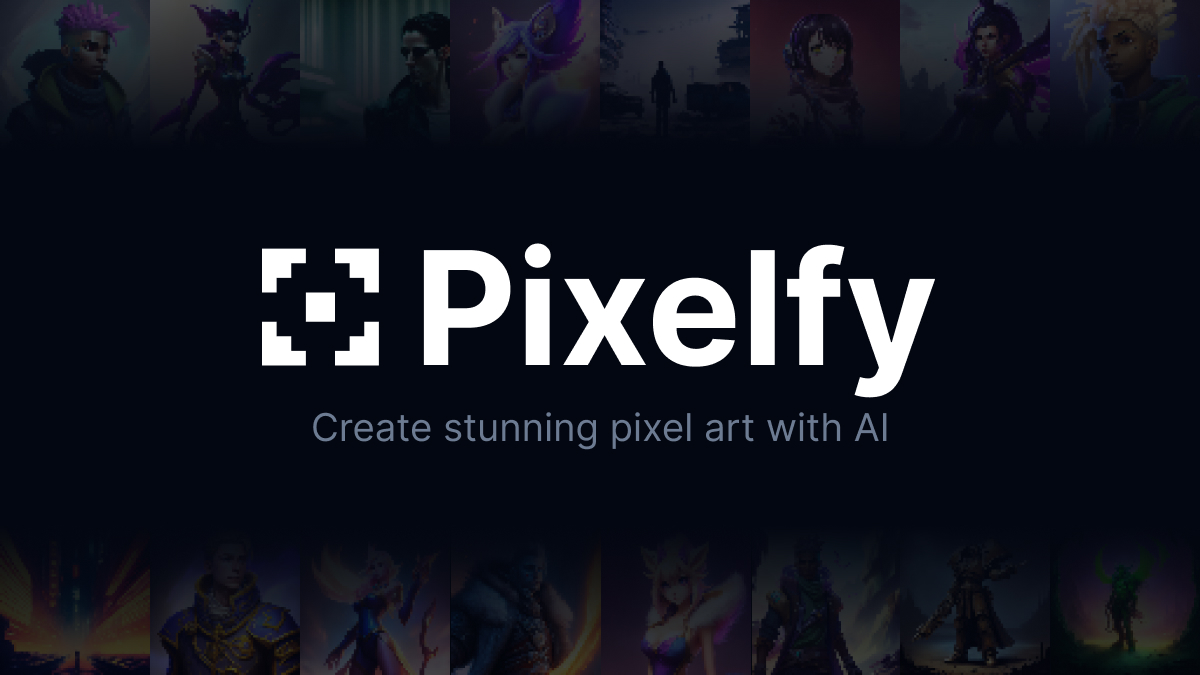
Pixelfy AI: Generate Pixel Art Instantly with AI
Pixelfy AI is an open-source tool that transforms text prompts into stunning pixel art using AI, complete with adjustable grid sizes and fine-tuning controls.
Overview
Pixelfy AI reimagines pixel art creation by pairing generative AI with a streamlined prompt builder, letting anyone—from seasoned game developers to weekend hobbyists—turn simple text descriptions into polished retro-style graphics. Whether you need a snow-capped mountain backdrop, a fiery Frostbolt skill icon, or a quirky 16x16 character portrait, Pixelfy handles the pixel-perfect detailing so you don't have to place every pixel by hand.
Beyond basic generation, the tool gives creators granular control over their output: pick from four grid sizes (16x16 up to 128x128), fine-tune results with advanced settings, strip backgrounds for clean sprite sheets, upload reference images to guide the AI's style, and lock in specific color palettes for brand or game consistency. Because it's open-source, the community can inspect, modify, and extend Pixelfy's capabilities, making it a flexible foundation rather than a black-box service.
New users can jump in risk-free thanks to 12 complimentary image generations, making it easy to test the prompt builder and grid options before committing to heavier use. For indie developers prototyping assets or artists exploring pixel-style concepts, Pixelfy AI offers a fast, accessible entry point into AI-assisted retro art.
Capabilities & Features
- Pixel art
- AI
- AI image generation
- Open source
- Prompt builder
- Image editing
- Art generation
Core Features
- AI-powered prompt builder for guided image generation
- Adjustable grid sizes from 16x16 to 128x128
- Advanced tuning options for finer creative control
- One-click background removal for clean sprites
- Reference image upload to steer the AI's style
- Color palette control for consistent visual branding
Use Cases
- Generating pixel art environment backgrounds like snowy peaks or cozy cabins
- Creating 32x32 game skill icons such as Frostbolt-style spell art
- Designing 16x16 character portraits and avatars
- Building consistent sprite sheets for indie game prototypes
- Exploring retro art styles for personal creative projects
Best For
- Game developers
- Pixel artists
- Hobbyist creators
- Graphic designers
- Indie studios
Pros
- •Free tier with 12 generations lets users test the tool before paying
- •Multiple grid size options suit everything from icons to detailed scenes
- •Open-source nature allows customization and community contributions
- •Background removal streamlines sprite and asset preparation
- •Reference image and palette controls improve creative consistency
Cons
- •Limited free generations may run out quickly for heavy testing
- •Pixel art style may not suit projects needing other art forms
- •Advanced tuning options could have a learning curve for beginners
- •No detailed pricing information available for scaling beyond free tier
How to Use
1. Open the AI-powered prompt builder and describe the pixel art you want to create. 2. Select a grid size—16x16, 32x32, 64x64, or 128x128—based on your project needs. 3. Adjust advanced tuning options to refine the style and detail of the output. 4. Optionally remove the background for a transparent sprite. 5. Upload a reference image if you want the AI to match a particular look. 6. Set your color palette to keep results consistent with your existing art or game assets. 7. Generate and download your finished pixel art.
Frequently Asked Questions
Connect & Contact
Pricing
Pixelfy AI offers a free-to-start model with 12 image generations included, though specific paid tier pricing beyond that isn't publicly detailed.
Pricing data is provided as a summary. Visit the vendor website for full tier details.