Photo AI: AI Photo & Video Generator with Custom Models
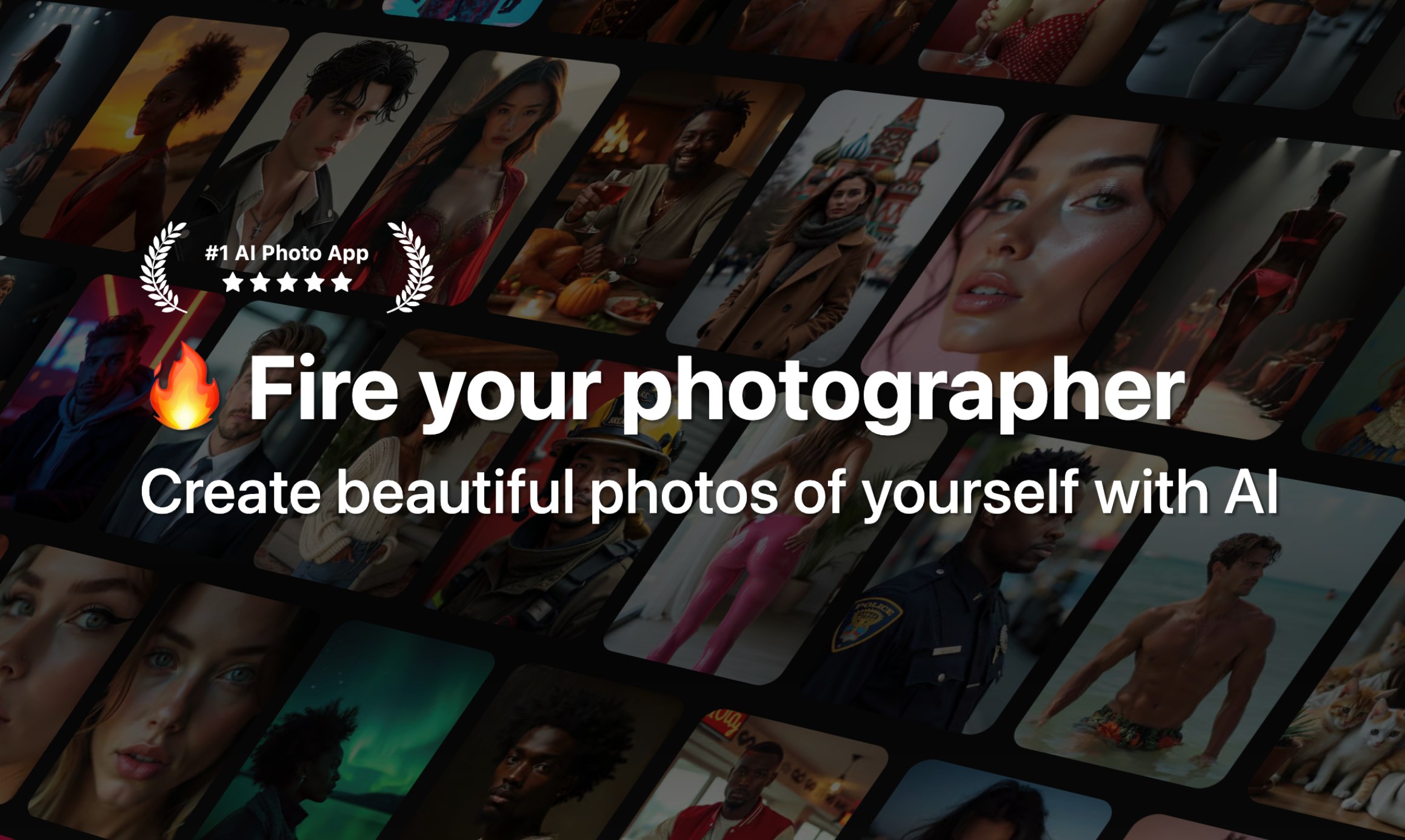
Photo AI turns selfies into a personal AI model that produces photorealistic photos and videos in any pose, place, or outfit—no camera or photographer required.
Overview
Photo AI is a self-service AI photography studio that lets anyone become their own model, photographer, and video director. By uploading just 10-20 selfies, users train a custom AI model capable of generating lifelike images and clips featuring themselves—or a fully synthetic AI influencer—in virtually any scene, outfit, or pose imaginable. The platform's Flux-powered engine emphasizes consistency, resolution, and realistic ethnicity retention, setting it apart from typical AI image generators that sacrifice quality for speed.
Beyond static images, Photo AI extends into video generation, clothing try-ons, and scene design, giving creators, brands, and professionals a versatile toolkit for building visual content without studio time or hired talent. Themed photo packs (like Instagram-ready shoots or vintage 'Old Money' aesthetics) remove the guesswork of prompt writing, while batch generation and rapid training—delivering first results in under 90 seconds—make it practical for high-volume content needs.
Whether it's a real estate agent needing polished headshots, a Shopify store visualizing products on virtual models, or an entrepreneur launching a monetizable AI influencer, Photo AI positions itself as an all-in-one solution for photorealistic content creation at a fraction of traditional production costs.
Capabilities & Features
- AI photo generator
- AI video generator
- AI model training
- AI influencer
- Photorealistic images
- Social media content
- Virtual photoshoot
- Headshots
- Dating photos
- Product photos
- AI avatars
- Photo editing
- Video creation
- Image upscaling
- AI portraits
Core Features
- AI photo generation with photorealistic detail
- AI video generation from any generated photo
- Fast AI model training (first photos in under 90 seconds)
- AI influencer creation for fully synthetic personas
- Themed photo packs for quick, styled content
- Virtual clothing try-on and custom scene design
Use Cases
- Producing personal AI photoshoots in various locations and outfits without hiring a photographer
- Launching and monetizing a fully AI-generated influencer persona
- Designing photorealistic scenes and backdrops from home
- Virtually trying on clothing from online retailers before purchase
- Generating professional headshots for teams, agents, or remote employees
Best For
- Photographers
- Content creators
- Social media influencers
- Marketing professionals
- Shopify store owners
- Startups
- Remote teams
- Models
- Actors
- Authors
- Teachers
- Doctors
- Lawyers
- Life Coaches
- Real Estate Agents
- Comedians
Pros
- •High photorealism with strong character and ethnicity consistency across generations
- •Fast turnaround, with initial photos ready in under 90 seconds
- •Versatile toolkit covering photos, videos, clothing try-ons, and scene design
- •Themed photo packs eliminate the need for manual prompt writing
- •Significant cost savings compared to traditional photography or influencer hiring
Cons
- •AI model training takes 1-2 hours due to high-quality, high-step processing
- •Credit-based pricing can become costly for high-volume users needing many photos or models
- •Requires uploading multiple personal selfies, which may raise privacy concerns for some users
- •Photorealism quality may still vary depending on input photo diversity and quality
How to Use
1. Upload 10-20 diverse selfies to train your personal AI model (or skip this to build a fully synthetic AI influencer). 2. Wait roughly 1-2 hours for high-quality model training using maximum-step processing. 3. Generate AI photos by choosing poses, locations, outfits, or running pre-made photo packs like Instagram or Old Money themes. 4. Turn any generated photo into a video with the 'Make Video' feature, optionally adding a talking script. 5. Use the clothing try-on and scene design tools to visualize outfits or custom backdrops. 6. Download, share, or monetize your content across social media and marketing channels.
Frequently Asked Questions
Connect & Contact
Pricing
Photo AI offers four monthly tiers ranging from $19 to $199, with annual billing cutting costs by more than half (as low as $9/month); higher tiers unlock more photo credits, additional AI models, and access to the HD Flux™ photorealistic engine.
Pricing data is provided as a summary. Visit the vendor website for full tier details.