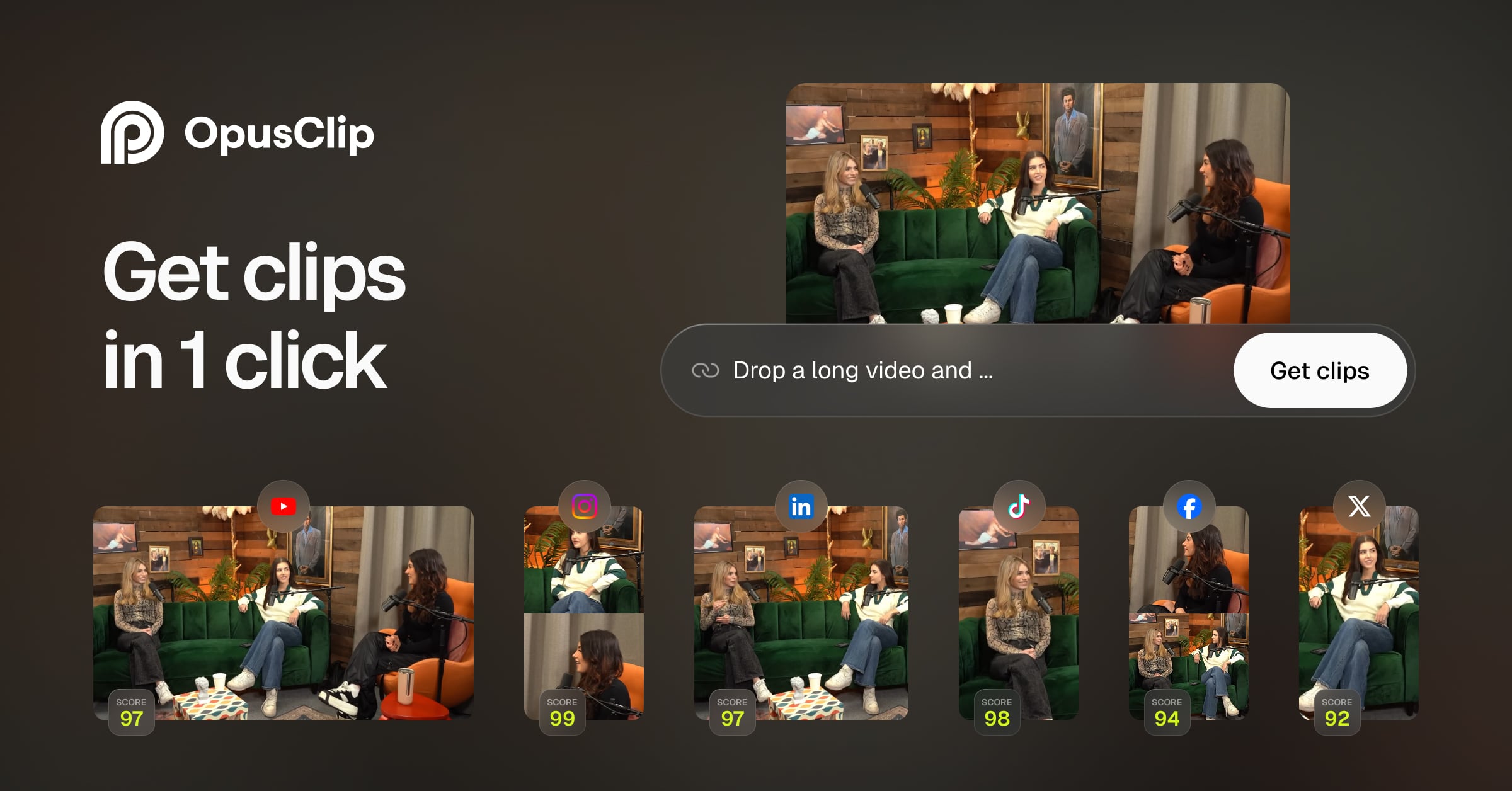
Opus Clip AI: Turn Long Videos into Viral Shorts Fast
Opus Clip AI automatically transforms long-form videos into attention-grabbing short clips optimized for TikTok, YouTube Shorts, and Instagram Reels. It uses generative AI to find the best moments, add captions, and reframe content in seconds.
Overview
Opus Clip AI is a generative video repurposing platform built to help creators and marketers squeeze maximum value out of their long-form content. Rather than manually scrubbing through hours of footage, users simply upload a video and let the AI analyze it for high-engagement moments, scoring each potential clip with a virality rating so you know exactly what's worth posting. The tool then automatically generates polished, platform-ready shorts complete with animated captions, AI-generated B-roll, and smart reframing for vertical, square, or widescreen formats.
Beyond simple clipping, Opus Clip AI functions as a full short-form content production suite. Its built-in editor allows for fine-tuning after the AI does the heavy lifting, while filler word and silence removal tools tighten up pacing without extra effort. A social media scheduler rounds out the workflow, letting teams post directly to YouTube Shorts, TikTok, and Instagram Reels or export to professional tools like Adobe Premiere Pro and DaVinci Resolve for further polish.
Whether you're a podcaster looking to slice episodes into shareable soundbites, a marketing agency repurposing webinars, or an e-commerce brand turning product demos into scroll-stopping ads, Opus Clip AI compresses what used to be hours of editing into a one-click workflow, freeing creators to focus on strategy and growth instead of timeline scrubbing.
Capabilities & Features
- AI video editing
- Video repurposing
- Short video creation
- Social media marketing
- Content creation
- AI captions
- AI B-Roll
- Video marketing
- TikTok
- YouTube Shorts
- Reels
Core Features
- AI-powered clip generation with virality scoring
- Animated captions in 20+ languages
- AI B-Roll generation for richer visuals
- AI Reframe for multiple aspect ratios (9:16, 1:1, 16:9)
- Filler word and silence removal
- Integrated social media scheduler and auto-posting
Use Cases
- Converting webinars into bite-sized, shareable social clips
- Turning podcast episodes into short-form promotional content
- Repurposing product demos into marketing shorts for e-commerce
- Extracting highlight reels from livestreams
- Producing consistent short-form content for brand social channels
Best For
- Social Media Marketers
- Content Creators
- Podcasters
- Marketing Agencies
- Livestreamers
- Advertisers
- E-commerce Businesses
Pros
- •Dramatically speeds up short-form content creation with one-click AI clipping
- •Virality score helps prioritize which clips are worth publishing
- •Built-in captions, B-roll, and reframing eliminate need for extra editing software
- •Scheduler and multi-platform export streamline the entire publishing workflow
- •Free plan available for testing the core clipping experience
Cons
- •Free plan clips expire after 3 days and include a watermark
- •Higher-tier features like AI B-roll and team workspaces are locked behind pricier plans
- •Credit-based system may limit heavy users on lower-cost plans
- •AI-selected clips may still require manual review to match brand tone
How to Use
1. Upload a long-form video (webinar, podcast, livestream, or demo) to Opus Clip AI. 2. Let the AI scan the footage and automatically identify high-potential moments, assigning each a virality score. 3. Review the generated clips and select the ones you want to use. 4. Customize clips with the built-in editor—add animated captions, AI B-roll, custom fonts, or brand templates. 5. Use AI Reframe to adjust aspect ratios for different platforms (9:16, 1:1, 16:9). 6. Schedule and auto-post directly to TikTok, YouTube Shorts, and Instagram Reels, or export to Premiere Pro/DaVinci Resolve for final touches.
Frequently Asked Questions
Open in AI Studio
Ask our AI to evaluate if Opus Clip AI fits your specific workflow.
Pricing
Opus Clip AI offers a limited free tier with watermarked clips, while paid plans start at $15/mo for the Starter tier and scale up to $29/mo (or $14.50/mo billed yearly) for Pro, plus a custom-priced Business plan for larger teams.
Pricing data is provided as a summary. Visit the vendor website for full tier details.