Mito AI: Spreadsheet Interface for Python Data Science
Mito AI lets you edit data in a familiar spreadsheet UI while automatically generating clean Python code behind the scenes, bridging the gap between Excel and Python.
Overview
Mito AI is a Python data science tool designed to make coding accessible without sacrificing power. By providing a spreadsheet-style interface layered on top of Jupyter, Streamlit, and Dash, Mito lets users manipulate data using familiar formulas and pivot tables while it silently writes the equivalent Python code in real time. This means analysts, researchers, and citizen data scientists can skip the syntax struggle and go straight from spreadsheet logic to production-ready scripts.
Beyond basic editing, Mito integrates AI chat, smart debugging, and code completion to accelerate the entire workflow—from automating repetitive Excel reports to transforming static scripts into interactive dashboards. It's particularly useful for teams that need to verify data quality, explore datasets quickly, or compare performance metrics without waiting on a dedicated engineering resource. Whether you're a financial analyst automating monthly reports or a life science researcher exploring experimental data, Mito acts as a translator between spreadsheet thinking and Python execution.
Capabilities & Features
- Python
- Spreadsheet
- Data science
- Automation
- Code generation
- Jupyter
- Streamlit
- Dash
- AI
- Low-code SQL
- Data App
- Infrastructure Integration
Core Features
- Spreadsheet-style data editing
- Automatic Python code generation
- Integrated AI chat assistant
- Smart debugging suggestions
- Context-aware code completion
- Native integration with Jupyter, Streamlit, and Dash
Use Cases
- Automating repetitive spreadsheet and Excel reporting tasks
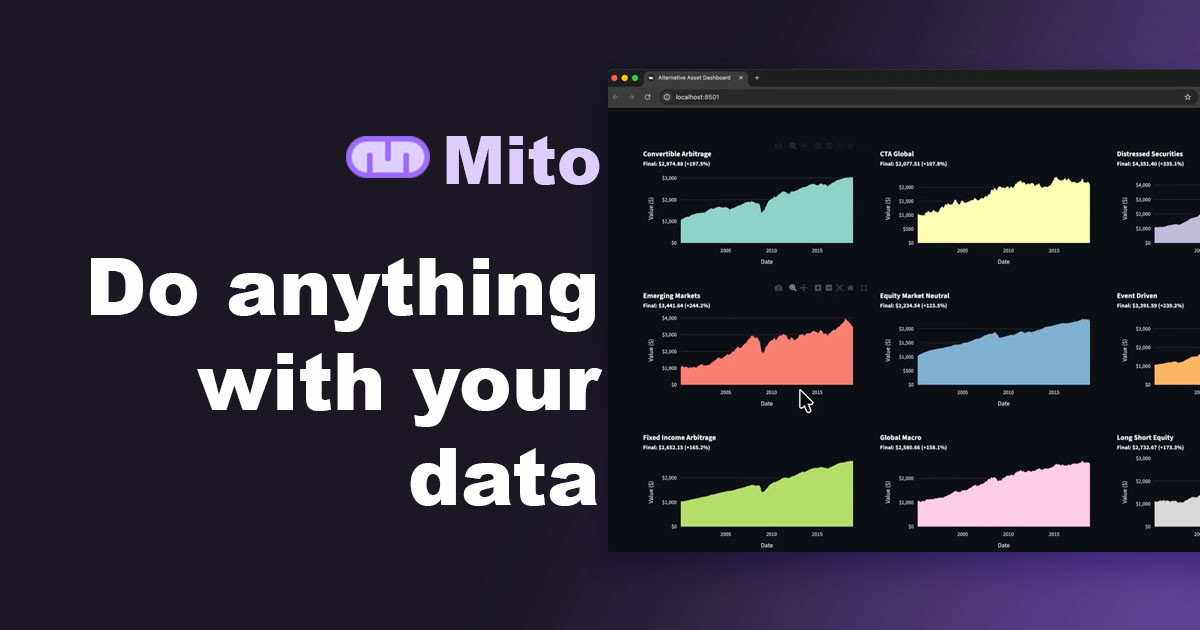
- Converting static Python scripts into interactive dashboards
- Performing quick data quality checks and verification
- Running basic spreadsheet demos for stakeholders
- Comparing bank or financial performance metrics
- Exploring and cleaning datasets before analysis
Best For
- Citizen data scientists
- Data practitioners
- Small analytics teams
- Financial analysts
- Life science researchers
Pros
- •No need to memorize complex pandas syntax to manipulate data
- •Automatically generated code helps users learn Python organically
- •Speeds up transition from static scripts to interactive dashboards
- •AI chat and smart debugging reduce troubleshooting time
- •Free open-source tier makes it accessible for individual users
Cons
- •Pro and Enterprise pricing may add up for larger teams
- •Primarily useful within Python-centric workflows, limiting appeal to non-coders
- •Enterprise-level custom integrations require direct sales contact rather than self-serve setup
- •Reliance on spreadsheet paradigm may not suit highly complex data transformations
How to Use
1. Install Mito via pip using the command 'pip install mitosheet'.
2. Launch it as a Jupyter extension or embed it as a Streamlit/Dash component.
3. Edit your data directly within the spreadsheet interface using formulas, pivot tables, or filters.
4. Watch as Mito automatically generates the corresponding Python code in the background.
5. Use the AI chat and code completion features to debug or extend the generated scripts.
6. Deploy the resulting code into dashboards or automated reporting pipelines.
Frequently Asked Questions
Connect & Contact
Pricing
Mito offers a free open-source version for individual use, a Pro plan at $20 per user per month for practitioners and small teams, and custom Enterprise pricing for organizations needing deeper integrations.
Pricing data is provided as a summary. Visit the vendor website for full tier details.