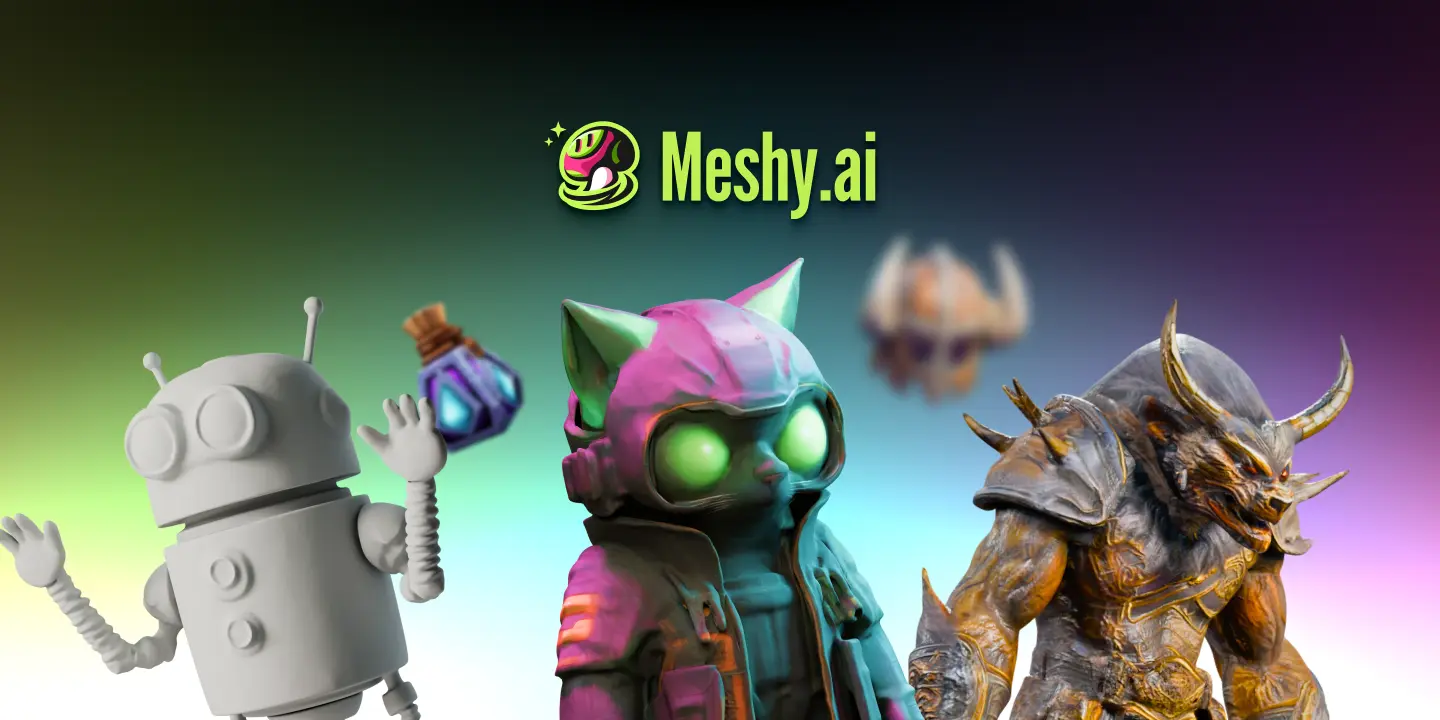
Meshy: AI Text & Image to 3D Model Generator
Meshy transforms text prompts or 2D images into fully textured, ready-to-use 3D models in minutes. It's built for creators who need fast, professional 3D assets without manual modeling.
Overview
Meshy is an AI-powered 3D content creation platform that drastically simplifies how designers, developers, and hobbyists bring ideas to life in three dimensions. Rather than spending hours sculpting meshes by hand, users can simply type a descriptive prompt or upload a reference image and let Meshy's generative engine produce a complete 3D asset, complete with realistic or stylized textures. The platform supports multiple art styles ranging from photorealistic to cartoonish and sculptural, giving creators flexibility across industries like gaming, animation, and product visualization.
Beyond basic generation, Meshy rounds out the creative pipeline with AI-driven texturing, character rigging and animation, and a built-in browser-based 3D viewer for instant previews. Models can be exported in all the major industry formats—including FBX, OBJ, STL, BLEND, and USDZ—ensuring compatibility with popular tools like Blender, Unity, and Godot, for which Meshy also offers dedicated plugins. With a clean, accessible interface and robust API support, Meshy caters equally well to total beginners experimenting with 3D for the first time and technical teams looking to embed generative 3D capabilities directly into their own applications.
Capabilities & Features
- 3D
- AI
- Generative AI
- 3D modeling
- 3D printing
- Game development
- Text to 3D
- Image to 3D
- Text to texture
- Image to texture
- AR
- VR
- XR
- Computer Vision
- Machine Learning
- Voxel
- Mesh
- GLB
- USDZ
- 3D File Conversion
- Online 3D Viewer
- Blender Plugin
- Godot Plugin
- Unity Plugin
Core Features
- Text-to-3D model generation from descriptive prompts
- Image-to-3D conversion from reference photos
- AI-powered Text to Texture for applying materials to existing meshes
- AI Animate for rigging and animating 3D characters
- Multi-format export (FBX, OBJ, STL, BLEND, USDZ, GLB)
- Native plugins for Blender, Unity, and Godot plus REST API access
Use Cases
- Rapidly generating game-ready 3D assets and props
- Texturing existing meshes with AI-generated materials
- Rigging and animating characters for VR and game experiences
- Converting 3D files between formats for cross-platform workflows
- Prototyping AR/VR assets quickly during early-stage design
Best For
- Game developers
- 3D artists
- AR/VR developers
- Content creators
- 3D printing enthusiasts
- Animators
Pros
- •Generates usable 3D models from simple text or image inputs in minutes
- •Supports a wide range of art styles for different creative needs
- •Offers native plugins for popular engines like Blender, Unity, and Godot
- •Exports to all major 3D file formats for broad compatibility
- •Free tier lets new users test the platform with no credit card required
Cons
- •Credit-based pricing can add up quickly for high-volume users
- •AI-generated models may require manual cleanup for production-quality use
- •Models generated via the API don't appear in the Workspace UI, requiring extra steps to retrieve them
- •Complex or highly specific designs may need multiple generation attempts
How to Use
1. Sign up for a free account at meshy.ai (no credit card required). 2. Choose a generation mode: Text to 3D or Image to 3D. 3. Enter a descriptive prompt or upload a reference image. 4. Generate a fast, low-poly draft preview to check the overall shape. 5. Refine the draft and generate the final, fully textured model. 6. Download your model in GLB, FBX, OBJ, STL, or USDZ format, or import it directly via the Blender, Unity, or Godot plugin. 7. For automated workflows, use the REST API and the List Tasks endpoint to retrieve models generated programmatically.
Frequently Asked Questions
Connect & Contact
Pricing
Meshy offers a no-credit-card-required free plan, with paid credit-based tiers starting at $16/mo (Pro) and $48/mo (Max) when billed for discounted annual rates, plus a custom Enterprise plan for large-scale needs.
Pricing data is provided as a summary. Visit the vendor website for full tier details.