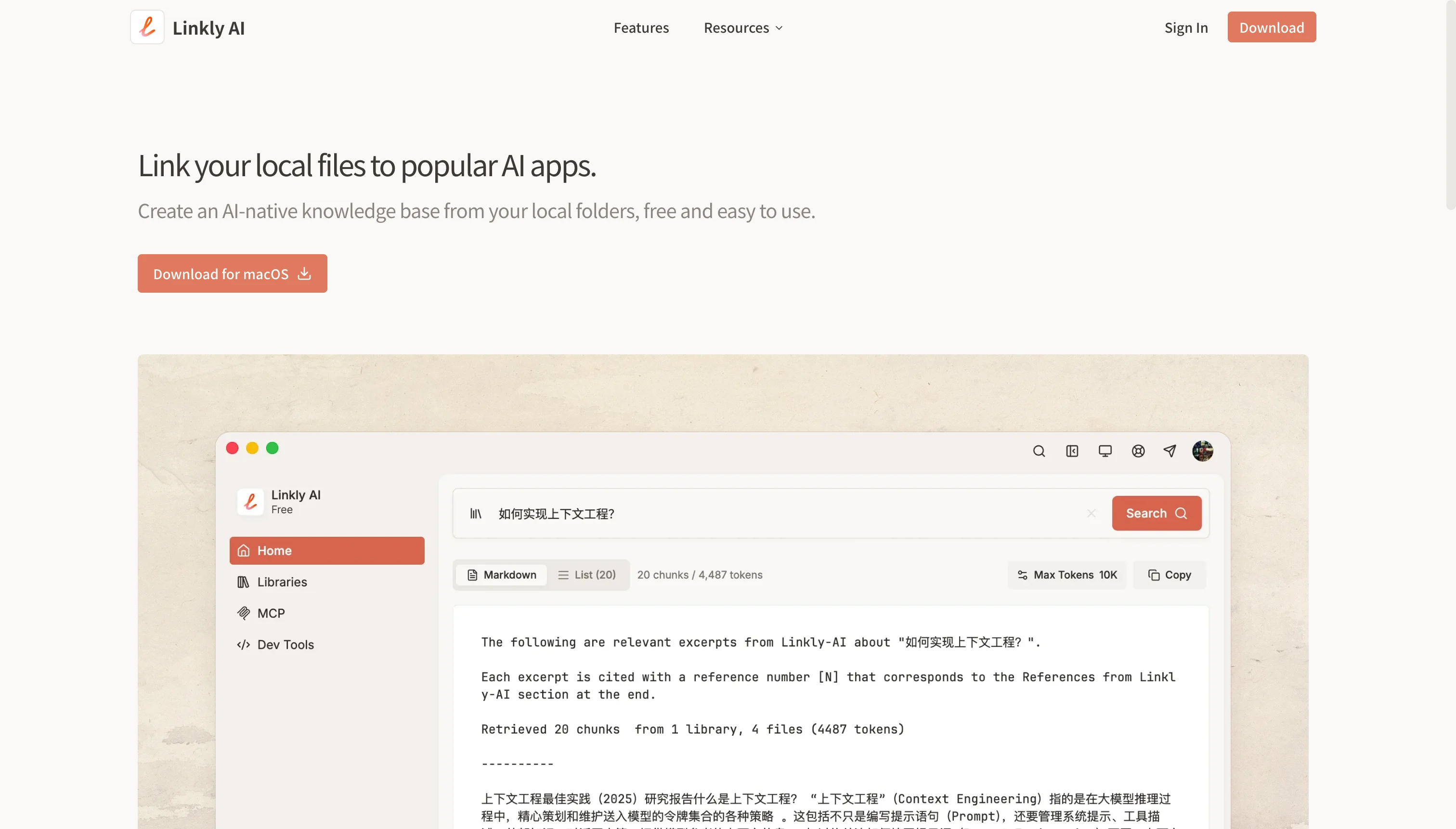
Linkly.AI: Local AI Knowledge Base & Lead Analytics Tool
Linkly.AI combines AI-powered lead analytics with an open-source, local-first AI knowledge base that lets you chat with your own documents securely.
Overview
Linkly.AI is a dual-purpose platform designed for both sales professionals and knowledge workers. On one side, it delivers AI-powered lead analytics and management, helping teams track, qualify, and streamline leads from a single, centralized dashboard. On the other, it transforms into a powerful open-source AI knowledge base that runs entirely as a local desktop app, giving you a private 'second brain' that never leaves your machine.
What sets Linkly.AI apart is its flexibility and commitment to data privacy. Since the knowledge base component runs locally, you can connect it to any LLM provider or deploy local models like Ollama, ensuring your documents and conversations never touch external servers unless you choose otherwise. With DeepResearch tools, users can sift through massive document collections, find files using vague or fuzzy descriptions, and auto-generate detailed reports.
Whether you're a researcher digging through years of notes, a technical professional managing internal documentation, or a small team trying to organize scattered knowledge, Linkly.AI offers a free, open-source, and genuinely functional way to interact with your data through natural AI conversation.
Capabilities & Features
- AI
- Lead Analytics
- Lead Management
- Knowledge Base
- Open Source
- Local AI
- RAG
- Agentic
- Chatbot
- Data Security
- Document Management
Core Features
- AI-powered lead analytics and management dashboard
- Local, open-source AI knowledge base desktop app
- Compatibility with any LLM provider or local models like Ollama
- DeepResearch tools for automated report generation
- Fuzzy document search using vague descriptions
- Built-in AI chatbot with a clean, elegant interface
Use Cases
- Tracking and qualifying sales leads in one dashboard
- Monitoring lead progress and pipeline analytics
- Chatting with personal or team documents using AI
- Conducting deep research across large document archives
- Auto-generating reports from scattered files
- Building a personal or team knowledge management system
Best For
- Knowledge workers
- Students
- Researchers
- Technical professionals
- Small teams
- Sales teams needing lead insights
Pros
- •Local-first design keeps sensitive documents fully private
- •Open-source codebase allows transparency and customization
- •Works with any LLM provider or self-hosted models like Ollama
- •DeepResearch tools speed up large-scale document analysis
- •Combines lead analytics and knowledge management in one tool
Cons
- •Running models locally may require decent hardware resources
- •Setup could be technical for non-developer users
- •Lead analytics and knowledge base features may feel like two separate tools
- •No publicly listed pricing tiers, which may create ambiguity for enterprise buyers
How to Use
1. Set up Linkly.AI for lead tracking by importing or connecting your lead data to start monitoring and analyzing progress. 2. Download and install the local desktop app for the AI knowledge base feature. 3. Connect your preferred LLM provider (cloud-based or local models like Ollama). 4. Point the app to your document folders to build your local knowledge base. 5. Ask questions in natural language to have AI conversations with your documents, even using vague descriptions to locate files. 6. Use the DeepResearch tools to scan large document sets and automatically generate structured reports. 7. Leverage the built-in AI chatbot interface for ongoing conversational access to your knowledge base.
Frequently Asked Questions
Pricing
Linkly.AI is positioned as a free, open-source tool, though no detailed pricing tiers or paid plans are currently published.
Pricing data is provided as a summary. Visit the vendor website for full tier details.