Limory: Live Memory AR App for Animated Photos
Limory transforms static photos into vivid, animated AR memories you can print, share, or watch in motion.
Overview
Limory, also known as Live Memory AR, reimagines the way we experience photographs by merging them with augmented reality. Instead of leaving your favorite snapshots frozen in time, the app lets you layer short video clips onto printed or digital photos, so a simple glance through your camera reveals a moving, breathing memory. It's a clever blend of nostalgia and technology that makes everyday pictures feel magical again.
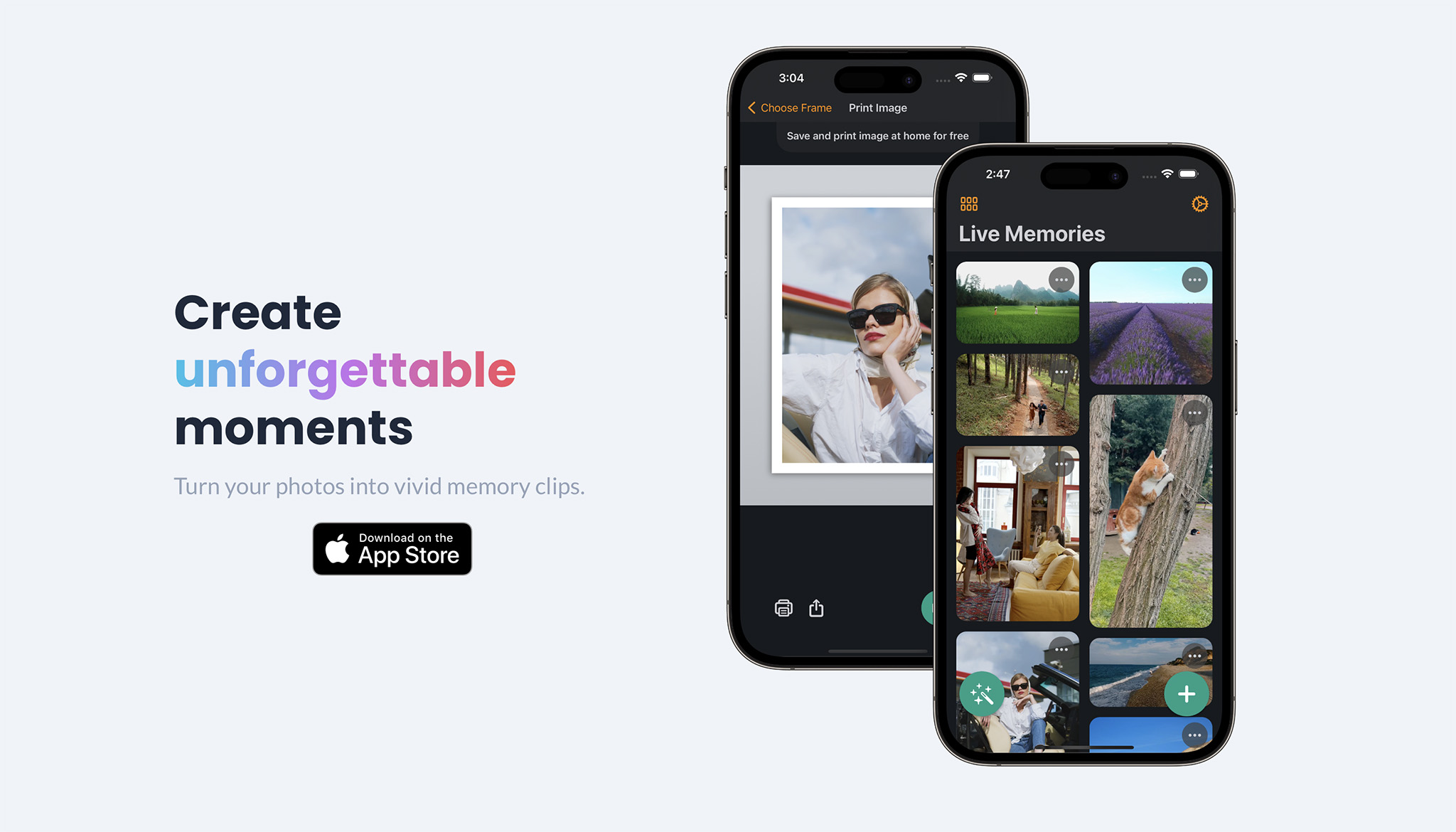
Beyond just animating photos, Limory gives users creative control with tools to trim and crop clips, choose from a variety of frames, and then print or digitally share the finished AR memory. Whether you're preserving a family milestone or crafting a one-of-a-kind gift, the app turns the process into something fun and personal. Its simplicity—just a few taps from photo to animated keepsake—makes advanced AR technology accessible to anyone, regardless of technical skill.
Capabilities & Features
- augmented reality
- ar
- photo animation
- video
- image recognition
- gift
- memory
- object tracking
Core Features
- Augmented Reality photo animation
- Built-in video trimming and cropping tools
- Customizable frame selection
- At-home photo printing support
- Easy sharing of AR experiences between devices
Use Cases
- Turning static family photos into animated keepsakes
- Creating personalized AR gifts for birthdays or holidays
- Reliving special moments like weddings or vacations in motion
- Sharing interactive memories with friends across devices
- Adding a creative twist to scrapbooking or photo albums
Best For
- Families
- Friends and couples
- Gift-givers
- Photo and memory enthusiasts
- Hobbyist content creators
Pros
- •Simple, intuitive process from photo to animated memory
- •Combines printing and AR for a tangible plus digital experience
- •Flexible editing tools like trimming and cropping for precision
- •Great for creating meaningful, personalized gifts
- •Easy cross-device sharing of AR memories
Cons
- •Requires a compatible camera and app to view AR effects
- •Limited usefulness without printing or sharing features
- •AR experience depends on lighting and photo quality
- •May require recording new footage rather than using existing videos
How to Use
1. Download the Limory app on your mobile device.
2. Use your camera to capture or select the photo you want to animate.
3. Record a short video clip to pair with your photo, turning it into a vivid memory.
4. Trim and crop the video to perfect the moment.
5. Select a frame style to complete the look.
6. Print your animated photo at home or share it digitally, then watch it come to life through the app.
Frequently Asked Questions
Pricing
Specific pricing details aren't listed, suggesting the app may offer free access or in-app options revealed upon download.
Pricing data is provided as a summary. Visit the vendor website for full tier details.