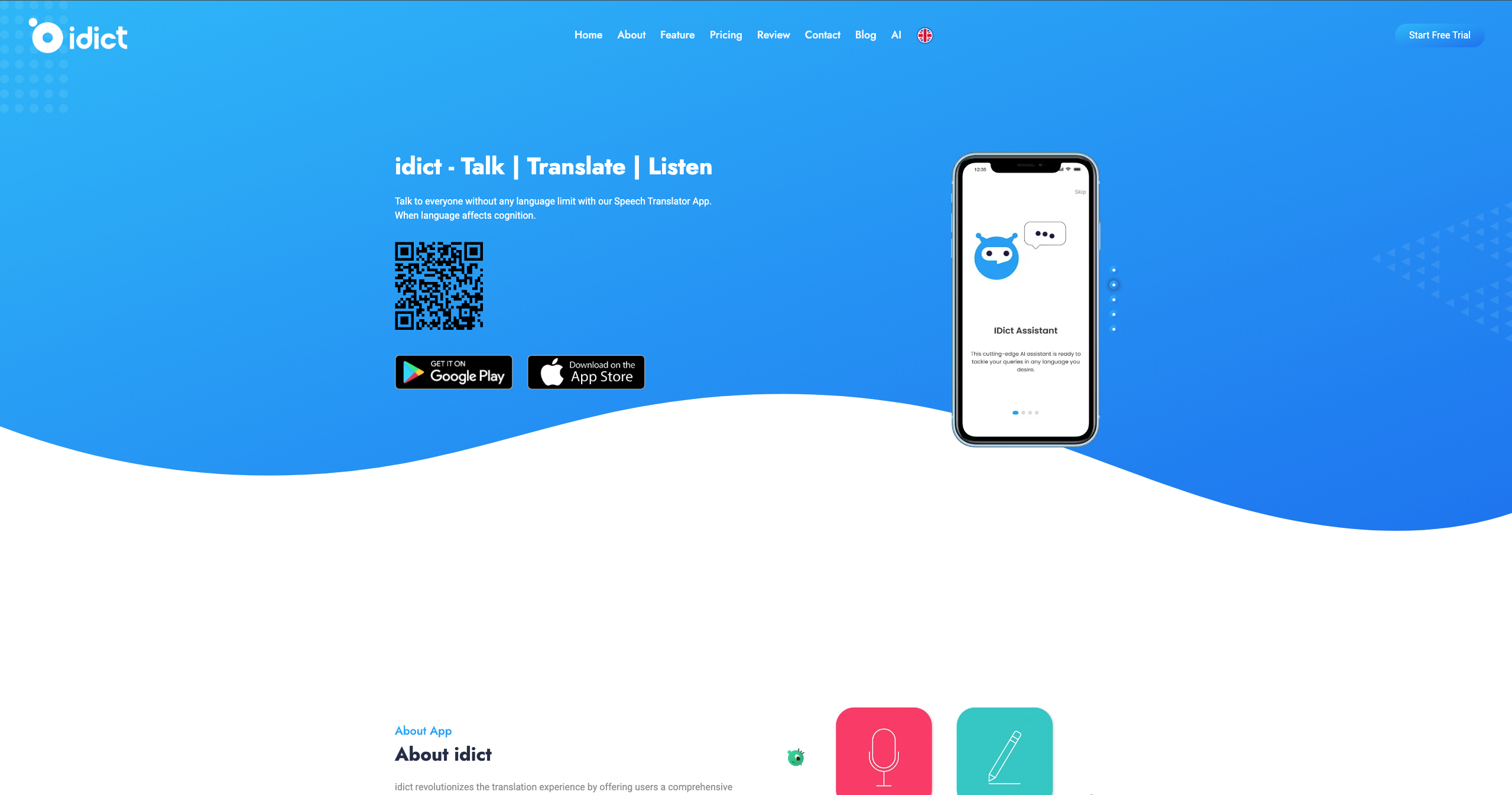
idict: AI Voice Cloning Translator App (137 Languages)
idict is an AI-powered translation app that clones and translates human voice across 137 languages, plus photo, text, and offline translation tools.
Overview
idict is a next-generation translation app built to eliminate language barriers using cutting-edge machine learning. Beyond standard text translation, it introduces voice cloning technology that captures the tone and sound of a human voice and translates it naturally in real time, making conversations feel authentic rather than robotic. With support for 137 languages, users can communicate confidently whether they're traveling, studying, or working internationally.
The app goes further with object detection and photo translation, letting users point their camera at signs, menus, or documents for instant on-screen translation. An integrated AI Assistant can answer questions in 72 languages, acting as a multilingual companion for everyday tasks. For those without reliable internet access, idict's offline mode allows language packs to be downloaded in advance, ensuring translation capabilities anywhere, anytime.
Whether you're a frequent traveler navigating unfamiliar destinations, a business professional negotiating across borders, or a student mastering a new language, idict positions itself as an all-in-one communication toolkit powered by advanced AI.
Capabilities & Features
- Translation
- AI translator
- Voice cloning
- Language learning
- Object detection
- Photo translation
- Text translation
- Offline translation
- Speech Translator
- AI Assistant
Core Features
- Voice cloning translation across 137 languages
- Real-time object detection for visual translation
- Photo and handwriting translation
- Instant text translation
- Offline translation with downloadable language packs
- Multilingual AI Assistant (72 languages)
Use Cases
- Translating spoken conversations naturally using cloned voice technology while traveling abroad
- Scanning and translating menus, signs, or documents instantly via photo translation
- Asking the AI Assistant questions in real time across 72 supported languages
- Downloading offline language packs before international trips with limited connectivity
- Communicating professionally across accents and dialects in global business settings
Best For
- Travelers
- Language learners
- International business professionals
- Global communicators
- Students
- Dietitians
- Accountants
- Marketers
Pros
- •Extensive 137-language support for voice, text, and photo translation
- •Unique voice cloning feature adds natural tone to translated speech
- •Offline mode ensures usability without internet access
- •Built-in AI Assistant adds conversational versatility
- •Photo and object detection simplify real-world translation needs
Cons
- •Voice cloning accuracy may vary depending on accent complexity
- •Free trial is limited to 7 days before requiring a subscription
- •Advanced features like offline mode are locked behind paid tiers
- •Heavy reliance on ML models may require frequent updates for accuracy
How to Use
Download and install the idict app, then create your user profile. From there, select the translation mode you need—voice cloning, text, or photo—and choose your target language. To use offline, download the relevant language pack beforehand. Tap into the AI Assistant for conversational help in 72 languages, and explore object detection by simply pointing your camera at text or objects you want translated.
Frequently Asked Questions
Connect & Contact
Pricing
idict offers a 7-day free trial, followed by a Pro subscription at $6.99/month or a discounted Premium annual plan at $79.99/year, both unlocking photo translation, handwriting recognition, ad-free use, and offline mode.
Pricing data is provided as a summary. Visit the vendor website for full tier details.