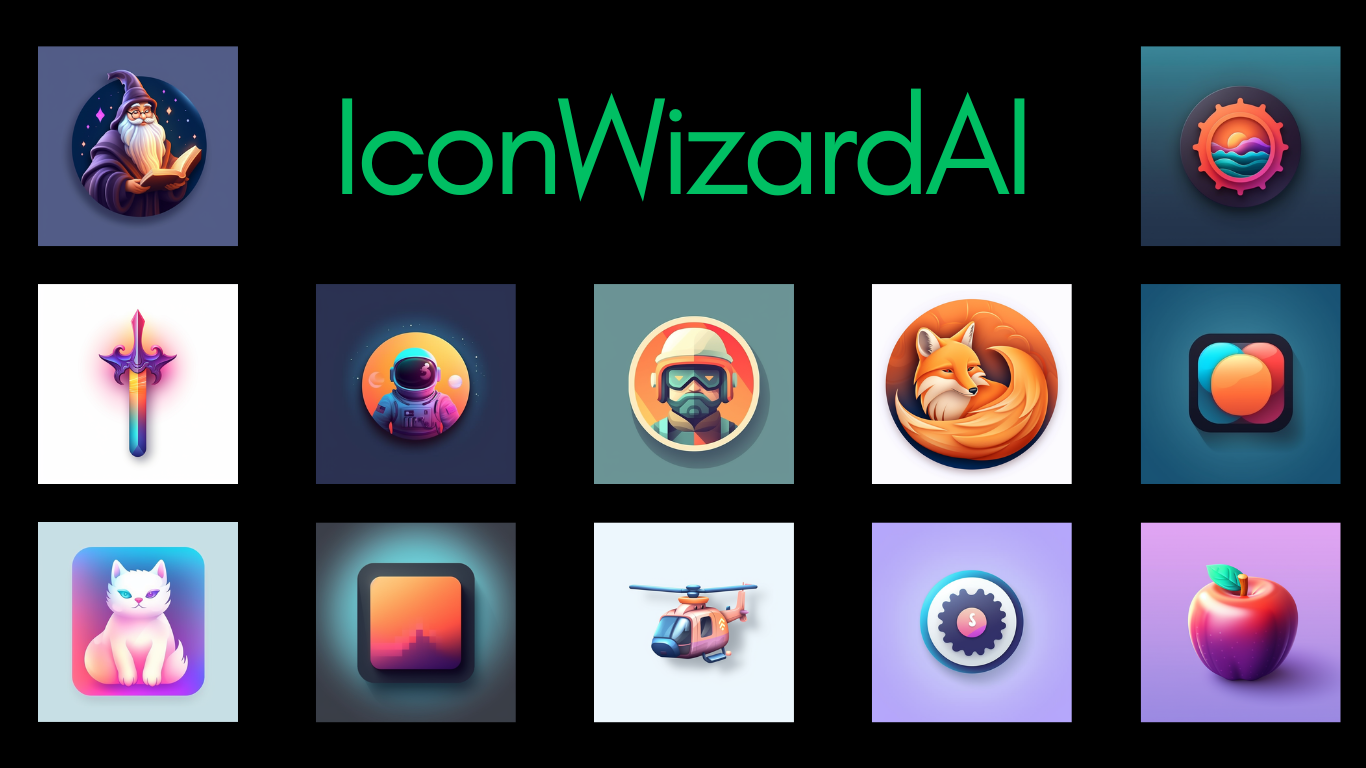
IconWizardAI: AI Icon & Logo Generator Tool
IconWizardAI turns simple text prompts into polished, custom icons and logos in minutes using AI-powered design generation.
Overview
IconWizardAI is an AI-driven icon and logo generator built for anyone who needs professional-quality visuals without the design skills or budget for a designer. Simply describe the icon you're imagining, pick a style and color palette, and let the AI handle the rest. Within moments, you'll have a set of unique, ready-to-use icons tailored to your specifications.
Whether you're building an app, launching a website, or crafting brand assets, IconWizardAI streamlines the creative process by removing the guesswork from icon design. Its intuitive interface makes it accessible to non-designers while still offering enough customization to satisfy creative professionals. Generated icons are stored in the cloud, so you can access and reuse your designs anytime without worrying about losing your work.
Capabilities & Features
- AI icon generator
- AI logo generator
- Icon design
- Logo design
- AI art
- Generative AI
- Custom icons
- AI image generator
Core Features
- AI-powered icon and logo generation from text prompts
- Customizable styles and color options
- Simple, beginner-friendly interface
- Cloud storage for saved and generated icons
- Batch generation of multiple icon variations
Use Cases
- Designing app icons and UI elements quickly
- Creating logos for startups and small businesses
- Producing marketing visuals and social media graphics
- Adding custom icon sets to websites
- Generating quick visual concepts for personal creative projects
Best For
- Designers
- Marketers
- Developers
- Small business owners
- Freelancers
Pros
- •Fast icon generation powered by AI
- •Easy-to-use interface requiring no design experience
- •Flexible customization with style and color choices
- •Cloud storage keeps designs accessible and organized
- •Affordable per-icon pricing for small projects
Cons
- •Credit-based system may become costly for high-volume needs
- •Commercial usage rights aren't clearly outlined upfront
- •AI-generated designs may require manual refinement for brand consistency
- •Limited control compared to hiring a professional designer
How to Use
1. Write a prompt describing the icon or logo you want to create.
2. Choose your preferred style and color scheme.
3. Select how many icon variations you'd like generated.
4. Let the AI produce custom icons based on your inputs.
5. Download or store your favorite designs in the cloud for future use.
Frequently Asked Questions
Open in AI Studio
Ask our AI to evaluate if IconWizardAI fits your specific workflow.
Pricing
IconWizardAI offers two credit-based plans: Starter at $7 for 100 credits (~$0.07/icon) and Pro at $15 for 250 credits (~$0.06/icon), with lower per-icon costs as credit volume increases.
Pricing data is provided as a summary. Visit the vendor website for full tier details.