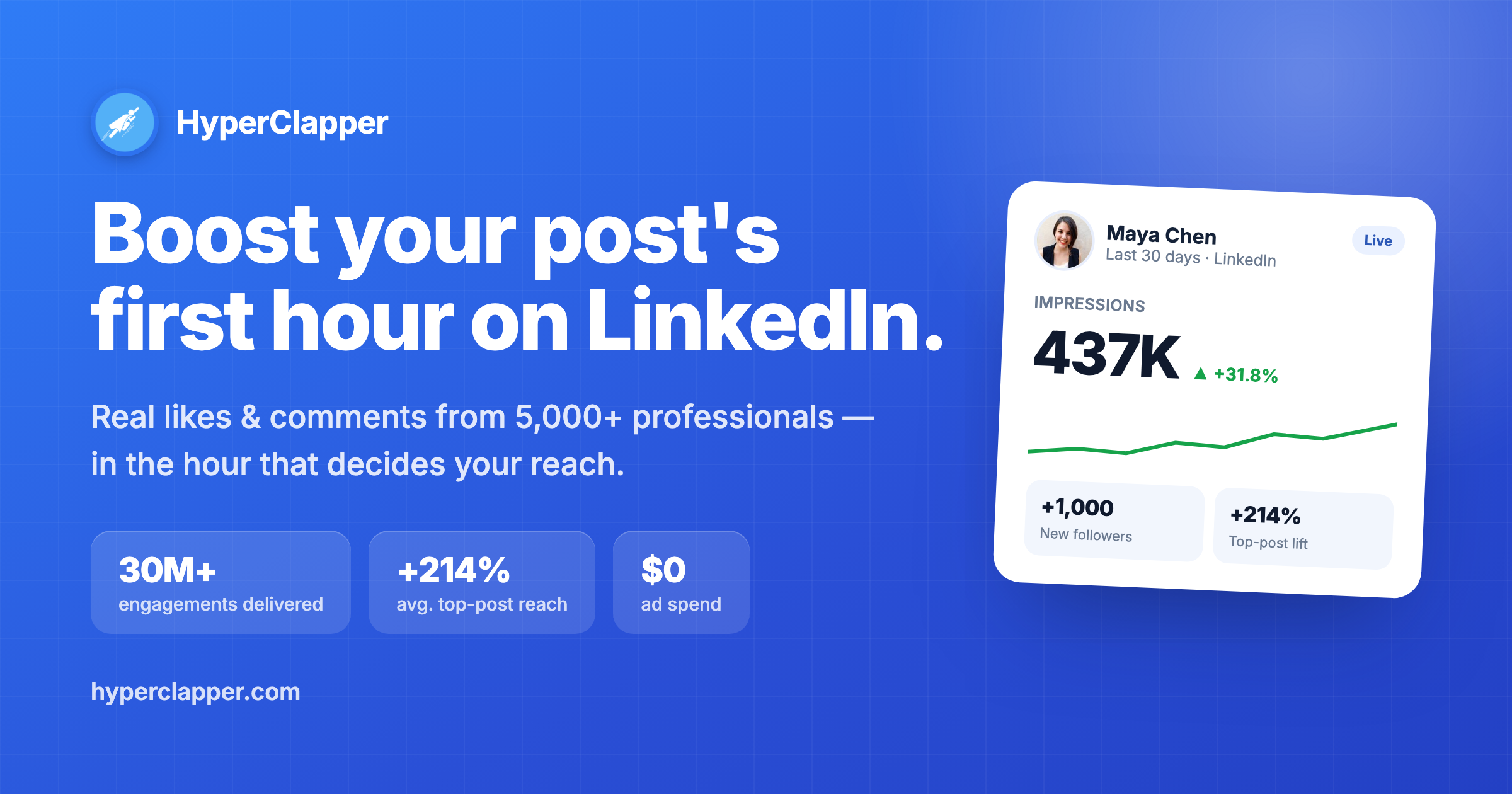
HyperClapper 2.0: AI LinkedIn Engagement Pod Tool
HyperClapper 2.0 uses engagement pods and AI-generated comments to automatically boost likes, views, and dwell time on your LinkedIn posts.
Overview
HyperClapper 2.0 is a LinkedIn growth engine built around the power of engagement pods—groups of professionals who automatically like and comment on each other's content to trigger the platform's algorithm. By orchestrating these interactions at scale, the tool claims to help users multiply their post views tenfold while saving the manual effort of coordinating engagement by hand. Behind the scenes, it layers in AI-generated comments and replies, dwell time tracking, and real-time active user monitoring to make the engagement feel organic rather than robotic.
Beyond pod-based boosting, HyperClapper gives users tools to target custom audiences, run post outreach campaigns, and analyze performance through built-in LinkedIn analytics. A 'LinkedIn Feed Improver' feature and company pods further extend its use beyond individual creators to teams and recruiters looking to amplify job postings or brand content. The platform essentially automates the social proof that LinkedIn's algorithm rewards, positioning itself as an alternative to paid social ads for organic reach.
Whether you're a solo content creator trying to break through the noise or a recruiter trying to get job listings in front of more eyes, HyperClapper packages pod mechanics into a structured, trackable workflow—complete with customizable comment templates and adjustable interaction timing to keep engagement patterns looking natural.
Capabilities & Features
- LinkedIn engagement
- LinkedIn automation
- Social media marketing
- Content amplification
- Lead generation
- AI comments
- Dwell time
- LinkedIn analytics
- Social media tool
Core Features
- AI-generated comments and replies for natural-looking engagement
- Dwell time tracking to measure genuine content interaction
- Custom audience targeting for focused outreach
- Real-time active user monitoring
- Built-in LinkedIn analytics dashboard
- Company pods and post outreach campaigns
Use Cases
- Rapidly increasing views and likes on a new LinkedIn post
- Helping recruiters extend the reach of job postings to attract more applicants
- Running targeted content promotion campaigns without paid ads
- Building an internal company pod to consistently boost team content
- Tracking post performance and engagement quality through analytics
Best For
- Marketers
- Social Media Managers
- Business Owners
- Sales Professionals
- Recruiters
- Content Creators
Pros
- •Automates tedious manual pod coordination and engagement tasks
- •Customizable comments help avoid repetitive, obviously-automated interactions
- •Analytics and dwell time tracking offer insight beyond vanity metrics
- •Flexible plans scale from occasional posters to daily high-volume users
- •Company pod feature supports team-wide content amplification
Cons
- •Relies on engagement pods, which can be seen as inauthentic or risk violating LinkedIn's terms of service
- •Daily post limits on lower tiers may restrict frequent posters
- •Effectiveness depends heavily on the quality and activity of joined channels
- •No free tier beyond a very limited 3 posts per month
How to Use
1. Connect your LinkedIn profile to HyperClapper. 2. Browse 'Explore Channels' or create your own pod/channel based on keywords, industry, or language. 3. Join relevant channels and configure your auto-like/comment settings. 4. Publish your LinkedIn post, then paste its link into the 'New Post' section within HyperClapper. 5. Select the channels to boost the post, set interaction intervals, and customize comment templates. 6. Click 'Create New Post' and let channel members automatically engage with likes and comments. 7. Monitor results via the built-in LinkedIn Analytics dashboard.
Frequently Asked Questions
Open in AI Studio
Ask our AI to evaluate if HyperClapper 2.0 fits your specific workflow.
Connect & Contact
Pricing
HyperClapper offers a free plan limited to 3 posts per month, with paid tiers ranging from $39/month for 2 posts daily up to $199/month for 10 posts per day at the Enterprise level.
Pricing data is provided as a summary. Visit the vendor website for full tier details.