HueHive: AI Color Palette Generator & Figma Tool
HueHive uses AI to instantly generate, customize, and test stunning color palettes, complete with accessibility checks and seamless Figma integration.
Overview
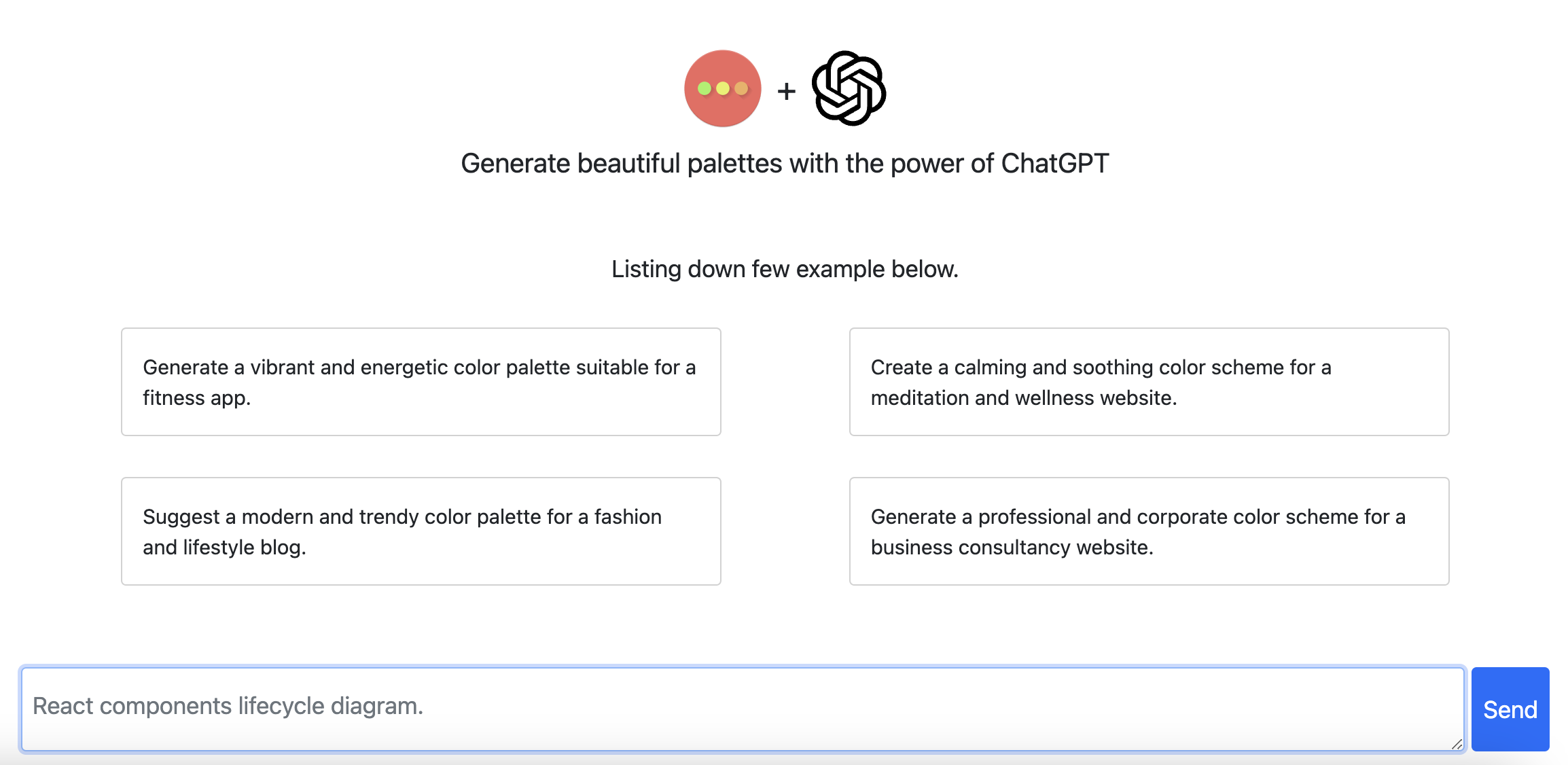
HueHive is a smart, AI-driven color palette generator built to take the guesswork out of choosing color schemes for your creative projects. Whether you're starting from scratch or need inspiration, the platform lets you generate standard or gradient-based palettes, explore curated collections, and fine-tune every shade until it fits your vision perfectly. Beyond just generating pretty colors, HueHive helps you visualize how palettes will actually look in real-world contexts and lets you preview them before committing.
Accessibility is baked right into the workflow, allowing designers to verify that their chosen colors meet contrast and readability standards for inclusive design. For teams already working in design software, HueHive integrates directly with Figma, streamlining the handoff between palette creation and actual design work. A companion mobile app also means inspiration doesn't have to stop at your desk—you can browse and access your palettes wherever you are.
Capabilities & Features
- Color palette generator
- AI color tools
- Color schemes
- Web design
- Graphic design
- Accessibility
- Figma plugin
- Mobile app
Core Features
- AI-powered color palette generation
- Standard and gradient palette options
- Palette visualization and live preview
- Built-in accessibility checking
- Palette editing and full customization
- Direct Figma integration
- Companion mobile app for on-the-go access
Use Cases
- Generating cohesive color schemes for website and app design
- Building unique brand identity color palettes
- Designing eye-catching marketing and social media graphics
- Checking color accessibility for inclusive, WCAG-friendly design
- Quickly pulling palette inspiration directly into Figma workflows
Best For
- Web designers
- Graphic designers
- UI/UX designers
- Branding specialists
- Marketing professionals
Pros
- •AI generation speeds up the palette creation process significantly
- •Built-in accessibility checks reduce manual contrast-testing work
- •Figma integration keeps design workflows seamless and efficient
- •Mobile app allows for inspiration and access anywhere
- •Supports both standard and gradient palette styles for versatility
Cons
- •Guest searches are public, which may deter users wanting private experimentation
- •No listed pricing details make it unclear what's free versus paid
- •Integration options appear limited mainly to Figma, which may not suit non-Figma users
- •Mobile app functionality details are limited compared to the web platform
How to Use
1. Choose between a standard or gradient palette generation mode. 2. Let HueHive's AI generate a color palette based on your selection. 3. Customize and edit the palette's individual colors to match your project needs. 4. Preview the palette in context to see how it looks. 5. Run an accessibility check to ensure the colors meet contrast and readability standards. 6. Sync or export directly into Figma for use in your designs. 7. Download the mobile app to browse and access palettes on the go.
Frequently Asked Questions
Pricing
Specific pricing tiers are not publicly listed, so prospective users should check HueHive's website directly for current plan details and any free trial options.
Pricing data is provided as a summary. Visit the vendor website for full tier details.