Gencraft: AI Art, Photo & Video Generator from Text
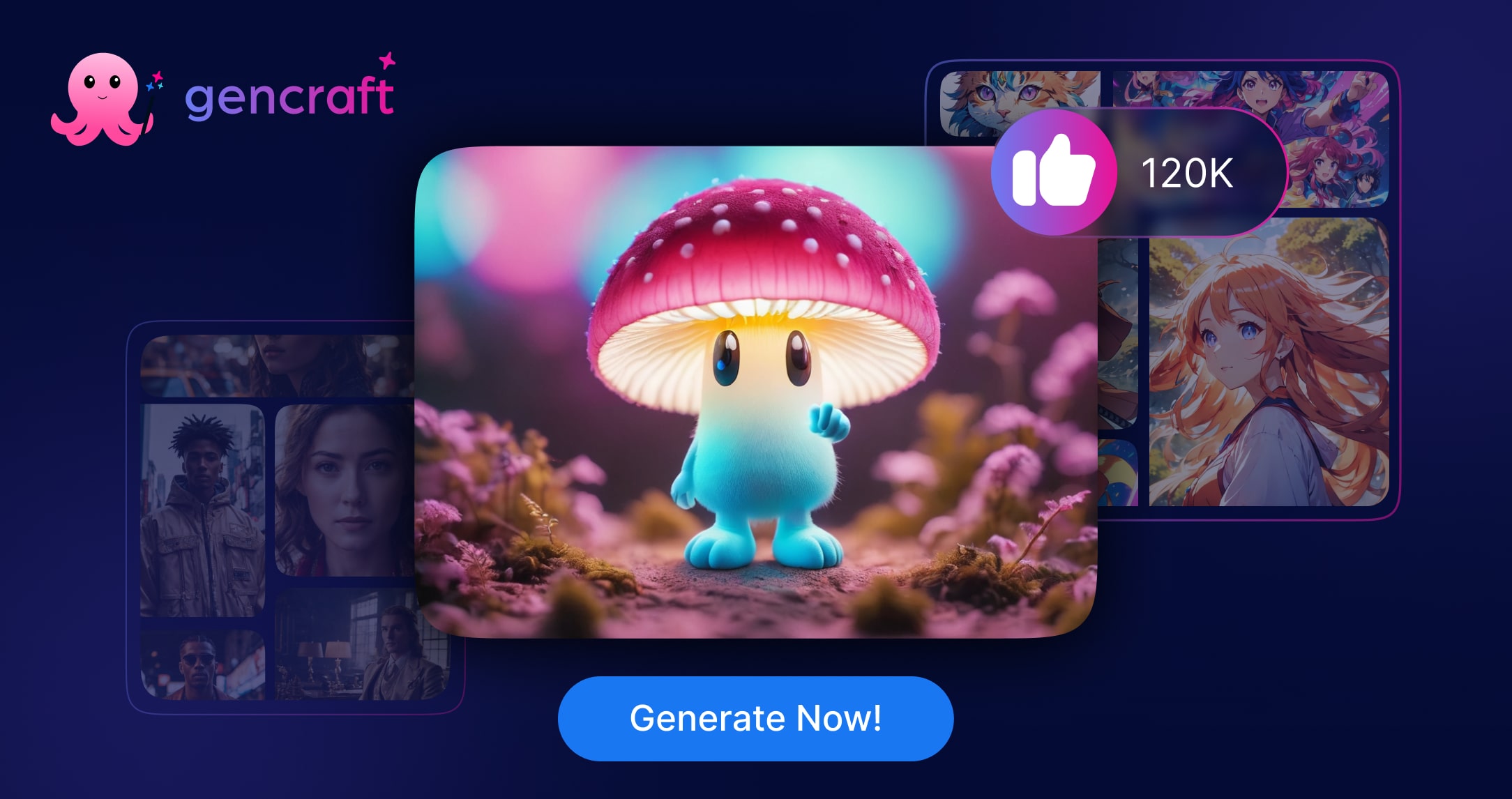
Gencraft turns simple text prompts into striking AI-generated art, photos, and videos, complete with smart retouching tools to perfect your creations.
Overview
Gencraft is a creative AI engine built for anyone who wants to turn imagination into visuals without needing traditional design skills. By simply typing a text prompt, users can generate original artwork, photorealistic images, or short videos, then refine the results using customizable art styles to match a specific mood or brand aesthetic. This makes it a versatile playground for both personal creative projects and professional content production.
Beyond generation, Gencraft includes a Magic Edit feature that lets users upload existing photos and retouch them with AI-powered precision, blending original imagery with generative enhancements. Whether you're crafting concept art, social media content, or marketing visuals, Gencraft streamlines the entire creative pipeline from idea to finished asset.
Available on web, iOS, and Android, Gencraft is designed for flexibility, letting creators work seamlessly across devices. Its combination of text-to-image, text-to-video, and photo editing tools positions it as an all-in-one solution for modern digital creativity.
Capabilities & Features
- AI art generation
- AI photo generation
- AI video generation
- Image editing
- Text-to-image
- Content creation
- Magic Edit
- Style transfer
Core Features
- Text-to-image AI art and photo generation
- Text-to-video AI generation
- Magic Edit for AI-powered photo retouching
- Style customization for personalized results
- Cross-platform availability on Web, iOS, and Android
Use Cases
- Turning written ideas into original AI artwork
- Retouching and enhancing personal or professional photos
- Producing short AI-generated videos from prompts
- Creating visual content for social media campaigns
- Developing branded creative assets for marketing teams
Best For
- Artists
- Content creators
- Social media managers
- Marketing professionals
- Graphic designers
Pros
- •Combines image, video, and editing tools in one platform
- •Simple text-prompt workflow requires no design experience
- •Style customization allows for personalized, on-brand output
- •Magic Edit adds practical photo retouching beyond pure generation
- •Accessible across web, iOS, and Android for on-the-go creativity
Cons
- •No pricing details available, making budget planning difficult
- •AI-generated results may require multiple prompt iterations for accuracy
- •Video generation quality may vary depending on prompt complexity
- •Mobile app experience could differ from the full web platform
How to Use
1. Open Gencraft on web, iOS, or Android. 2. Type a descriptive text prompt for the art, photo, or video you want to create. 3. Select a style to customize the visual tone of your output. 4. Generate your content and review the results. 5. Use the Magic Edit feature to upload and retouch photos as needed. 6. Download or share your finished creation.
Frequently Asked Questions
Pricing
Specific pricing details for Gencraft are not currently listed, so prospective users should check the app or website directly for up-to-date plan options.
Pricing data is provided as a summary. Visit the vendor website for full tier details.