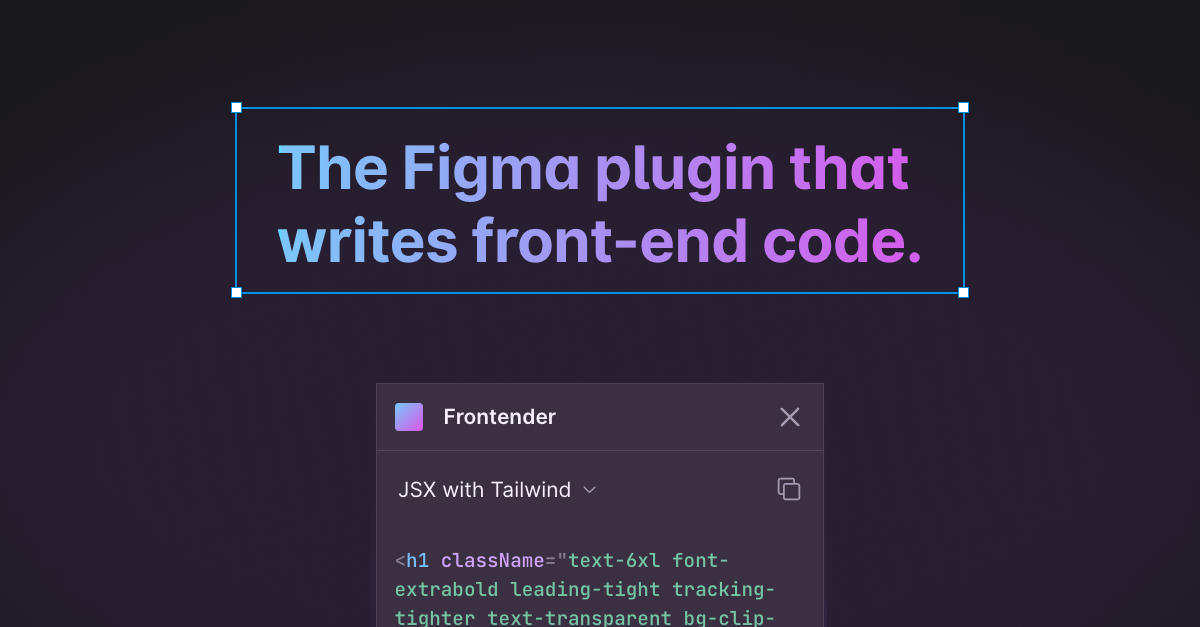
Frontender: Figma Plugin to Convert Designs to Code
Frontender is a Figma plugin that instantly turns your designs into clean, production-ready front-end code.
Overview
Frontender acts like a personal junior developer living inside Figma, transforming your design layers into usable front-end code in seconds. Rather than manually translating every pixel into markup, designers and developers can simply select a layer and let Frontender generate clean CSS, Tailwind, HTML, or JSX output automatically. It's built to bridge the gap between design and development, cutting down repetitive hand-coding work.
The plugin is flexible enough to handle a wide range of output formats, including CSS-in-JS, HTML with Tailwind, and JSX with CSS-in-JS, making it compatible with popular frameworks like Next.js, React, Vue, and Svelte. It's also designed to work even with messy or unorganized Figma files, and supports custom Tailwind configs so generated code matches your existing design system and class naming conventions.
Whether you're a solo designer trying to ship a working prototype or a front-end developer looking to speed up implementation, Frontender removes a major bottleneck in the design-to-development pipeline, letting teams move from mockup to functioning code much faster.
Capabilities & Features
- Figma plugin
- Code generation
- Front-end development
- Tailwind CSS
- React
- Vue
- Svelte
- CSS
- HTML
- JSX
Core Features
- Instant Figma-to-code conversion
- Multiple output formats: CSS, CSS-in-JS, Tailwind, HTML, JSX
- Framework compatibility with Next.js, React, Vue, and Svelte
- Works reliably even with messy or unstructured Figma files
- Custom Tailwind config support for personalized class names
Use Cases
- Converting Figma designs into React components styled with Tailwind CSS
- Quickly prototyping HTML/CSS pages from static design mockups
- Generating JSX with CSS-in-JS for Next.js projects
- Speeding up handoff between designers and developers
- Extracting clean code from disorganized or legacy Figma files
Best For
- Front-end developers
- UI/UX designers
- Web developers
- Freelancers building client sites
- Startups needing rapid prototyping
Pros
- •Significantly speeds up front-end development workflow
- •Supports a wide variety of code output formats
- •Compatible with major modern frameworks
- •Handles messy Figma files without requiring cleanup
- •Custom Tailwind config keeps generated code consistent with existing projects
Cons
- •Limited to 15 free conversions per month on the free plan
- •Generated code may still require manual review or refinement
- •Currently tied specifically to Figma, so no support for other design tools
- •Pricing is listed in SGD, which may require conversion for international users
How to Use
1. Open your design file in Figma and install the Frontender plugin.
2. Select any layer or frame you want to convert.
3. Choose your desired output format (CSS, Tailwind, HTML, JSX, etc.).
4. If needed, paste your custom Tailwind config to ensure generated classes match your project.
5. Copy the generated code directly into your codebase.
Frequently Asked Questions
Connect & Contact
Pricing
Frontender offers a free plan with 15 conversions per month, while the Professional plan unlocks unlimited conversions for SGD 14.81/month, or SGD 11.10/month when billed annually.
Pricing data is provided as a summary. Visit the vendor website for full tier details.