Flot.ai: AI Copilot for Writing, Reading & Memory
Flot.ai is a universal AI copilot that brings ChatGPT-level writing, reading, and memory assistance to any app or website you use.
Overview
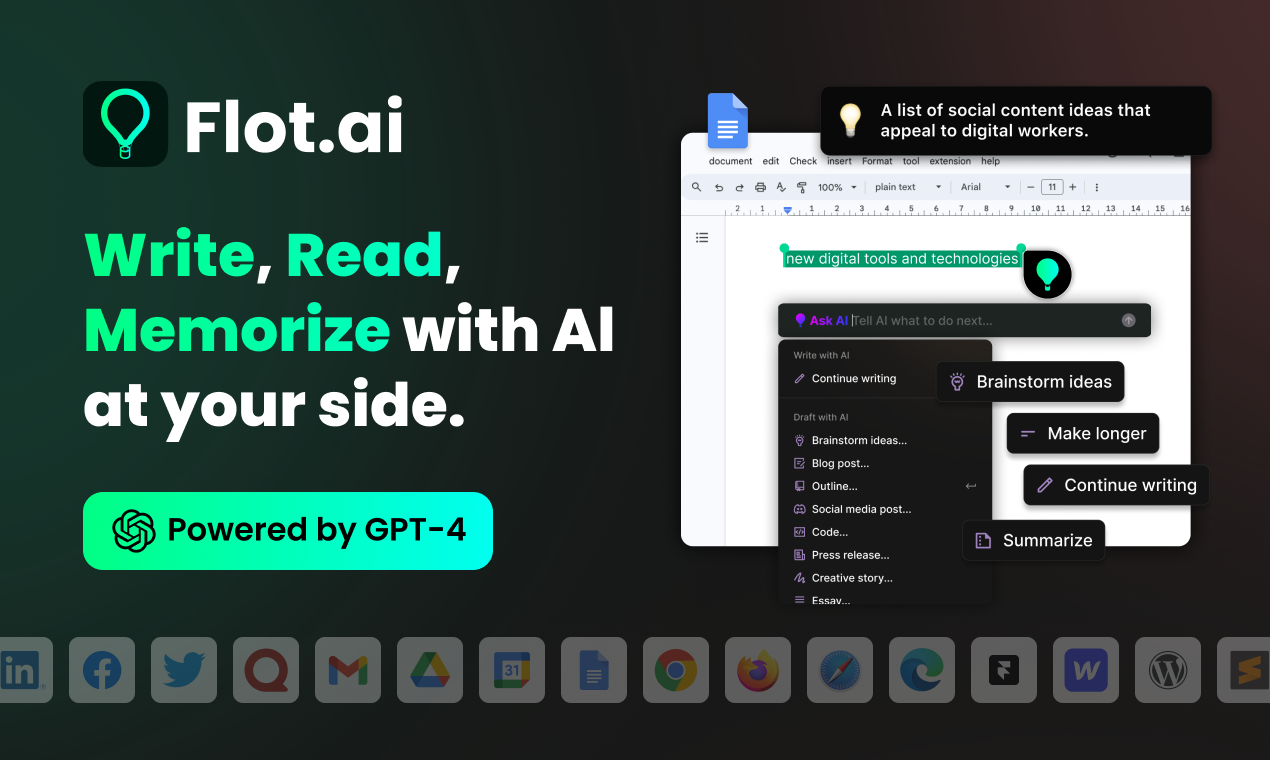
Flot.ai transforms how you interact with text across your entire digital life by embedding a powerful AI assistant directly into every app and website you touch. Rather than switching tabs to a separate chatbot, you simply highlight text or summon Flot with a quick shortcut to get instant writing help, reading support, or answers pulled from your personal knowledge base. It's built to feel like a natural extension of your workflow rather than another tool you have to learn.
Beyond grammar fixes and quick replies, Flot.ai doubles as a digital memory system, storing and recalling important information so you never lose track of key details, ideas, or past conversations. With multi-language support spanning over 200 languages, it's equally useful for global communication, research, translation, and content creation. Whether you're drafting emails, studying for exams, or managing cross-border correspondence, Flot.ai adapts to the context and grows smarter alongside your knowledge base.
Capabilities & Features
- AI copilot
- Writing assistant
- Digital memory
- Knowledge base
- Productivity tool
- ChatGPT integration
- Multi-language support
Core Features
- AI-powered writing assistance for grammar, tone, and clarity
- Digital memory and knowledge base for recalling important information
- Seamless integration across all apps and websites
- Multi-language support for over 200 languages
- On-demand activation via keyboard shortcut or text selection
Use Cases
- Polishing writing quality and fixing grammar in real time
- Drafting quick, context-aware replies to emails
- Storing and recalling essential facts or notes via digital memory
- Translating text instantly across multiple languages
- Summarizing or clarifying complex reading material
Best For
- Professionals
- Writers
- Students
- Researchers
- Content creators
- Anyone who writes regularly
Pros
- •Works universally across apps and websites without switching tools
- •Combines writing assistance with a persistent digital memory
- •Supports over 200 languages for global communication
- •More affordable than maintaining a separate ChatGPT Plus subscription
- •Quick activation via shortcut or text highlighting keeps workflow uninterrupted
Cons
- •Free plan is limited to only 3 credits per day
- •Heavier users may need to upgrade to PRO+ or Unlimited for full functionality
- •Relies on highlighting or shortcuts, which may require a learning curve for new users
- •Performance may vary depending on the complexity of the app or website it's used in
How to Use
Install Flot.ai and activate it anywhere you're typing or reading. Highlight any text on a webpage, document, or app to trigger writing suggestions, grammar fixes, or contextual replies. Alternatively, press the designated keyboard shortcut to summon Flot on demand for questions, translations, or recalling saved memory units. As you use it, Flot continues building its digital memory so future interactions become more personalized and relevant.
Frequently Asked Questions
Connect & Contact
Pricing
Flot.ai offers a limited free plan with daily credits, plus paid options including a $15/mo PRO+ tier, a $25/mo Unlimited plan, and a one-time $67 Lifetime purchase for long-term access.
Pricing data is provided as a summary. Visit the vendor website for full tier details.