FlexClip Review: AI Video Editor for Marketers & Creators
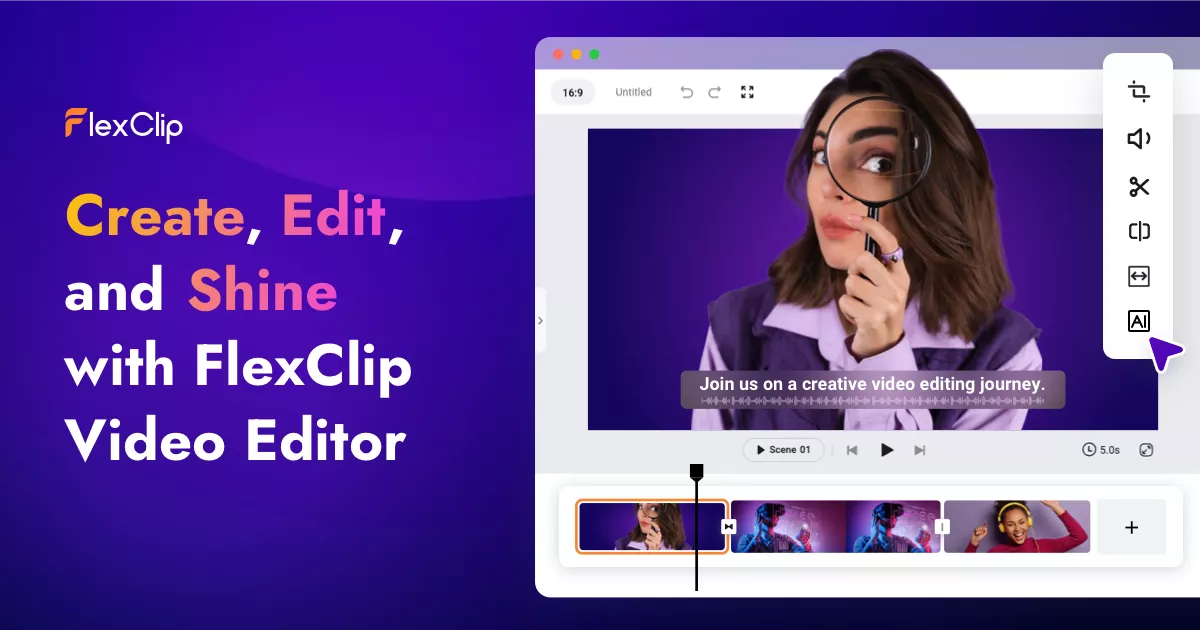
FlexClip is a browser-based video editor that blends AI-powered tools like auto subtitles and text-to-speech with templates and stock assets to help anyone produce polished videos fast.
Overview
FlexClip is a cloud-based video creation platform designed to make professional-looking video production accessible to everyone, regardless of editing experience. By combining a simple drag-and-drop editor with a growing suite of AI features—including automatic subtitle generation, text-to-speech narration, and AI image generation—it removes many of the technical hurdles that typically slow down video projects. Users can build videos from scratch or start with one of the platform's many templates, then enrich them with royalty-free stock footage, music, and animated elements.
Beyond individual creators, FlexClip is built to support teams and businesses through cloud-based collaboration, custom branding, and scalable storage options as users move up its pricing tiers. Whether you're a marketer producing social ads, a YouTuber crafting channel intros, or an educator building instructional content, FlexClip's mix of automation and customizable assets is designed to speed up the path from raw idea to shareable video.
Capabilities & Features
- Video editor
- Video maker
- Online video editor
- AI video editor
- Auto subtitle generator
- Text to speech
- Stock video
- Templates
- Social media video
- Marketing video
- Slideshow maker
- Meme generator
- GIF maker
- Screen recorder
Core Features
- Browser-based drag-and-drop video editor
- AI auto subtitle generation for accessibility and engagement
- AI text-to-speech for automated voiceovers
- AI image generation for custom visuals
- Extensive library of templates and royalty-free stock assets
- Cloud-based collaboration and project storage for teams
Use Cases
- Creating promotional and marketing videos for businesses
- Producing social media video content and ads
- Designing custom YouTube channel intros
- Building invitation or event announcement videos
- Crafting anniversary, wedding, or personal celebration videos
- Generating photo slideshow videos with music and transitions
Best For
- Marketers
- Social media managers
- Business owners
- Educators
- YouTubers
- Content creators
- Video editors
- Photographers
Pros
- •Free plan lets users test core editing and AI features before committing
- •AI tools like subtitle generation and text-to-speech save significant editing time
- •Large library of templates and stock assets speeds up production
- •Cloud collaboration and team features support business workflows
- •Scalable plans offer 4K exports and unlimited stock access at higher tiers
Cons
- •Free plan limits video length, project count, and stock asset usage
- •Higher-quality exports and unlimited features require an annual commitment for best pricing
- •AI credits are capped annually, which may limit heavy AI feature usage
- •Custom branding and advanced storage are locked behind paid Plus/Business tiers
How to Use
1. Start a new project and import media from your computer or FlexClip's stock libraries. 2. Add text, music, transitions, and other visual elements to build out your scene. 3. Use AI tools like auto subtitles or text-to-speech to enhance accessibility and narration. 4. Preview and fine-tune your video using the timeline editor. 5. Export your finished video and share it via a direct link or post it straight to social media platforms.
Frequently Asked Questions
Connect & Contact
Pricing
FlexClip offers a limited free plan with 720p exports, plus two paid annual-billed tiers—Plus at $11.99/mo and Business at $19.99/mo—that unlock 4K downloads, unlimited stock assets, more AI credits, and team collaboration features.
Pricing data is provided as a summary. Visit the vendor website for full tier details.