Emoji Combiner: Mix Emojis Into Fun New Creations
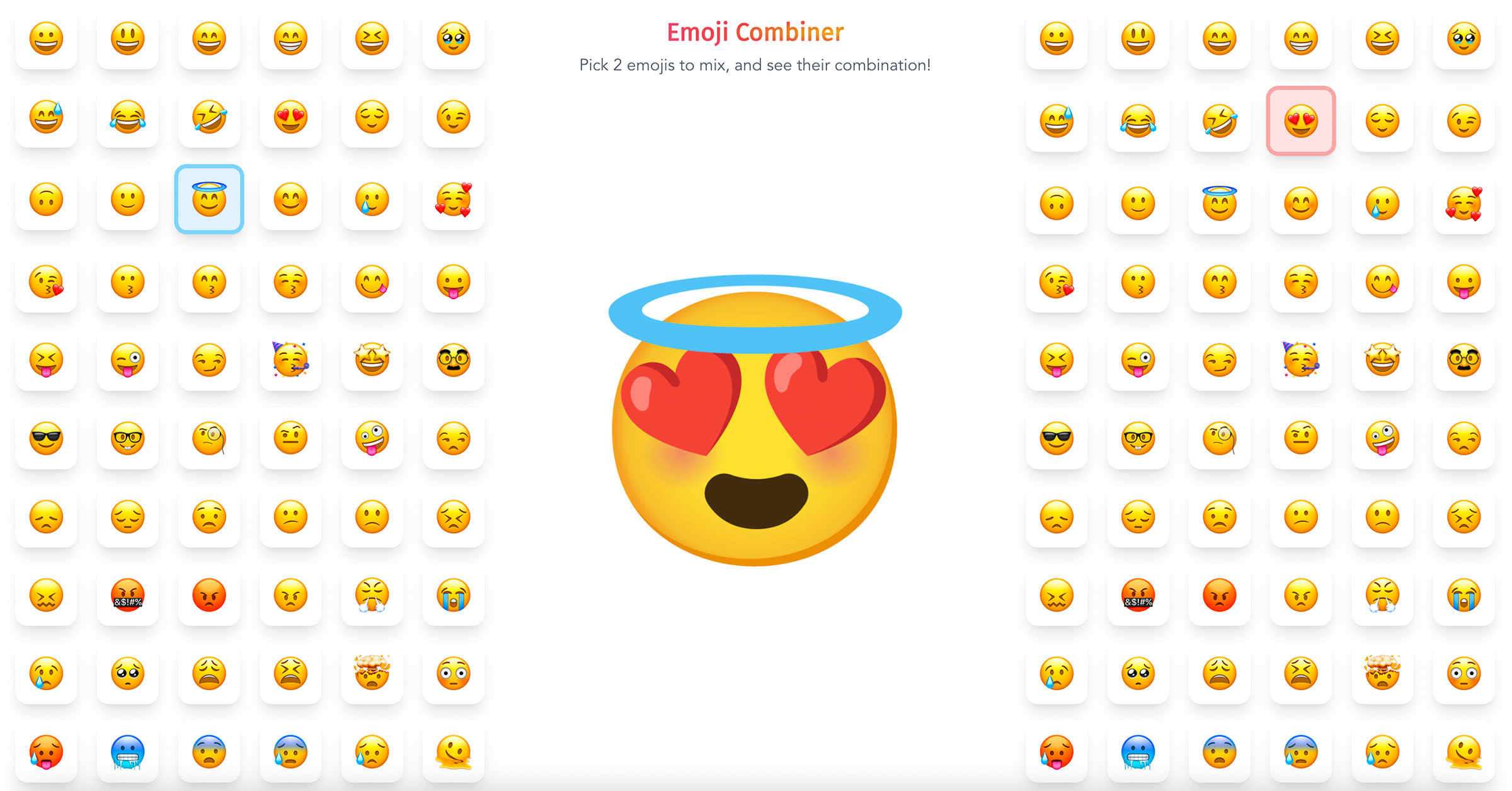
Emoji Combiner lets you mash up two emojis into a brand-new creation powered by Google Emoji Kitchen, free to download, copy, or share instantly.
Overview
Emoji Combiner is a playful, free web tool that turns ordinary emojis into imaginative new hybrids. Built on Google's Emoji Kitchen technology, it lets anyone pick two emojis and watch them merge into a single, surprising design that captures emotions standard emojis simply can't express. Whether you want a laughing-crying-fire combo or something totally unexpected, the tool opens up thousands of creative pairings to explore.
Beyond just generating combos, the platform makes it effortless to put your creations to use. Download your mashup as an image, copy it straight to your clipboard, or share it directly to social platforms—all without needing an account or paying a cent. It's a lightweight, no-friction way to add personality and humor to texts, posts, and chats.
Capabilities & Features
- Emoji
- Emoji combiner
- Emoji Kitchen
- Online tool
- Free tool
- Social media
- Communication
- Creativity
Core Features
- Instant two-emoji blending
- Access to thousands of combination possibilities via Google Emoji Kitchen
- One-click download of combined emojis
- Clipboard copy for quick pasting
- Direct social media sharing
- Simple, intuitive selection interface
Use Cases
- Designing unique emoji reactions for social media posts
- Capturing nuanced or mixed emotions in chats and comments
- Personalizing messages with custom emoji mashups
- Creating fun visual content for memes or captions
- Brainstorming creative emoji ideas for brand or community engagement
Best For
- Social media users
- Content creators
- Digital communicators
- Emoji enthusiasts
- Meme makers
- Community moderators
Pros
- •Completely free to use with no sign-up required
- •Powered by Google Emoji Kitchen for reliable, varied combinations
- •Multiple output options: download, copy, or share
- •Simple interface makes creation fast and easy
- •Great for adding personality to online conversations
Cons
- •Limited to pairing exactly two emojis at a time
- •Combination results depend on Google Emoji Kitchen's existing dataset, so not every pairing may be available
- •No advanced customization like resizing or color editing
- •Requires internet access, with no offline or app version mentioned
How to Use
1. Visit the Emoji Combiner website. 2. Select your first emoji from the available options. 3. Pick a second emoji to pair with it. 4. The tool automatically blends the two into a new combined emoji. 5. Download the image, copy it to your clipboard, or share it directly to your favorite social platform.
Frequently Asked Questions
Open in AI Studio
Ask our AI to evaluate if Emoji Combiner fits your specific workflow.
Pricing
Emoji Combiner is entirely free to use, with no pricing tiers, subscriptions, or hidden fees.
Pricing data is provided as a summary. Visit the vendor website for full tier details.