Diagramming AI: Create UML & Flowcharts with AI Chat
Diagramming AI turns plain text descriptions into polished UML diagrams and workflows instantly, letting you refine them through natural AI conversation.
Overview
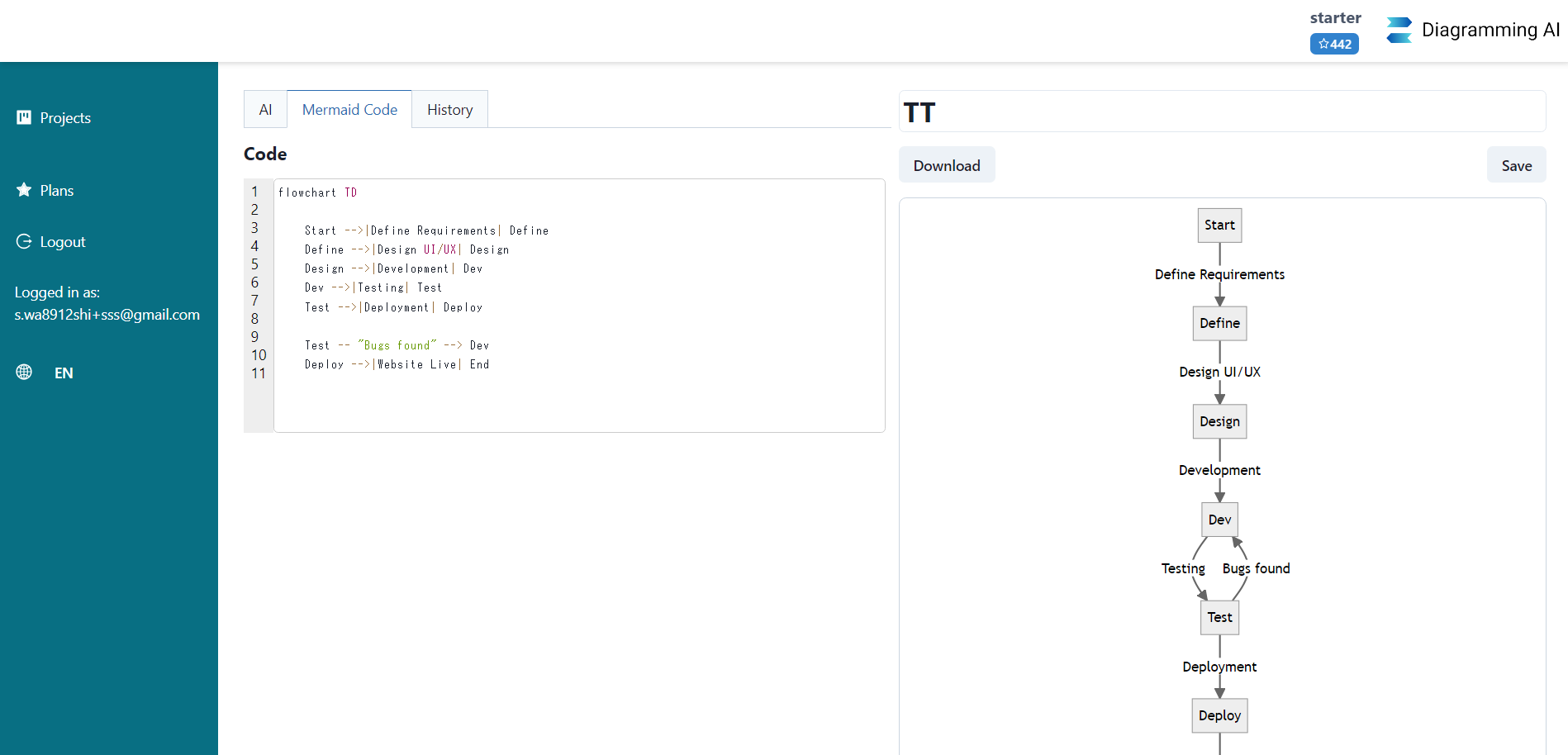
Diagramming AI reimagines how technical diagrams get made by letting users simply describe what they want and watch AI generate professional flowcharts, sequence diagrams, ER diagrams, and dozens of other formats in seconds. Instead of manually dragging shapes or memorizing syntax, you converse with an AI chat assistant that suggests improvements, resolves errors, and applies real-time edits directly to your diagram. The platform bridges the gap between code-based diagramming tools like Mermaid, PlantUML, and Graphviz and visual editors, offering an integrated Excalidraw canvas for hands-on drag-and-drop fine-tuning.
Beyond generation, the tool organizes work into projects that store diagram code and visual edits together, supporting flexible export to SVG, PNG, or shareable URLs. Unique conveniences like URL-to-diagram and image-to-diagram conversion mean you can pull structure from existing web pages or screenshots rather than starting from scratch. With customizable color themes and a library of templates, Diagramming AI serves as a versatile companion for anyone who needs to communicate complex systems, processes, or data relationships visually without the usual friction of traditional diagramming software.
Capabilities & Features
- AI Diagram Generator
- UML Diagram
- Flowchart Maker
- Sequence Diagram
- Gantt Chart
- Mermaid
- PlantUML
- Graphviz
- Excalidraw
- AI Chat
- Diagram Templates
- URL to Diagram
- Image to Diagram
Core Features
- AI-powered automated diagram generation from text descriptions
- Interactive AI chat for suggestions, discussions, and real-time updates
- Excalidraw-based visual editor for drag-and-drop fine-tuning
- AI-powered error detection and resolution
- URL-to-diagram and image-to-diagram conversion
- Project-based storage supporting Mermaid, PlantUML, Graphviz, and Excalidraw code
Use Cases
- Software developers illustrating system architecture with sequence and class diagrams
- Project managers building Gantt charts to track schedules and milestones
- Business analysts mapping out flowcharts for operational processes
- Educators creating visual aids to explain complex concepts to students
- Technical writers embedding diagrams into documentation and manuals
Best For
- Software Developers
- Project Managers
- Data Analysts
- Educators and Trainers
- Technical Writers
- Business Analysts
- Product Managers
- Researchers
- Students
- Marketing Professionals
Pros
- •Generates complex diagrams instantly from simple text prompts
- •Conversational AI chat streamlines editing without manual rework
- •Supports a huge variety of diagram types in one platform
- •Combines code-based formats with a visual drag-and-drop editor
- •Unique URL and image-to-diagram conversion saves setup time
Cons
- •Credit-based system may limit heavy usage on lower-tier plans
- •Free plan caps projects and diagrams, restricting long-term use
- •Advanced AI models are gated behind Starter and Pro subscriptions
- •Learning the Excalidraw visual editor may take time for code-only users
How to Use
Start by describing the diagram you envision in plain language and let Diagramming AI generate the initial draft. Use the AI chat panel to request refinements, ask for suggestions, or fix errors—changes apply instantly to the diagram. Switch to the Excalidraw visual editor for manual drag-and-drop adjustments, then organize your work into projects with stored diagram code. When finished, export your creation as SVG, PNG, or a shareable URL.
Frequently Asked Questions
Open in AI Studio
Ask our AI to evaluate if Diagramming AI fits your specific workflow.
Pricing
Diagramming AI offers a free tier with limited projects and credits, while paid plans range from $3 to $14 per month, unlocking unlimited projects, higher credit allowances, larger input limits, and access to more advanced AI models like GPT-4.1 and Claude-3.7-Sonnet.
Pricing data is provided as a summary. Visit the vendor website for full tier details.