DeskDay: Unified IT Support Platform for MSPs & MSSPs
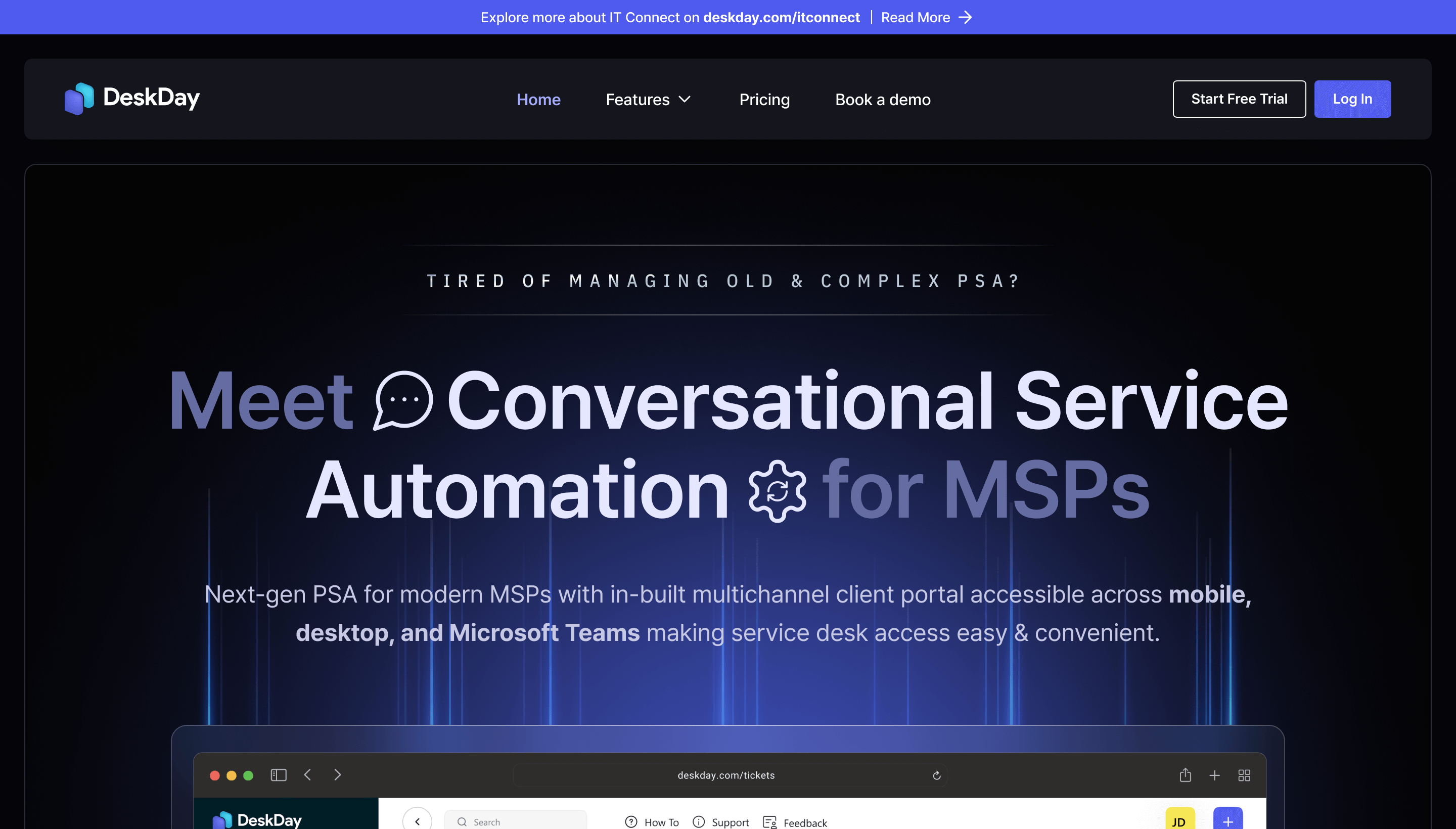
DeskDay is a next-gen IT support platform built for MSPs and MSSPs, combining chat-based ticketing, project management, and billing in one unified workspace.
Overview
DeskDay is a modern, all-in-one operations platform designed specifically for Managed Service Providers and Managed Security Service Providers looking to ditch clunky, disconnected tools. At its core is a chat-based service desk that transforms traditional ticketing into a more intuitive, conversational workflow, helping technicians resolve issues faster while keeping clients informed every step of the way. Beyond support tickets, DeskDay bundles project management, timesheets, billing, and reporting into a single system, giving MSPs full visibility into both service delivery and business performance without juggling multiple platforms.
What sets DeskDay apart is its focus on multi-channel accessibility and integration. With a dedicated customer ticketing app, native MS Teams integration, and mobile apps for on-the-go technicians, teams can stay connected and responsive no matter where they're working. Combined with built-in reporting for tracking efficiency and billable hours, DeskDay positions itself as a future-proofed hub that helps service providers scale their operations while maintaining tight control over profitability and client satisfaction.
Capabilities & Features
- PSA Software
- MSP Software
- IT Support Platform
- Chat-based Ticketing
- Project Management
- Billing Software
- Timesheet Software
- Reporting Tool
- Customer Ticketing
- MS Teams Integration
- Mobile App
- Automation
- Quality Assurance
- Service Desk
- IT-Connect
Core Features
- Chat-based Service Desk for conversational ticket management
- Project Management with real-time collaboration tools
- Automated Billing tied directly to service delivery
- Timesheets for accurate billable hour tracking
- Customizable Reporting for performance and efficiency analysis
- Customer Ticketing App plus MS Teams and Mobile App integrations
Use Cases
- Streamlining ticket management and resolution for faster client support
- Managing IT projects with real-time team collaboration
- Automating billing processes to reduce administrative overhead
- Tracking billable hours accurately across technicians and clients
- Generating reports to analyze operational efficiency
- Offering multi-channel support through web, mobile, and Teams apps
Best For
- Managed Service Providers (MSPs)
- Managed Security Service Providers (MSSPs)
- IT support teams managing multiple clients
- MSP owners seeking unified billing and reporting tools
Pros
- •Combines ticketing, project management, and billing into one platform
- •Chat-based interface modernizes traditional service desk workflows
- •Native MS Teams and mobile app support improve accessibility
- •Built-in timesheets and billing simplify financial operations
- •Reporting tools help track and improve team efficiency
Cons
- •Niche focus on MSPs/MSSPs may not suit general businesses
- •No publicly listed pricing tiers make cost comparison difficult upfront
- •Per-seat pricing with a 2-seat minimum may limit flexibility for solo operators
- •Learning curve possible when migrating from existing tool stacks
How to Use
Start by signing up for DeskDay's 14-day free trial to explore the platform risk-free. Once inside, set up your chat-based service desk to begin managing incoming tickets, then configure project management workflows to organize ongoing client work. Connect your existing tool stack and enable the MS Teams integration for streamlined internal communication. From there, use the timesheet and billing modules to track billable hours and automate invoicing, and leverage the reporting dashboard to monitor team efficiency. Mobile and customer ticketing apps can be rolled out to technicians and clients for support access anywhere.
Frequently Asked Questions
Connect & Contact
Pricing
DeskDay uses per-seat pricing with a minimum of 2 seats, offered as monthly or annual billing—annual plans save 17% compared to paying monthly.
Pricing data is provided as a summary. Visit the vendor website for full tier details.