Depix AI: AI-Powered Image Editing & Design Platform
Depix AI is an interactive image editing platform that uses AI to remove backgrounds, compose new scenes, and add realistic lighting and shadows in seconds.
Overview
Depix AI reimagines the image editing workflow by combining background removal, scene composition, and intelligent lighting adjustments into one interactive platform. Instead of juggling multiple complex tools, users can upload an image, cut out exactly what they need, and paste it onto a new backdrop while Depix's AI automatically harmonizes shadows and lighting for a polished, professional finish. This makes it especially useful for designers and marketers who need fast turnaround on visually convincing composites without deep Photoshop expertise. Beyond the core editor, Depix expands into a suite of specialized modules including Depix DesignLab, Text to HDRI, SceneShift, StyleDrive, and CADviz—tools built to serve niche creative and technical workflows across automotive, product, and fashion design. Whether the goal is mocking up a new product shot, visualizing a vehicle in a different environment, or generating marketing-ready visuals, Depix positions itself as a technology-driven alternative to traditional, time-consuming design pipelines.
Capabilities & Features
- AI image editing
- Background removal
- Image composition
- Design tools
- Product design
- Automotive design
- Fashion design
- Text to HDRI
- SceneShift
- StyleDrive
- CADviz
Core Features
- AI-powered background removal
- Image composition and background swapping
- Automatic lighting adjustment
- Realistic shadow generation
- Suite of specialized tools: DesignLab, Text to HDRI, SceneShift, StyleDrive, and CADviz
Use Cases
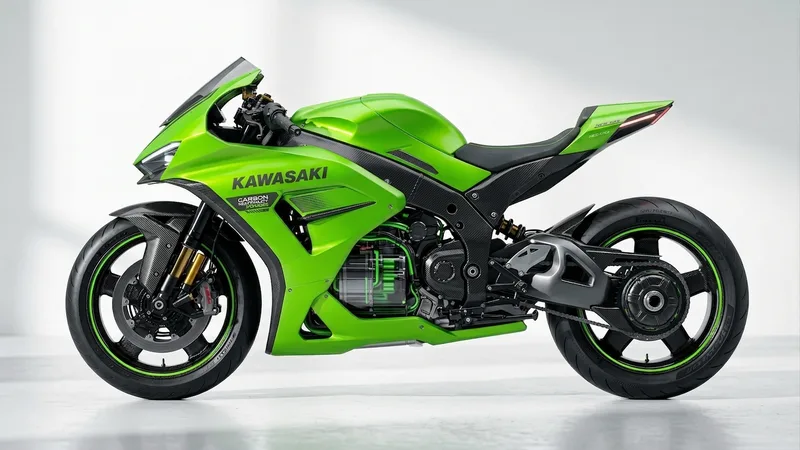
- Compositing automotive renders into new environments
- Creating polished product design mockups
- Generating fashion design visuals with new backgrounds
- Producing marketing materials quickly without traditional design software
- Building realistic scene composites for creative or technical presentations
Best For
- Designers
- Marketers
- Product developers
- Automotive designers
- Fashion designers
Pros
- •Combines background removal, composition, and lighting in a single streamlined workflow
- •AI-driven shadow and lighting tools help produce professional results without manual retouching skills
- •Broad suite of specialized tools (DesignLab, SceneShift, CADviz, etc.) supports diverse industries
- •Simple upload-cut-paste-adjust process makes it accessible to non-experts
- •Applicable across multiple design fields, from automotive to fashion
Cons
- •Pricing details are not publicly listed, requiring direct contact for cost information
- •Specialized tools like Text to HDRI and CADviz may require a learning curve to fully utilize
- •On-prem and API access appear to require manual inquiry rather than instant self-service setup
- •Limited transparency on platform limitations for advanced or bulk editing needs
How to Use
1. Upload the image you want to edit into the Depix platform. 2. Use the cutting tool to select and isolate the desired part of the image. 3. Paste the cutout onto a new background of your choice. 4. Adjust lighting and add shadows using Depix's AI tools to blend the composition naturally. 5. Export the finished, professional-looking image.
Frequently Asked Questions
Pricing
Depix AI does not publish standard pricing tiers; interested users must contact the team directly via their website or email to discuss access, including on-prem solutions and API integration.
Pricing data is provided as a summary. Visit the vendor website for full tier details.