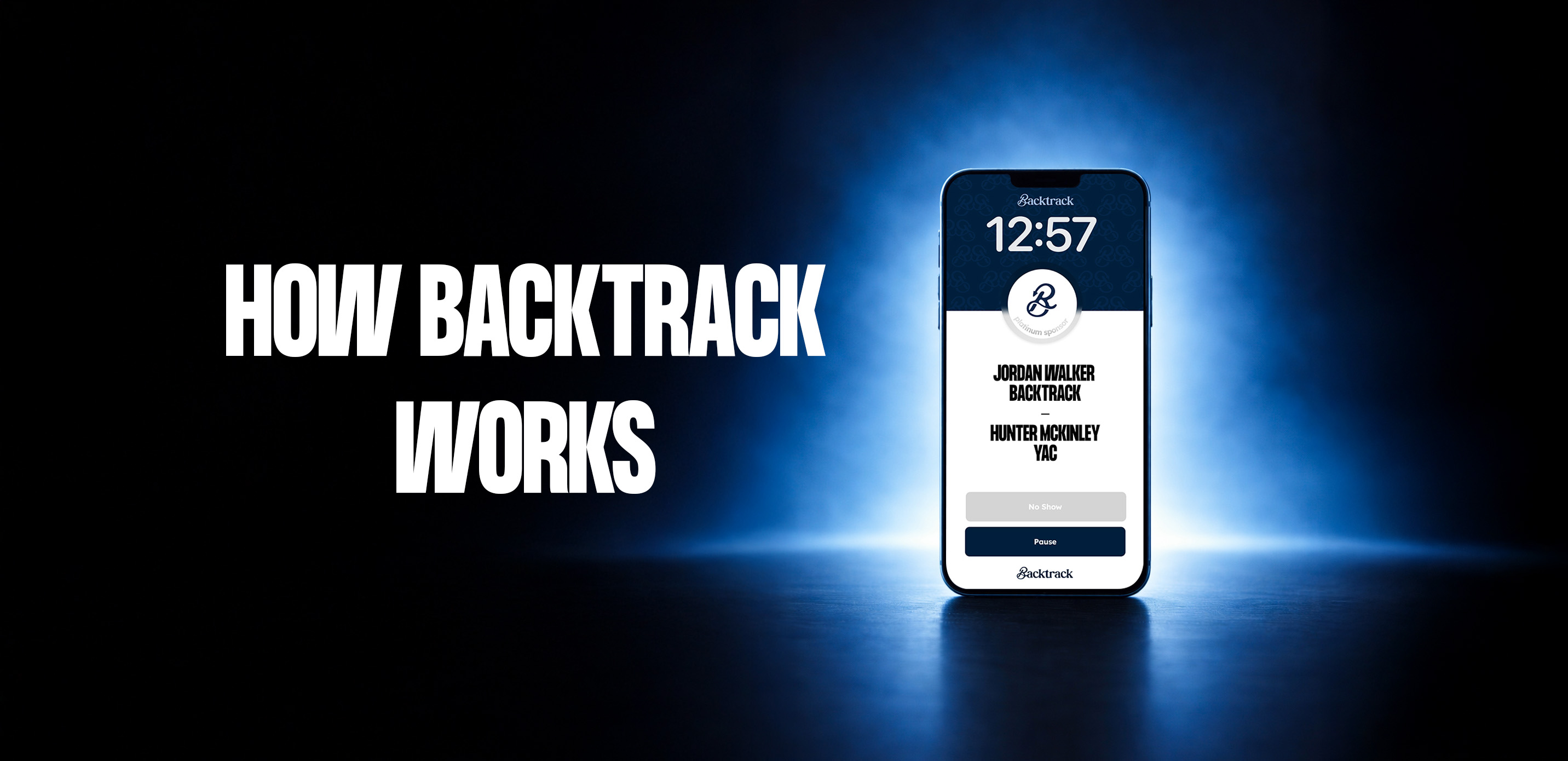
Backtrack 2.0: AI Meeting Recorder & Lead Capture Tool
Backtrack 2.0 retroactively captures booth conversations and turns them into AI-generated notes, automatically syncing lead details straight into your CRM.
Overview
Backtrack 2.0 reimagines event lead capture by solving a problem every exhibitor knows well: forgetting the details of a great conversation moments after it ends. Running quietly in the background on your Mac, Backtrack continuously buffers the last five hours of audio and video locally, so you never have to remember to hit record. Once a conversation worth keeping happens, simply snap a photo of a business card or event badge, and Backtrack retroactively pulls the relevant audio to generate an AI-powered summary and transcription. Built specifically for the fast pace of trade shows and conferences, Backtrack transforms scattered booth chats into structured, actionable data. Instead of scribbling notes on the back of a business card or relying on shaky memory after a long show floor day, sales reps and exhibitors get clean, AI-generated summaries pushed automatically into their CRM. This automation closes the gap between in-person engagement and actionable follow-up, ensuring no lead detail slips through the cracks. Whether you're managing a single booth or coordinating an entire team across multiple events, Backtrack streamlines the tedious parts of lead capture so your team can focus on building relationships instead of managing paperwork.
Capabilities & Features
- AI meeting recorder
- Lead capture
- CRM integration
- Event technology
- Transcription
- AI notes
- Audio recording
- Meeting summary
Core Features
- Retroactive 5-hour local audio/video buffering
- AI-generated meeting notes and conversation summaries
- Automatic business card and badge scanning
- Seamless CRM integration for lead data entry
- Lead capture automation for trade shows and events
- Searchable archive of past conversations
Use Cases
- Capturing and summarizing impromptu conversations at trade show booths
- Automatically generating meeting notes and transcriptions without manual recording
- Eliminating manual data entry by syncing leads directly into a CRM
- Recalling specific details or commitments made during past conversations
- Equipping sales teams with consistent post-event follow-up material
Best For
- Trade show exhibitors
- Sales teams
- Event organizers
- Marketing professionals
- Business development representatives
Pros
- •No need to remember to start recording thanks to retroactive capture
- •Significantly reduces manual note-taking and data entry at events
- •AI summaries make follow-up faster and more accurate
- •Direct CRM integration keeps lead data organized and actionable
- •Simple business card/badge scan triggers the entire automation
Cons
- •Currently limited to Mac devices, restricting cross-platform use
- •Per-event pricing may be costly for small teams or frequent one-off use
- •Continuous audio/video buffering may raise privacy considerations for some users
- •Custom team plan pricing isn't publicly listed, requiring a sales conversation
How to Use
1. Launch Backtrack and let it run in standby mode in the background on your Mac. 2. Have your conversation naturally at the booth or event, without needing to start a recording manually. 3. After the conversation, snap a quick photo of the person's business card or event badge. 4. Backtrack automatically retrieves the relevant past audio from its rolling buffer and generates an AI transcription and summary. 5. The structured notes and contact details are automatically synced into your connected CRM, ready for follow-up.
Frequently Asked Questions
Open in AI Studio
Ask our AI to evaluate if Backtrack 2.0 fits your specific workflow.
Pricing
Backtrack offers a Pro plan at $500 per user per event with a free 1-day trial, plus a custom-priced monthly plan for teams attending multiple events that adds team access and SSO.
Pricing data is provided as a summary. Visit the vendor website for full tier details.