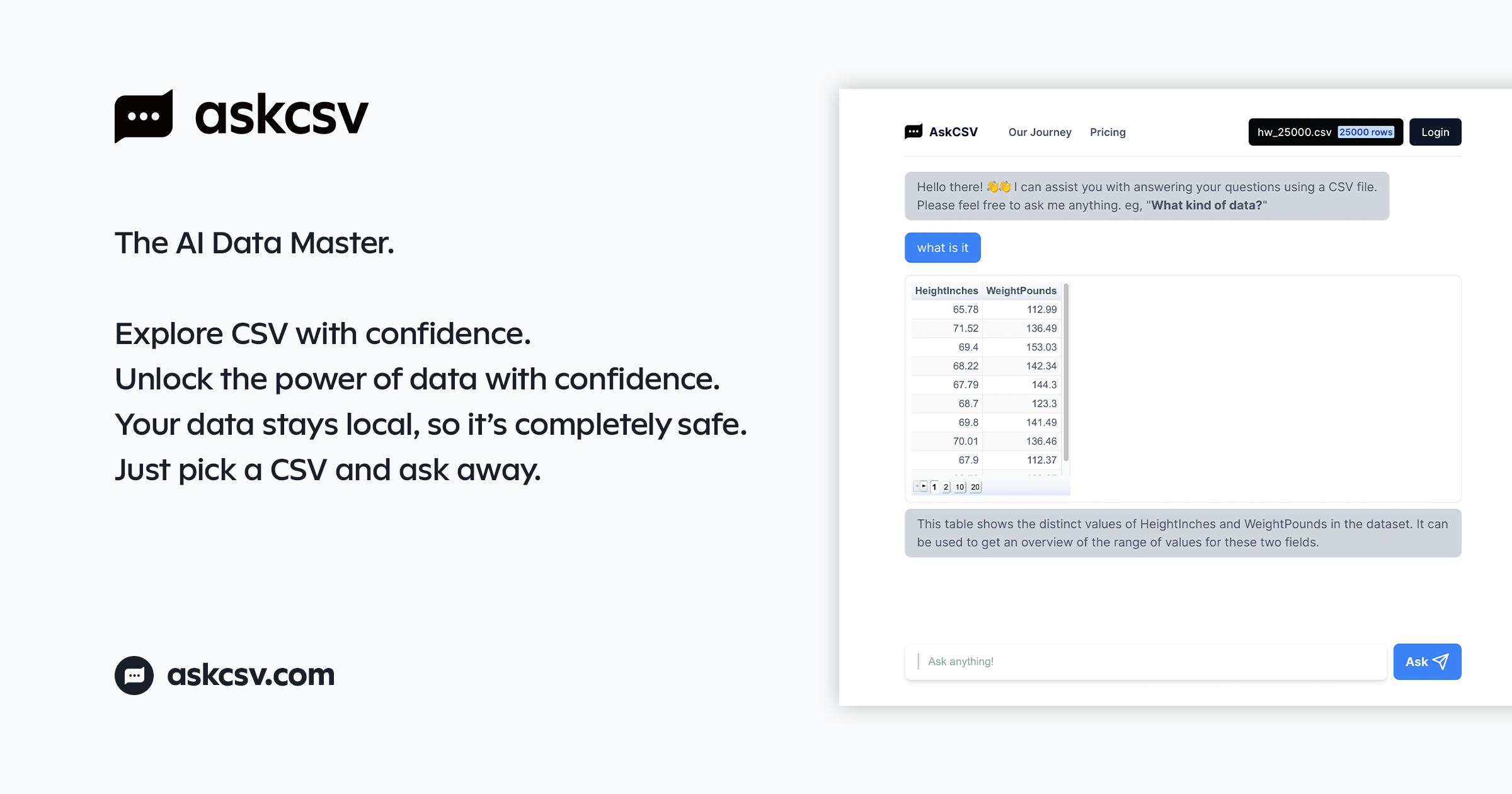
AskCSV: Chat with Your CSV Data Using AI
AskCSV lets you interactively query and visualize CSV files right in your browser using ChatGPT—no uploads, no risk, just instant answers.
Overview
AskCSV transforms the way you interact with spreadsheet data by combining the conversational power of ChatGPT with a secure, browser-based CSV processing engine. Instead of wrestling with pivot tables or formulas, you simply load a CSV file and ask plain-language questions to instantly extract insights, generate charts, and uncover trends hidden in your data. Because everything runs locally in your browser, there's no need to upload sensitive files to a third-party server, making it a privacy-conscious choice for both personal and business analytics.
Whether you're a data analyst hunting for top-selling products, a marketer comparing campaign ROI, or a researcher looking for patterns across thousands of rows, AskCSV turns tedious spreadsheet work into a simple conversation. Its ability to generate charts and export results (CSV, PNG, TXT) makes it easy to share findings with stakeholders, while the local-processing architecture ensures your data remains completely under your control.
Capabilities & Features
- CSV analysis
- AI data analysis
- Data visualization
- ChatGPT
- Data insights
- Business intelligence
- CSV import
- Spreadsheet analysis
Core Features
- Interactive data analysis powered by ChatGPT
- Fully in-browser, secure CSV processing (no uploads)
- Automatic chart generation from natural-language prompts
- AI-driven data insights extraction
- Exportable results in CSV, PNG, and TXT formats
Use Cases
- Visualize any dataset with simple chart requests
- Identify top-selling products from sales data
- Pinpoint your most valuable customers
- Discover frequently co-purchased items
- Find products similar to a given item
- Compare ROI across multiple marketing campaigns
Best For
- Data Analysts
- Business Intelligence Professionals
- Marketing Professionals
- Researchers
- Small business owners
- Anyone needing fast insights from CSV data
Pros
- •No file uploads required, keeping data private and secure
- •Natural-language interface removes the need for spreadsheet formulas
- •Built-in chart generation speeds up visual reporting
- •Flexible pay-as-you-go pricing with no subscription lock-in
- •Export options make sharing insights simple
Cons
- •Free plan is limited to just 5 asks per day and 1,000 rows
- •Only supports CSV and TSV file formats
- •Row cap of 1,000,000 may limit use with extremely large datasets
- •No monthly/annual subscription option for frequent power users
How to Use
1. Open AskCSV in your browser. 2. Upload or select your CSV file, making sure headers are included in the first row. 3. Type natural-language questions about your data. 4. Review AI-generated answers, insights, and charts. 5. Export results as CSV, PNG, or TXT, or print the chat for reference.
Frequently Asked Questions
Connect & Contact
Pricing
AskCSV offers a free tier with limited daily queries and a low row cap, plus a one-time $2.99 Day Pass that unlocks 200 daily asks, up to 1 million rows, and full export/print capabilities.
Pricing data is provided as a summary. Visit the vendor website for full tier details.