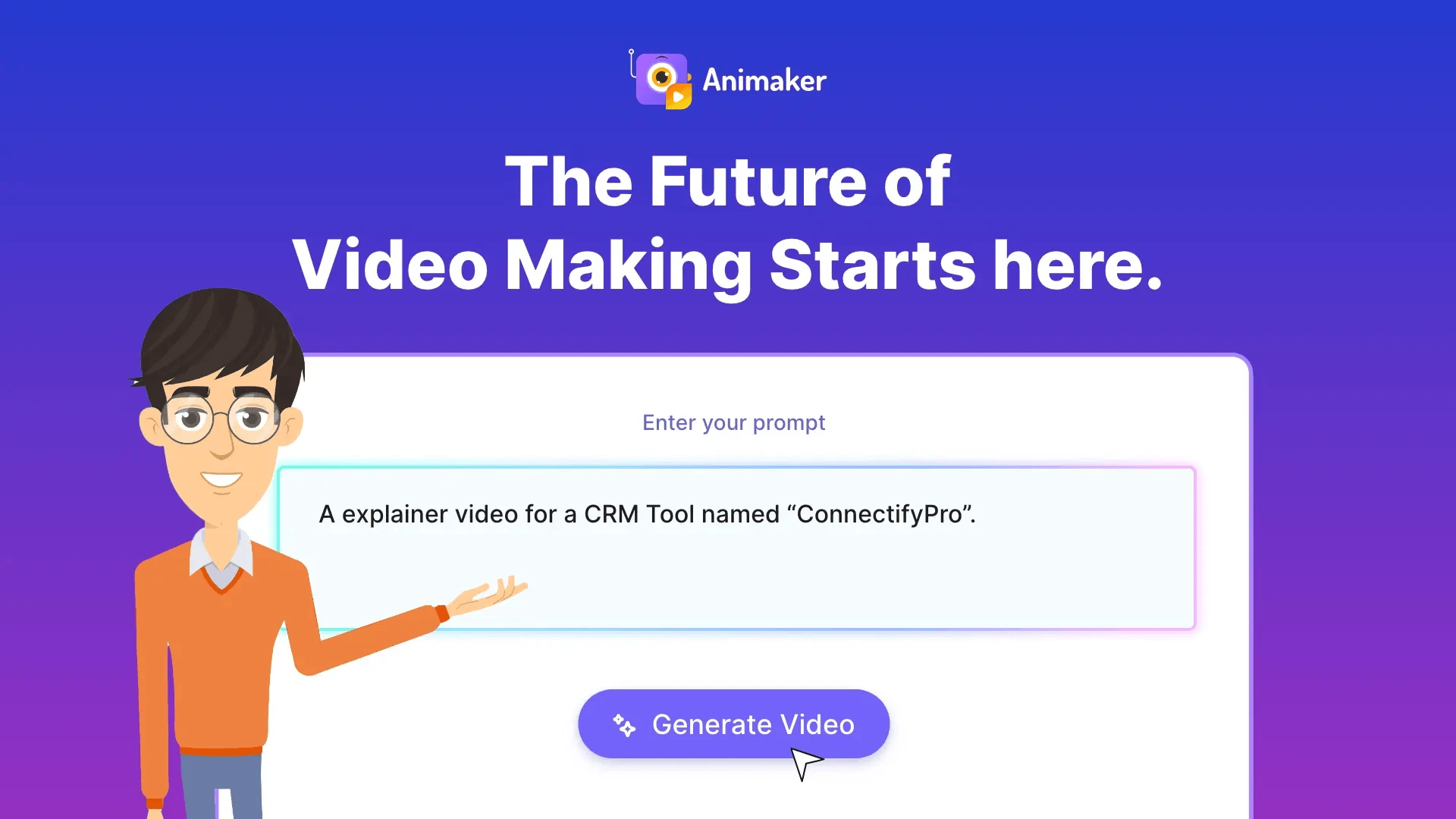
Animaker AI: Studio-Quality AI Video & Animation Maker
Animaker is an AI-powered online video maker that lets anyone create studio-quality animated and live-action videos quickly, without design or editing expertise.
Overview
Animaker is a cloud-based AI animation and video creation suite built to make professional-grade video content accessible to everyone, regardless of skill level. By combining AI-powered generation tools with a massive library of templates, characters, and animation assets, it strips away the complexity typically associated with video production, letting users go from idea to finished video in minutes instead of hours.
Beyond its core animated video editor, Animaker extends into a broader ecosystem of tools including Picmaker for graphic design, Vmaker AI for screen recording, a dedicated Voice and Subtitle Generator, Steve.ai for AI-driven video creation, and Deck for presentations. This modular approach means teams across marketing, HR, learning and development, and internal comms can handle nearly every visual content need from a single platform.
Whether it's a company crafting onboarding videos, a marketer producing social content, or a freelancer building explainer videos for clients, Animaker's blend of automation and creative flexibility helps deliver polished, on-brand results at a fraction of the traditional cost and effort.
Capabilities & Features
- animation maker
- video maker
- AI video generator
- explainer video
- marketing video
- training video
- social media video
- subtitle generator
- presentation maker
- character builder
- text to speech
- video editor
Core Features
- AI-powered video generation from text or prompts
- Built-in character builder for custom animated avatars
- Extensive library of templates, assets, and animations
- Integrated video editing tools with whiteboard animation support
- AI Text-to-Speech and automatic subtitle generation
- Suite of companion tools (Picmaker, Vmaker AI, Deck) for design and presentations
Use Cases
- Producing marketing and promotional videos for social media
- Building employee training and onboarding video content
- Designing explainer videos to simplify complex ideas
- Creating internal communications and company update videos
- Generating presentations, lyric videos, and event-specific content like birthday or holiday videos
Best For
- L&D Teams
- HR Teams
- Marketing & Sales Professionals
- Internal Communications Teams
- Course Creators
- Enterprises
- Educators
- Freelancers
Pros
- •Combines AI generation with manual editing for flexible workflows
- •Large asset and template library speeds up production
- •No watermark even on entry-level paid plans
- •Scales from solo freelancers to enterprise teams with SSO and collaboration features
- •Extra tools like subtitle and voice generators reduce need for third-party software
Cons
- •AI generation and asset credits are capped monthly, which may limit heavy users on lower tiers
- •Advanced features like commercial rights and 2FA are locked behind higher-priced Pro and Enterprise plans
- •Enterprise pricing isn't transparent and requires direct contact with sales
- •Learning to fully leverage the broader product ecosystem (Picmaker, Vmaker, Steve.ai) may take time
How to Use
Start by creating a free account at animaker.com. From there, explore the built-in templates, character builder, and asset library to design your animated or live-action video, or let the AI tools generate a first draft based on your input. Fine-tune your project using the editing suite, add voiceovers or subtitles as needed, then export in your desired quality. Upgrade to a paid plan whenever you need higher resolution exports, more AI generations, or advanced features like commercial rights and team collaboration.
Frequently Asked Questions
Open in AI Studio
Ask our AI to evaluate if Animaker ai fits your specific workflow.
Pricing
Animaker offers a free-forever plan alongside paid tiers starting at $15/mo (Basic) and scaling to $43/mo (Pro), with custom Enterprise pricing for teams needing 4K output, unlimited downloads, and advanced collaboration tools.
Pricing data is provided as a summary. Visit the vendor website for full tier details.