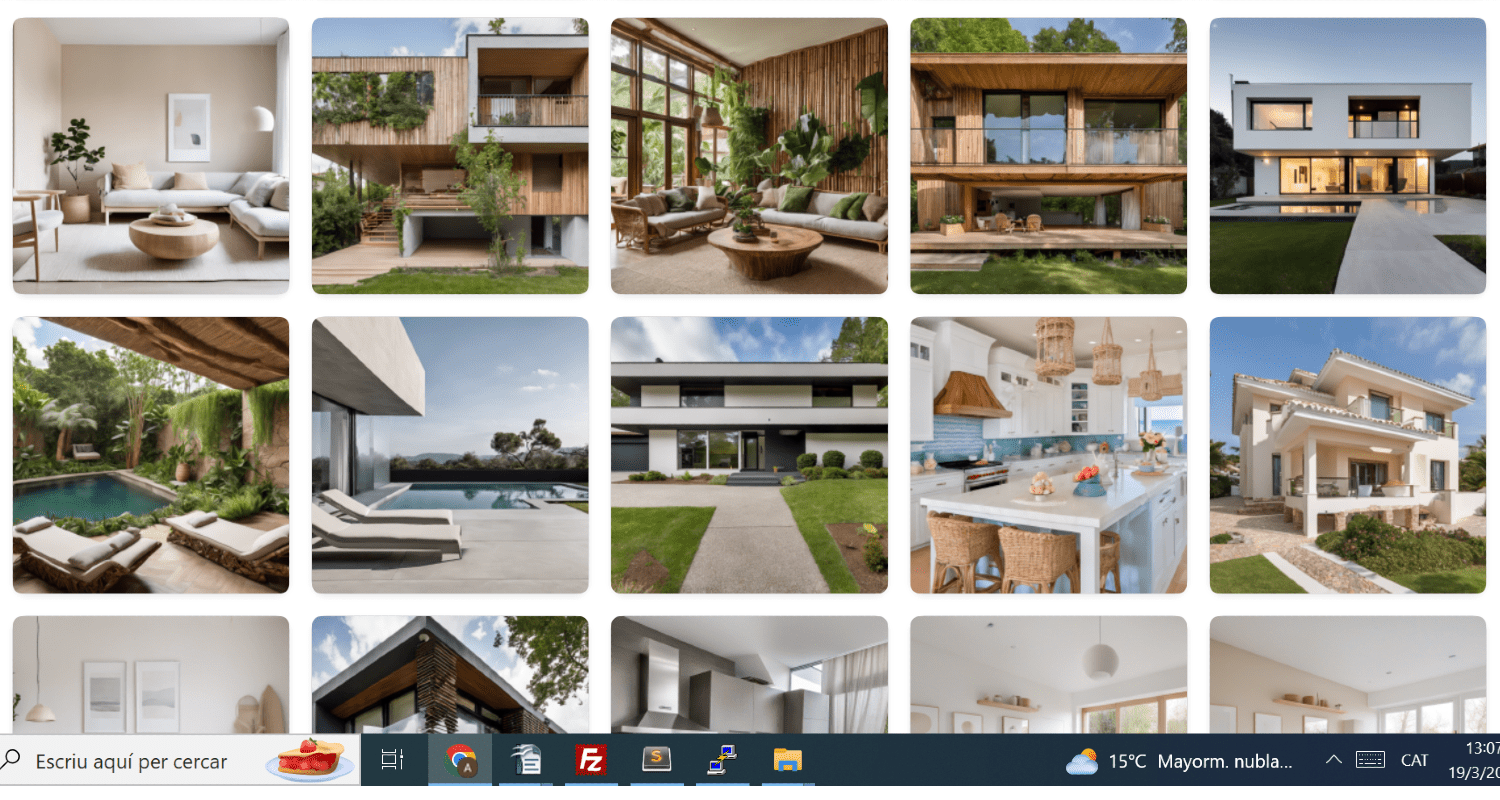
ai4spaces: AI Interior Design & Renovation Tool
ai4spaces uses AI to transform photos of rooms and homes into stunning new designs, letting anyone visualize renovations before lifting a hammer.
Overview
ai4spaces is an AI-driven design platform that turns simple photo uploads into fully realized interior and architectural concepts. Powered by advanced models like GPT and Stable Diffusion, it can restyle existing rooms, generate entirely new house layouts, and produce renovation previews across dozens of design aesthetics—or styles users create themselves. Beyond static images, the platform supports 360° views and video generation, giving a more immersive sense of how a finished space might look and feel.
Designed for a broad range of users, ai4spaces serves homeowners dreaming up their next remodel, interior designers pitching concepts to clients, architects sketching early-stage ideas, and real estate agents looking to showcase a property's potential. With tiered credit-based pricing and options for both individuals and teams, the tool scales from casual experimentation to professional-grade, high-volume design work.
Capabilities & Features
- AI interior design
- Home renovation
- Room redesign
- Artificial intelligence
- Home design
- Virtual room planner
- AI architecture
- Smart home decor
- Automated interior styling
- AI-powered home makeover
- Photorealistic room design
- 3D modeling
Core Features
- AI-powered interior design and renovation generation
- Room restyling from uploaded photos
- Full house and building design creation
- Custom interior design style builder
- Image upscaling and editing tools
- 360° immersive view generation
- AI video generation for design walkthroughs
Use Cases
- Homeowners previewing renovation ideas before committing to a project
- Interior designers rapidly prototyping style concepts for clients
- Architects exploring early design directions for buildings and spaces
- Real estate agents visually enhancing property listings with staged interior options
- Teams collaborating on high-volume design generation for commercial projects
Best For
- Homeowners
- Interior Designers
- Architects
- Real Estate Agents
- Design Teams
Pros
- •Wide variety of design styles plus the ability to create custom ones
- •Supports full renovation visualization from a single uploaded photo
- •Advanced output options like 360° views and video generation add depth beyond static images
- •Flexible plans ranging from free trials to team-scale credit packages
- •Yearly billing offers a meaningful discount for regular users
Cons
- •Free trial designs are public and limited to lower-quality SD images
- •Credit-based system means costs can add up quickly for high-volume or high-quality renders
- •No mention of a mobile app, which may limit on-the-go usability
- •Advanced tools and private designs are locked behind paid tiers
How to Use
1. Sign up and claim your free trial credits. 2. Upload a photo of a room, house, or space you want to redesign. 3. Select from 25+ built-in styles or create a custom style of your own. 4. Adjust preferences and generate AI-powered design variations. 5. Use upscaling, editing, 360° views, or video generation to refine and present your results. 6. Purchase additional credits or upgrade your plan for HD renders, private designs, and advanced tools.
Frequently Asked Questions
Connect & Contact
Pricing
ai4spaces offers a free trial with 10 monthly credits, paid monthly plans from $12 to $180, one-time credit packages from $19 to $129, and roughly 25% savings on annual billing.
Pricing data is provided as a summary. Visit the vendor website for full tier details.