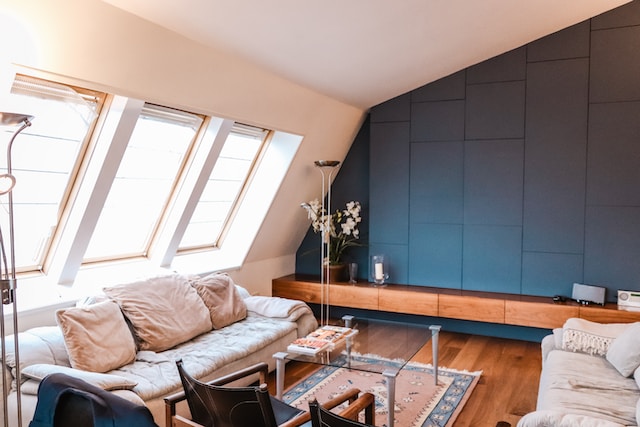
AI Interior Room Planner: Instant Room Design Tool
Snap a photo of any room and let AI generate a stunning new design in seconds, complete with expert chat-based advice.
Overview
AI Interior Room Planner reimagines the way people approach home design by turning a simple photo into a fully realized room concept. Using advanced AI, the tool analyzes your space and generates high-quality design options for living rooms, bedrooms, and kitchens, giving you a realistic preview of what your room could become without lifting a paintbrush or moving a single piece of furniture.
What sets this tool apart is the built-in AI design expert you can chat with for tailored recommendations. Whether you're unsure about color palettes, furniture placement, or overall style direction, the conversational assistant helps refine the generated design to match your taste and lifestyle. It's an accessible, fast, and surprisingly personal way to explore interior design possibilities.
From homeowners planning a refresh to real estate agents staging listings virtually, this tool makes professional-level design guidance available to anyone with a smartphone photo and a few minutes to spare.
Capabilities & Features
- AI interior design
- Room planner
- Interior design
- AI design expert
- Home decor
- Room visualization
- AI-driven design
- Home improvement
Core Features
- AI-powered interior design generation from a single photo
- Conversational AI design expert for personalized guidance
- Support for multiple room types including living rooms, bedrooms, and kitchens
- Realistic visualization of proposed design changes
- Fast, tailored design journey without needing a professional designer
Use Cases
- Redesigning a living room, bedroom, or kitchen using AI-generated concepts
- Getting instant, personalized interior design advice via chat
- Visualizing furniture arrangements and layout changes before committing
- Staging properties virtually for real estate listings
- Exploring design styles and ideas before a renovation project
Best For
- Homeowners
- Interior design enthusiasts
- Renters
- Real estate agents
- Property managers
Pros
- •Generates professional-looking design concepts in seconds
- •Offers personalized advice through an interactive AI chat expert
- •Works across multiple room types, not just one
- •Removes the need to hire a designer for initial inspiration
- •Helps visualize changes before investing time or money
Cons
- •AI-generated designs may not always account for real-world budget constraints
- •Limited to photo-based input, which may affect accuracy for complex spaces
- •No listed pricing details, making cost expectations unclear
- •May require multiple chat interactions to fine-tune results to personal taste
How to Use
1. Take a photo of the room you want to redesign. 2. Upload it to the AI Interior Room Planner. 3. Review the AI-generated design concept. 4. Chat with the AI design expert to ask questions and request personalized adjustments. 5. Use the finalized design as inspiration for your real-world renovation or staging.
Frequently Asked Questions
Open in AI Studio
Ask our AI to evaluate if AI Interior Room Planner fits your specific workflow.
Connect & Contact
Pricing
Pricing details are not currently published, so prospective users will need to check the platform directly for cost and plan information.
Pricing data is provided as a summary. Visit the vendor website for full tier details.