AI-Flow: Open-Source Drag-and-Drop AI Workflow Builder
AI-Flow is an open-source visual builder that lets you connect models from OpenAI, Anthropic, StabilityAI, and Replicate into custom AI workflows with simple drag-and-drop nodes.
Overview
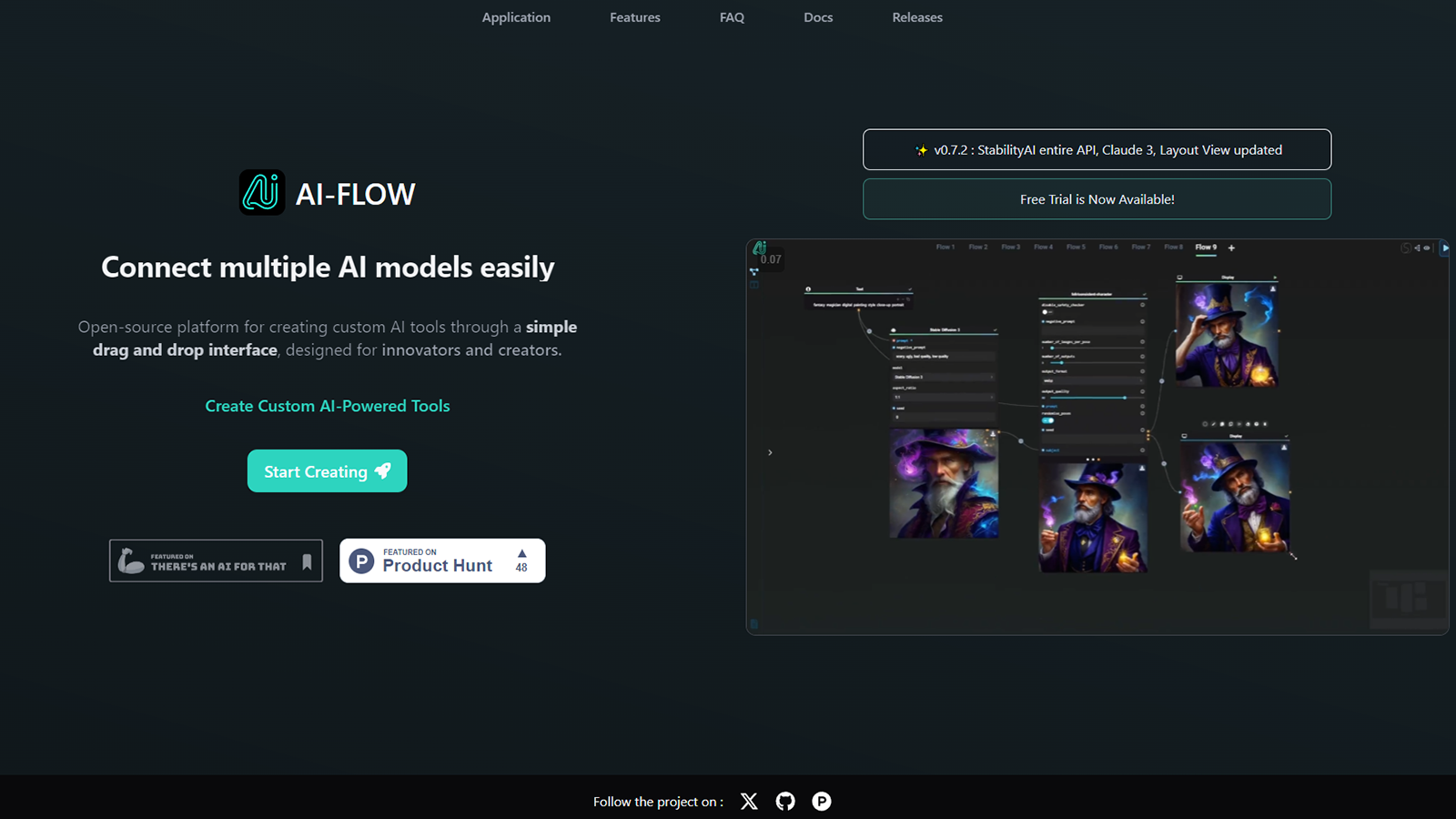
AI-Flow is an open-source automation platform built for anyone who wants to chain together multiple AI models without writing complex integration code. Using an intuitive canvas-based interface, you drag, drop, and connect nodes representing different AI providers—OpenAI, StabilityAI, Anthropic, Replicate, and more—to build custom pipelines that handle text, image, and content generation tasks in sequence. Whether you're prototyping a new AI tool or automating a repetitive content task, the visual flow editor removes the friction of stitching APIs together manually.
Beyond the no-code canvas, AI-Flow gives developers an API builder to turn visual workflows into reusable endpoints that can be called from external applications via API requests or webhooks. It supports flexible deployment too: run workflows directly in the app, self-host locally via Docker or downloadable executables, or use the cloud version for automatic updates and exclusive features. A library of ready-made templates helps new users get started quickly on common tasks like summarizing videos, batch-generating images, or writing product descriptions.
Because it's open-source and provider-agnostic, AI-Flow appeals to a wide range of users—from solo developers experimenting with multi-model pipelines to businesses looking to automate content operations at scale. Its combination of visual simplicity and API-level extensibility makes it a flexible bridge between no-code experimentation and production-ready automation.
Capabilities & Features
- AI workflow
- AI model integration
- Open source
- Drag and drop interface
- API builder
- Automation
- Custom AI tools
- No-code AI
Core Features
- Visual drag-and-drop canvas for building AI workflows
- Multi-provider model integration (OpenAI, StabilityAI, Anthropic, Replicate)
- API builder for turning workflows into callable endpoints
- Flexible local and cloud deployment (Docker, executables, cloud version)
- Prebuilt templates for common AI automation tasks
- Webhook support for external project integration
Use Cases
- Automating multi-step AI story or content generation pipelines
- Batch-generating images for creative or marketing projects
- Summarizing YouTube videos using connected AI models
- Generating product descriptions at scale for e-commerce
- Building and deploying custom AI tools tailored to niche needs
Best For
- AI developers
- Content creators
- Researchers
- Businesses automating AI-driven tasks
- Educators
Pros
- •Free and open-source with full self-hosting control
- •Supports multiple AI providers in a single workflow
- •No-code visual interface lowers the barrier to building AI pipelines
- •API builder enables integration into external apps and services
- •Flexible deployment options including local, Docker, and cloud
Cons
- •Requires users to supply and manage their own API keys from providers
- •Internet connection needed even for local setups to reach AI APIs
- •Cloud version resource usage may incur small platform fees
- •Learning curve for users unfamiliar with API keys or node-based tools
How to Use
1. Choose your setup: use the Cloud Version, download executables from GitHub for Windows, or run locally via Docker-compose. 2. Open the canvas and drag AI model nodes (OpenAI, StabilityAI, Anthropic, Replicate, etc.) onto the workspace. 3. Connect the nodes to define how data flows between models, building your custom pipeline. 4. Add your own API keys if using the Cloud Version to avoid extra node fees. 5. Run the workflow directly inside AI-Flow, or use the API builder to expose it as an endpoint for external projects via API calls or webhooks. 6. Save your flow locally as a JSON file or store it in the cloud for later use.
Frequently Asked Questions
Connect & Contact
Pricing
AI-Flow is free to self-host using your own API keys, while the Cloud Version lets you plug in provider API keys at no extra node cost beyond a small platform resource usage fee.
Pricing data is provided as a summary. Visit the vendor website for full tier details.